Hand over waste to the disposal agency
Record a waste handover to the disposal vendor and create the manifest that goes with it.
When the disposal vendor collects stored waste, record the handover and then raise its manifest.
Who does this: biomedical waste in-charge · Where: Biomedical Waste › Handover, then Manifest
Record the handover
-
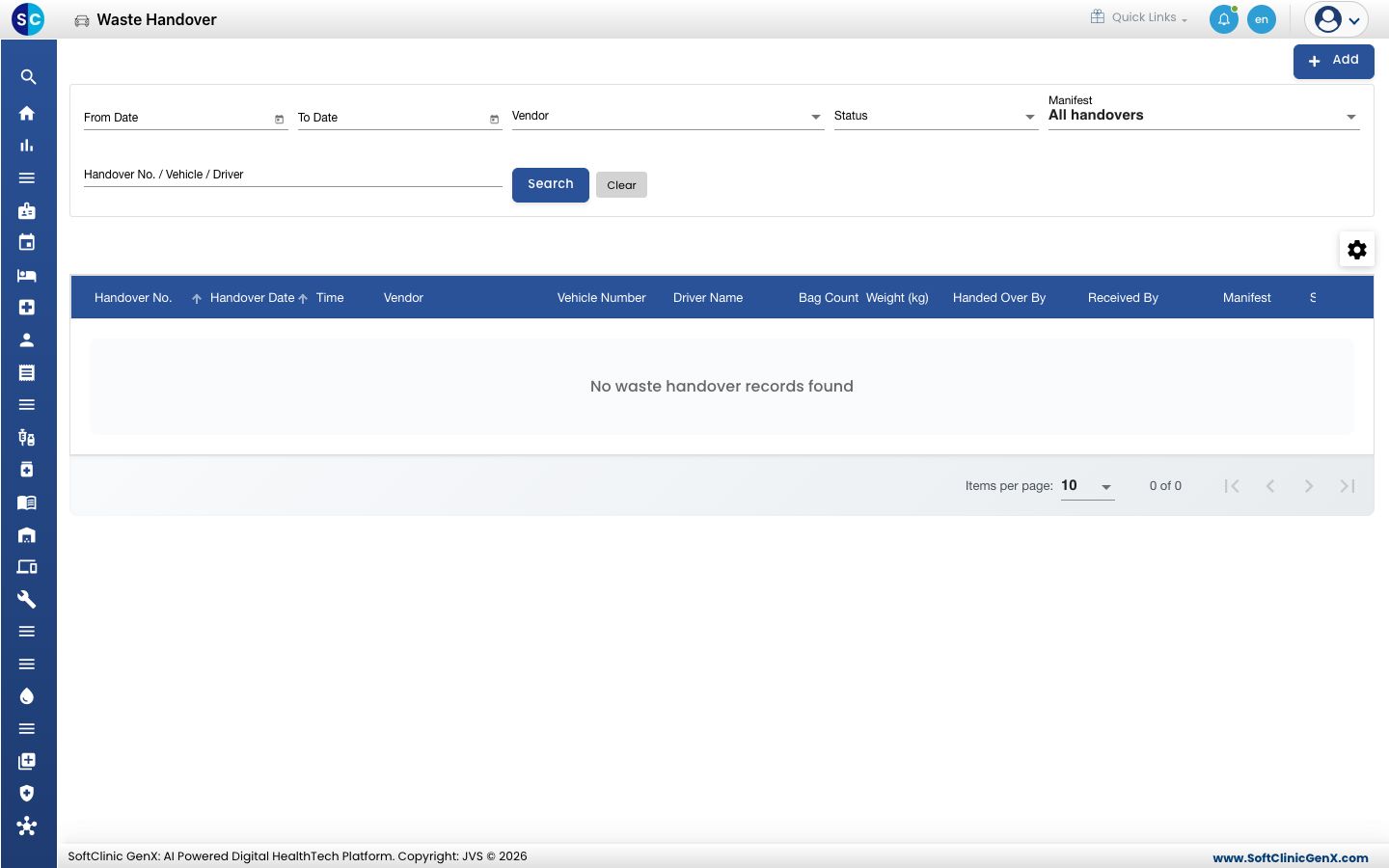
Open Biomedical Waste › Handover. The list shows earlier handovers with vendor, vehicle, driver, bag count and status.
-
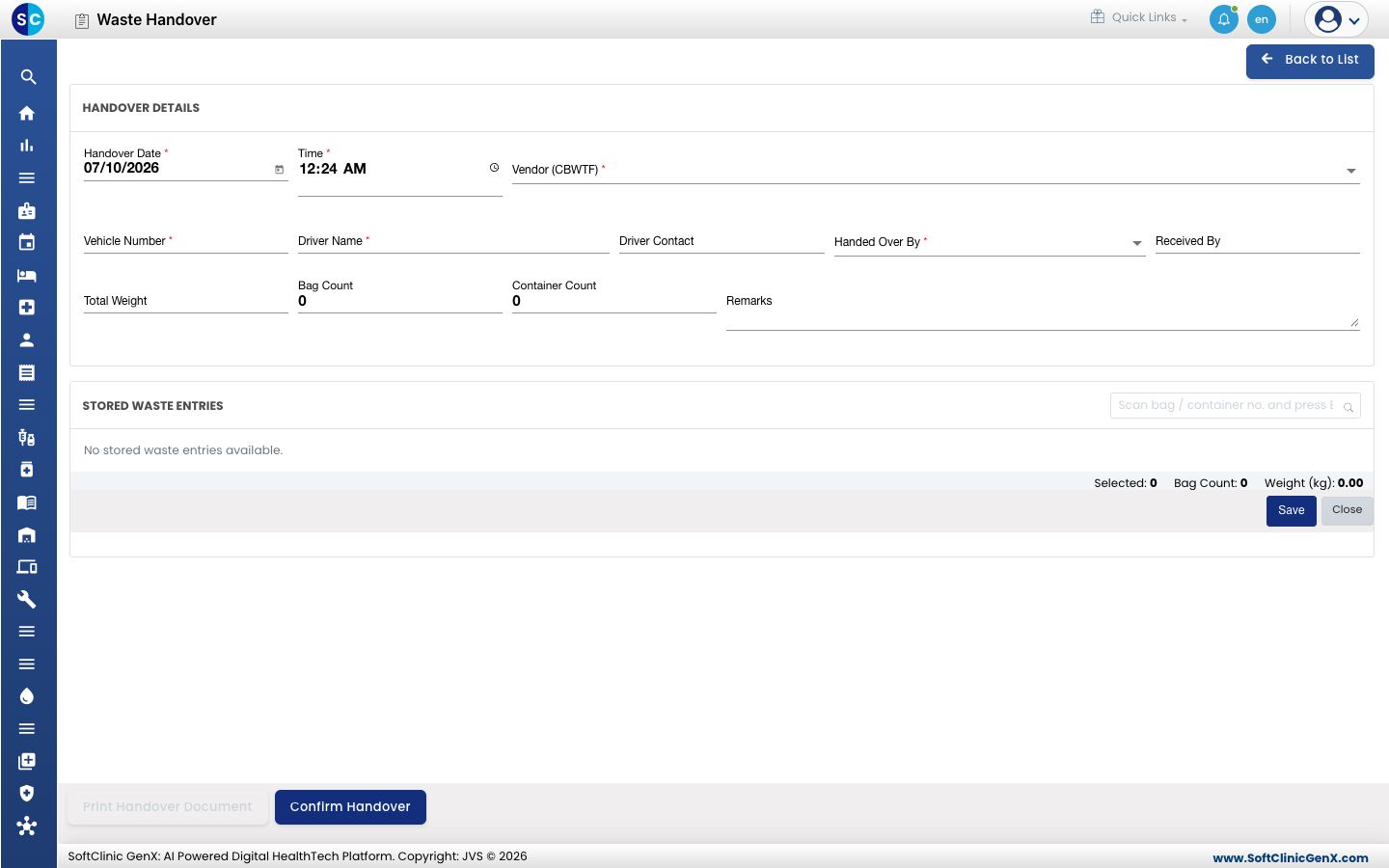
Click Add. Enter the Handover Date, Time, Vendor (CBWTF), Vehicle Number, Driver Name and Handed Over By. Tick the bags to hand over under STORED WASTE ENTRIES, then click Confirm Handover. Use Print Handover Document for a paper copy.
Create the manifest
-
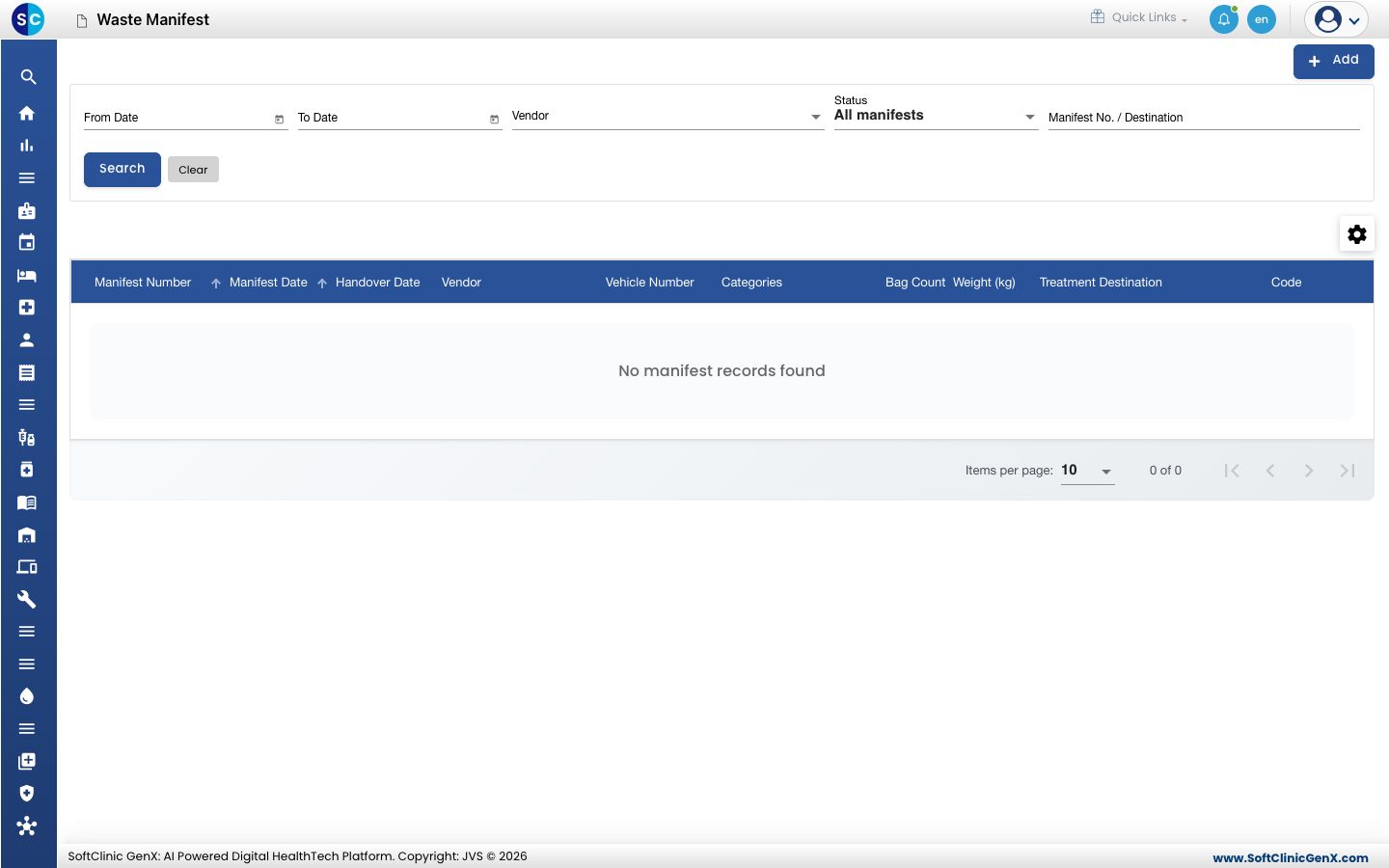
Open Biomedical Waste › Manifest. The list shows each manifest with its number, date, vendor, bag count and weight.
-
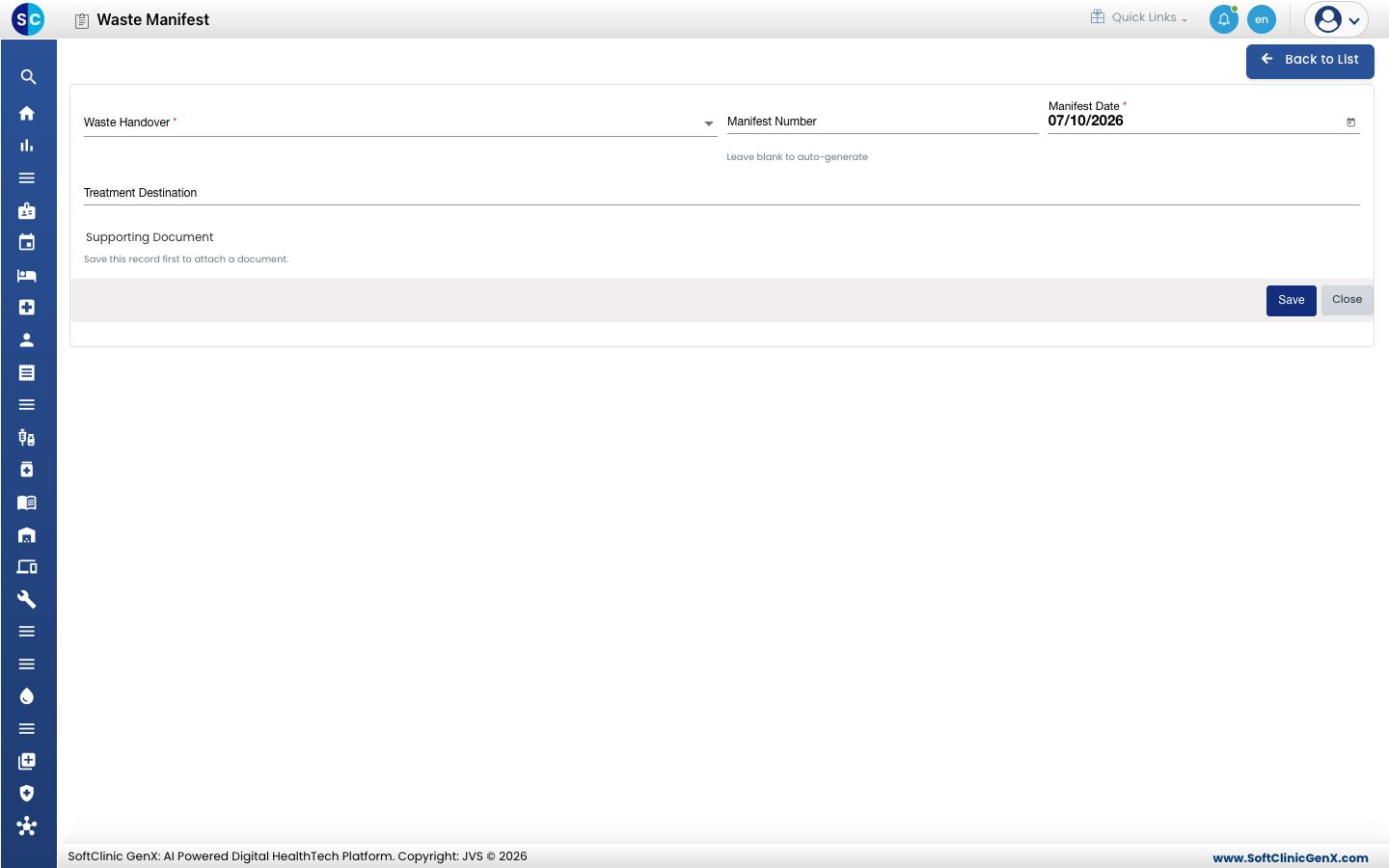
Click Add, choose the Waste Handover, set the Manifest Date and optionally the Treatment Destination, then click Save. Leave Manifest Number blank to have one generated. You can attach a Supporting Document after the first save.
Good to know
- Only waste that is in storage appears in the handover list.
- Fields marked with a red star must be filled before you can save.
Related
- Record waste generated in a ward: the first step.
- Biomedical Waste FAQs: short answers.