Find a patient document
List the documents filed for a patient and open the one you need.
Use Document List to see everything filed for a patient in one place.
note
Who does this: front desk, records staff or clinical staff · Where: File Manager › Document List
Find a document
-
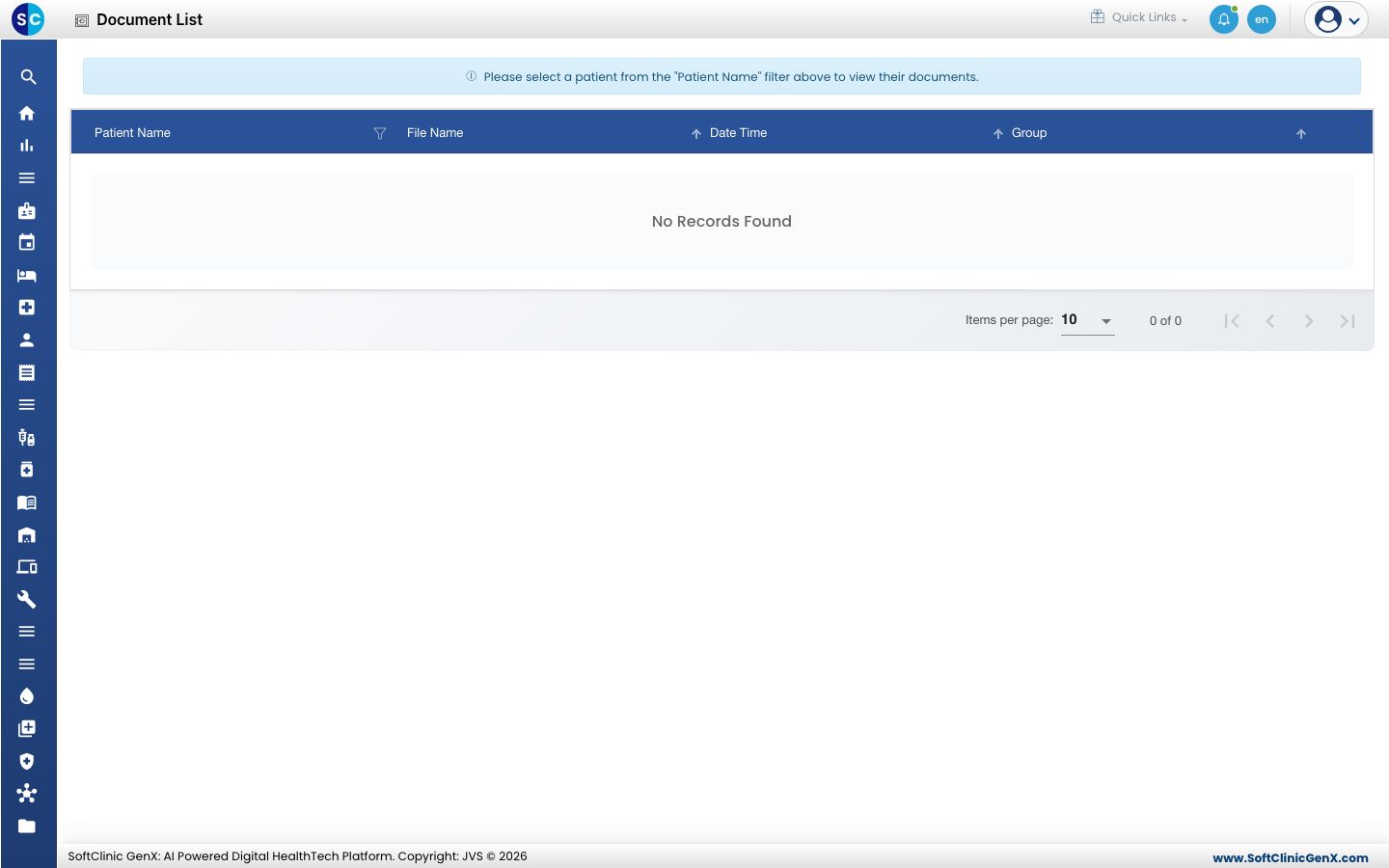
Open File Manager › Document List. The screen asks you to choose a patient first.
-
Choose the patient from the Patient Name filter. The list fills with that patient's documents, with each file name, date and group.
-
Use the filters on the column headings to narrow the list, and the page controls at the bottom to move through it.
-
Open a document from its row.
Related
- Upload a patient document: add a new document.
- File Manager FAQs: short answers about documents.
Was this helpful?