Set up Prefix
Who does this: hospital administrator Where: Patients › Masters › Prefix
A prefix is the title shown before a patient's name, such as Mr., Mrs. or Dr. There are two kinds:
- General Prefix — the title in front of the patient's own name on the registration form.
- Relation Prefix — a relationship title such as S/O, D/O or W/O, used for the patient's guardian during registration.
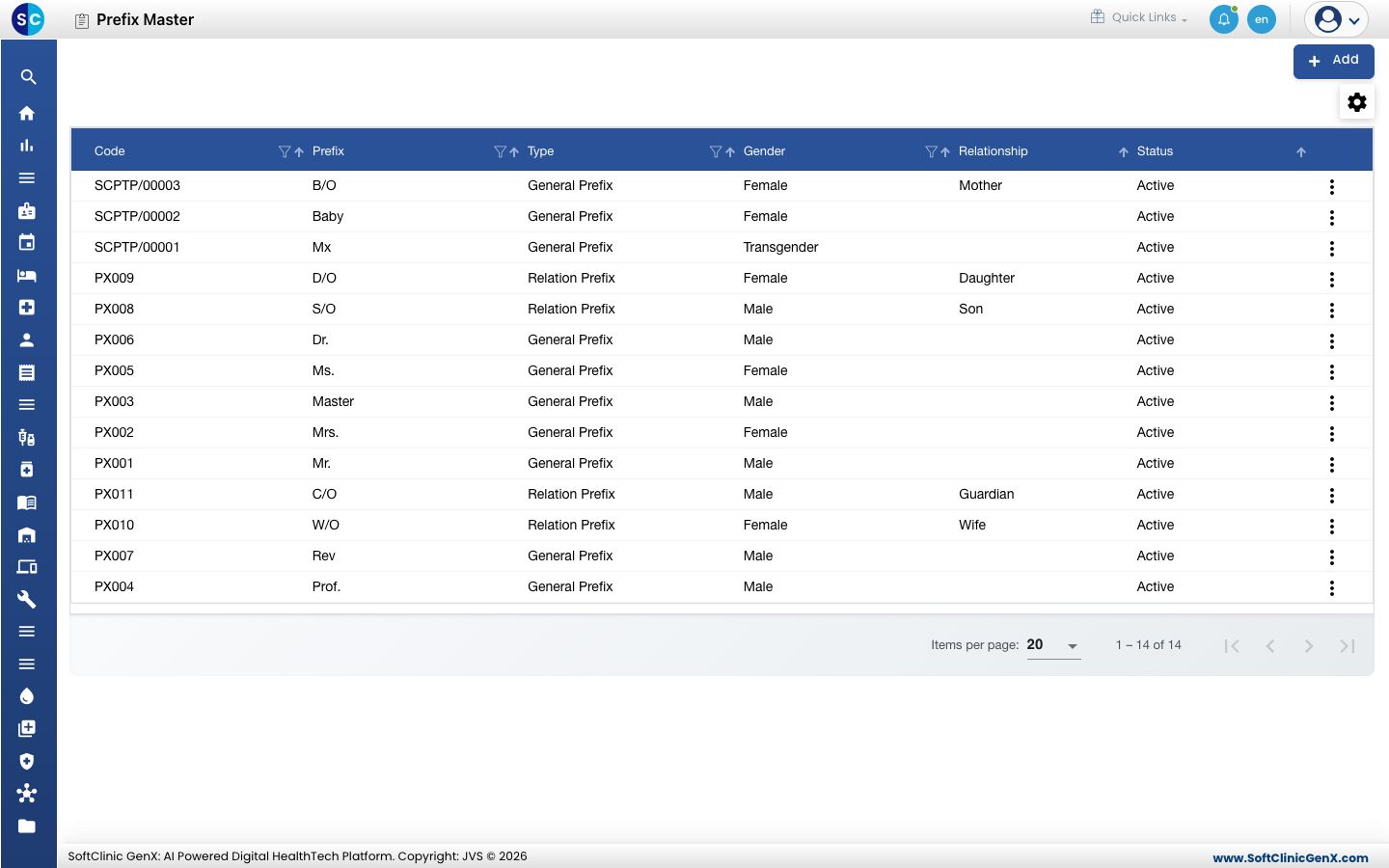
Add a prefix
-
Go to Patients › Masters › Prefix.
-
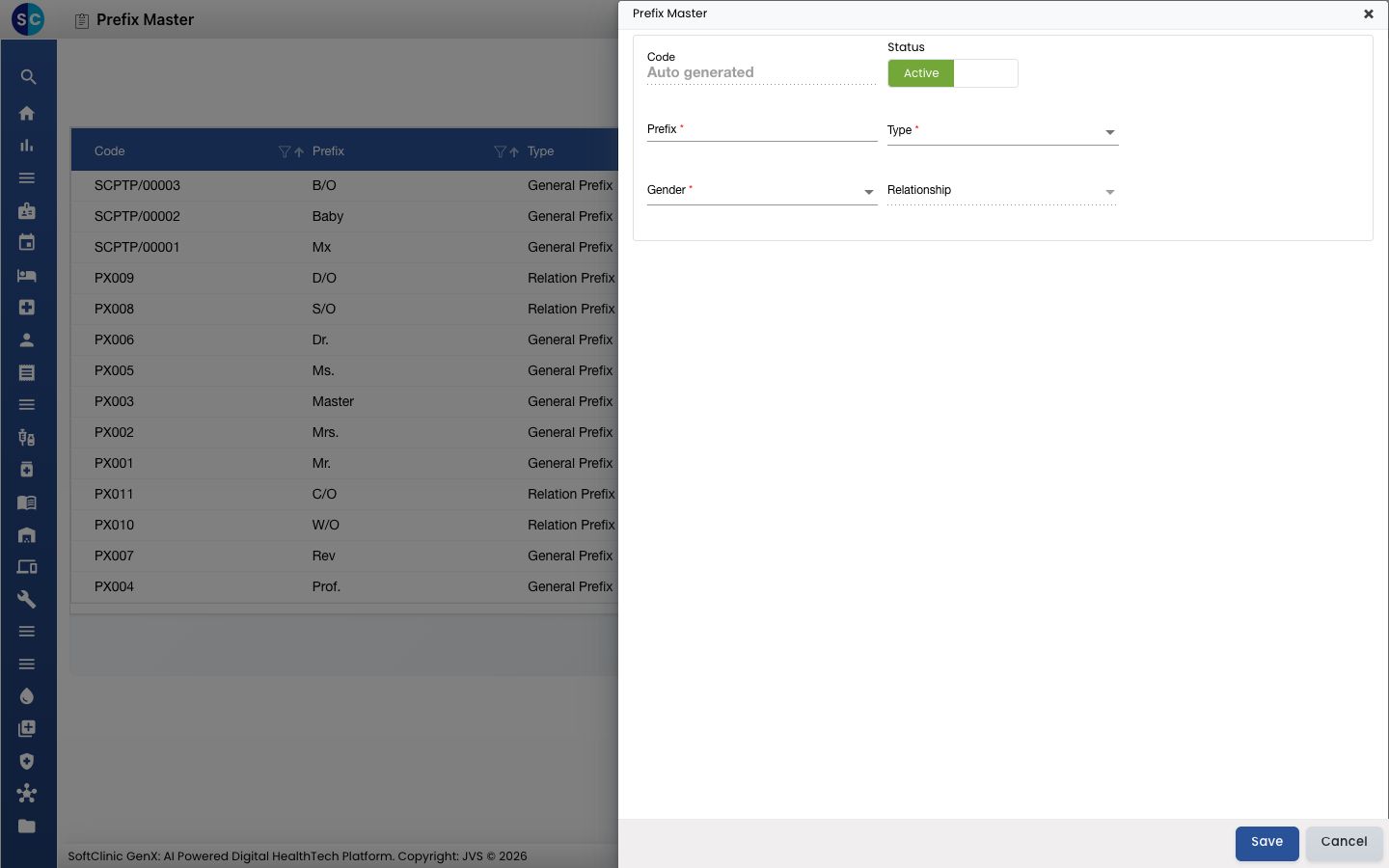
Click Add. The Prefix Master panel opens on the right.
-
Fill in the fields:
Field What to enter Required Code Filled in automatically when you save. — Status Leave on Active so staff can pick it. — Prefix The title as it should print, for example Mrs.orW/O. Up to 8 characters.Yes Type General Prefix for a patient's title, Relation Prefix for a relationship title. Yes Gender The gender the prefix belongs to: Male, Female or Transgender. Yes Relationship The relationship the prefix stands for, for example Wife for W/O. Only available when Type is Relation Prefix.Yes, for a Relation Prefix 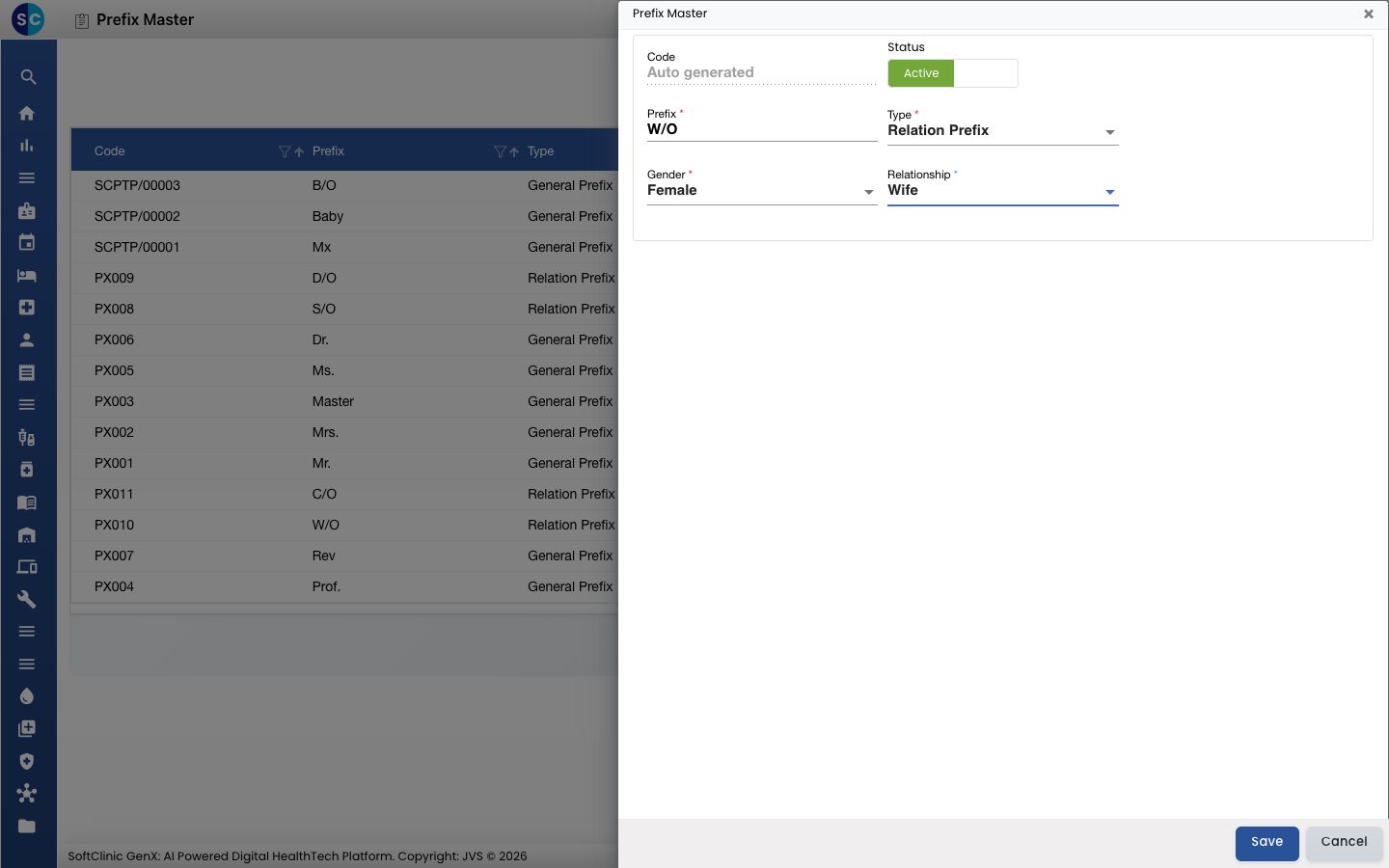
-
Click Save. The panel closes and the new prefix appears in the list with its code.
Change or deactivate a prefix
- In the list, click the ⋮ button at the end of the row and choose Edit.
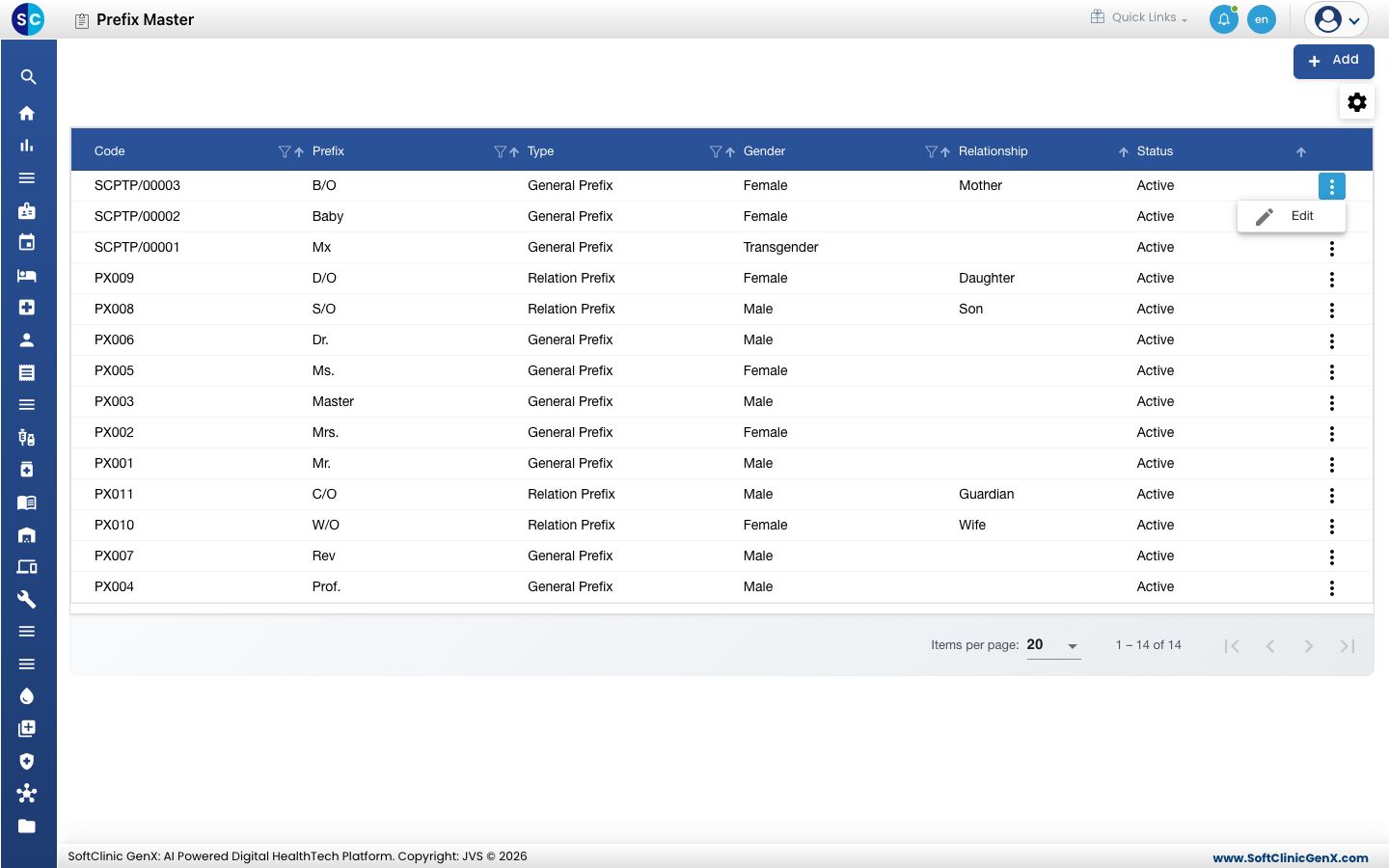
- Change the fields you need. To stop staff from picking the prefix, switch Status to Inactive.
- Click Save.
Prefixes cannot be deleted. Make a prefix Inactive instead — patients already registered with it keep it.
Good to know
- Each prefix name must be unique.
- When a patient's gender and age are entered at registration, the prefix is picked automatically — Master or Mr. for males (under or over 18), Ms. or Mrs. for females (under or over 26). Keep these four prefixes, spelled exactly like that, if you want this to work.
- The Relationship list comes from the relationships already set up in the system; pick the closest match.
- Use the funnel icon in a column heading to filter the list, and the gear icon to choose which columns show.