Issue a certificate
Choose a patient and a certificate template, review the filled-in certificate and save or print it.
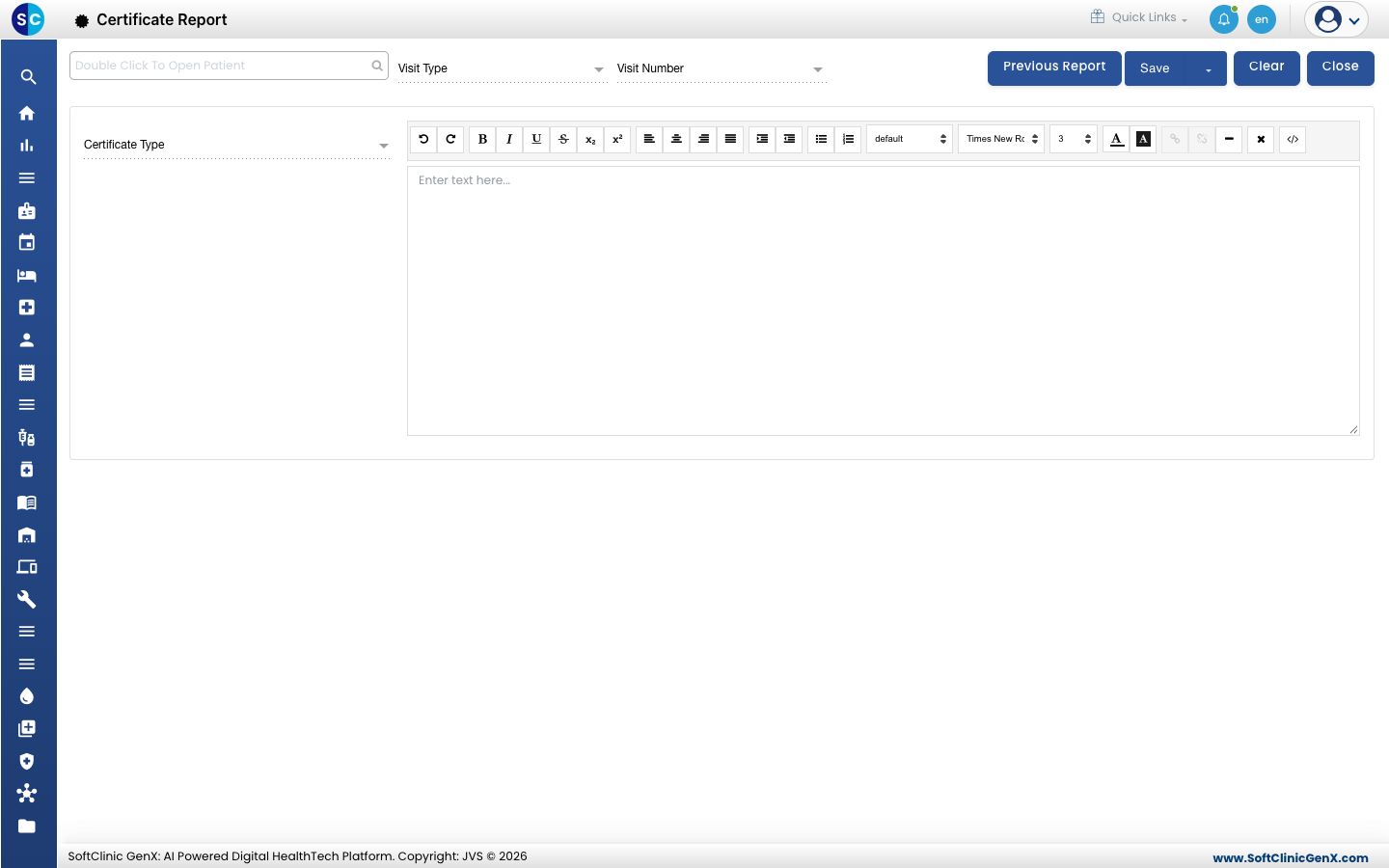
Staff issue a certificate from the Certificate Report screen. Pick the patient and the template, and the patient and doctor details fill in for you.
Who does this: doctor or front desk · Where: Certificate › Certificate Report
Issue a certificate
-
Open Certificate › Certificate Report.
-
Double-click the patient search box at the top left and choose the patient.
-
Choose the Visit Type and Visit Number, then choose the Certificate Type and the certificate.
-
Check the text in the editor. You can edit it for this patient.
-
Click Save to keep the certificate, or use the arrow beside Save for more save options. Click Clear to start again and Close to leave.
Find a certificate issued earlier
Click Previous Report. See View previous certificates.
Related
- Set up Certificate Master: create the templates.
- Certificate FAQs: short answers about certificates.