View previous certificates
See the certificates already issued, with the patient, date, type and name.
The Previous Report lists every certificate that has been issued, so you can find one again without writing it from scratch.
note
Who does this: doctor or front desk · Where: Certificate › Certificate Report › Previous Report
Find an issued certificate
-
Open Certificate › Certificate Report and click Previous Report.
-
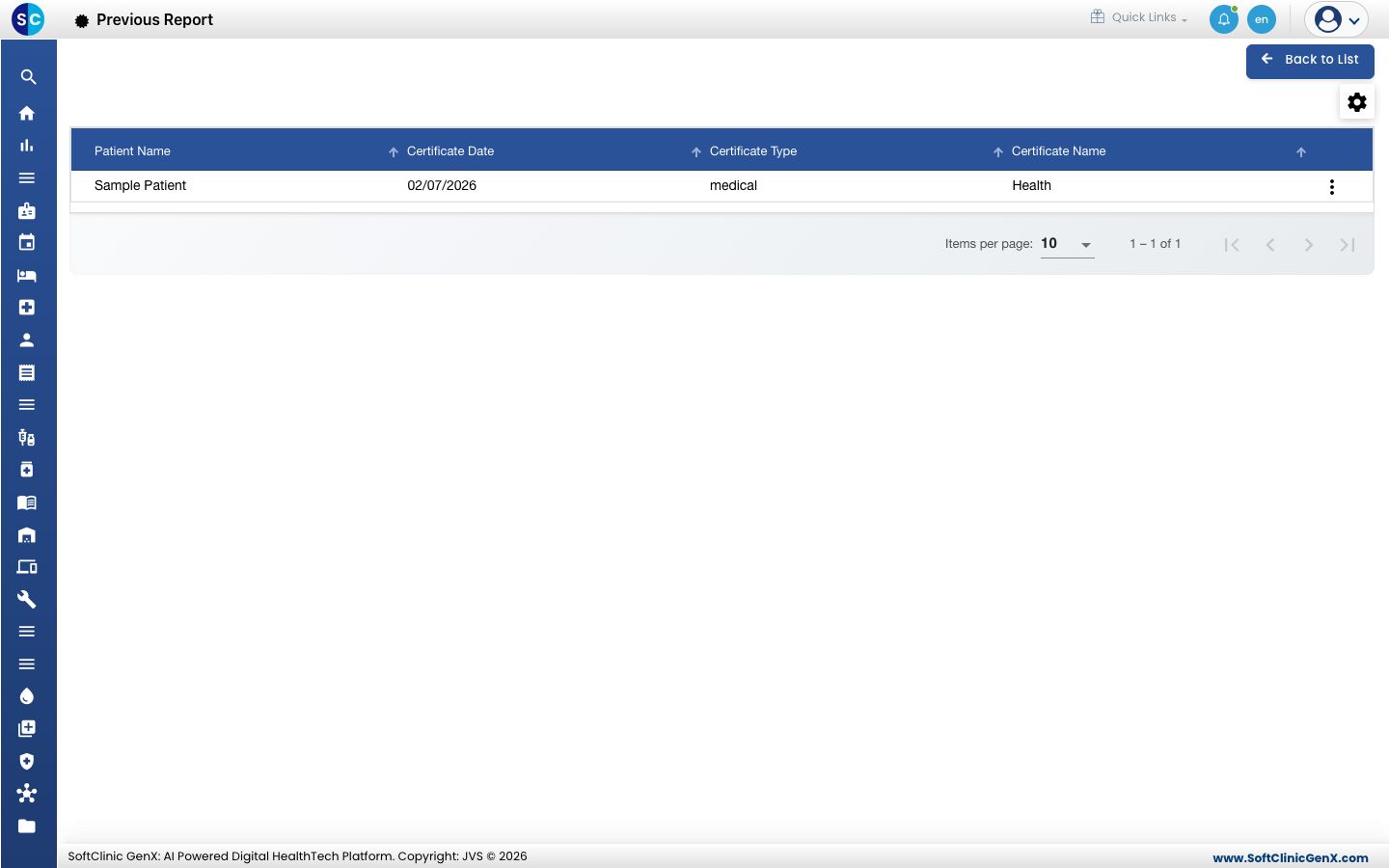
The list shows the Patient Name, Certificate Date, Certificate Type and Certificate Name of each certificate.
-
Use the three dots at the end of the row for the options on that certificate.
-
Click Back to List to return to the Certificate Report.
Related
- Issue a certificate: issue a new one.
- Certificate FAQs: short answers about certificates.
Was this helpful?