Set up the Document Checklist
List the documents every medical record must contain, by encounter type, so staff can check each record against it.
The document checklist is the master list of papers a medical record needs, such as a discharge summary. When staff open a record, they load this list and tick off what is present.
note
Who does this: medical records in-charge · Where: Medical Records › Checklist Setup
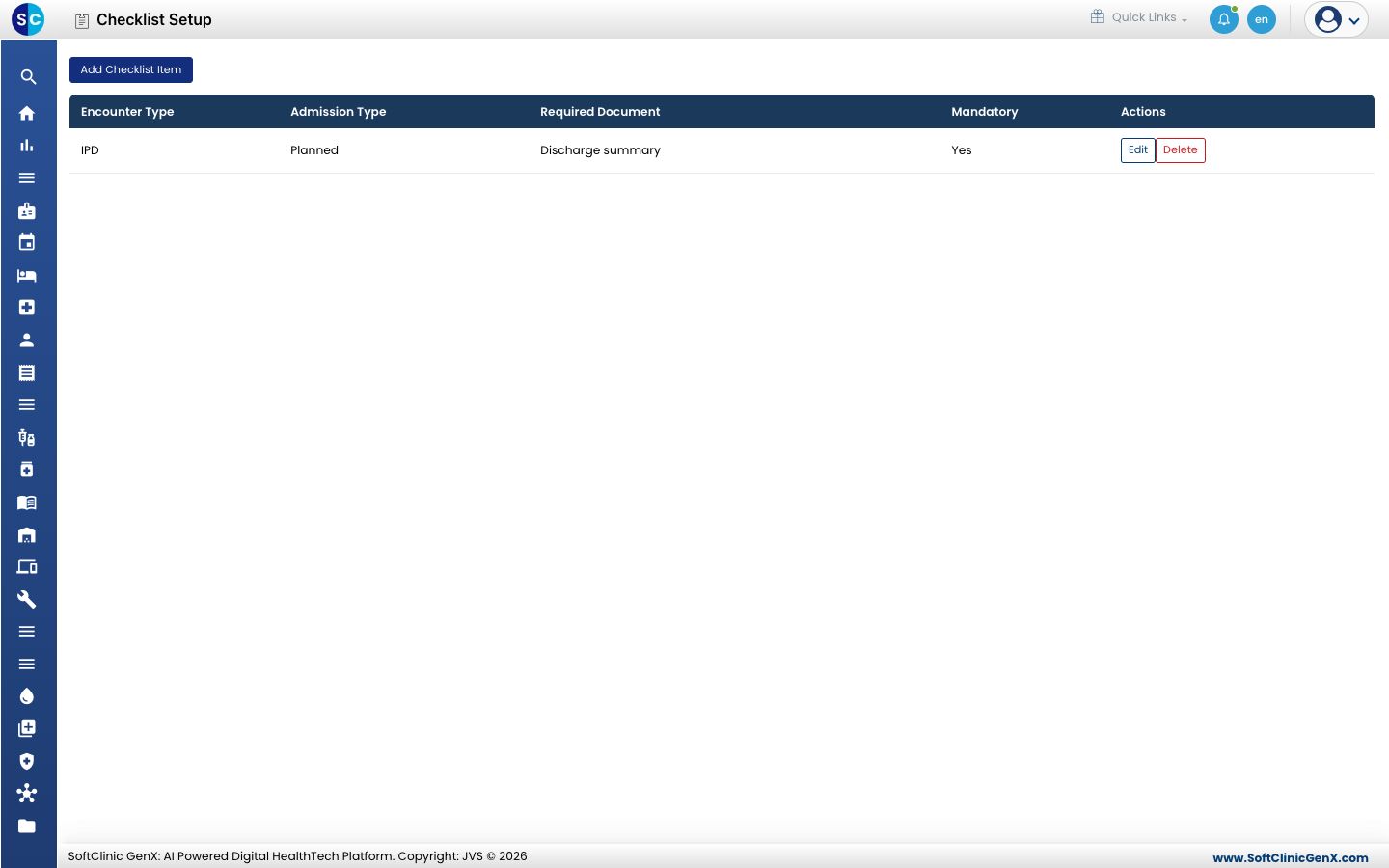
Add a checklist item
-
Open Medical Records › Checklist Setup and click Add Checklist Item.
-
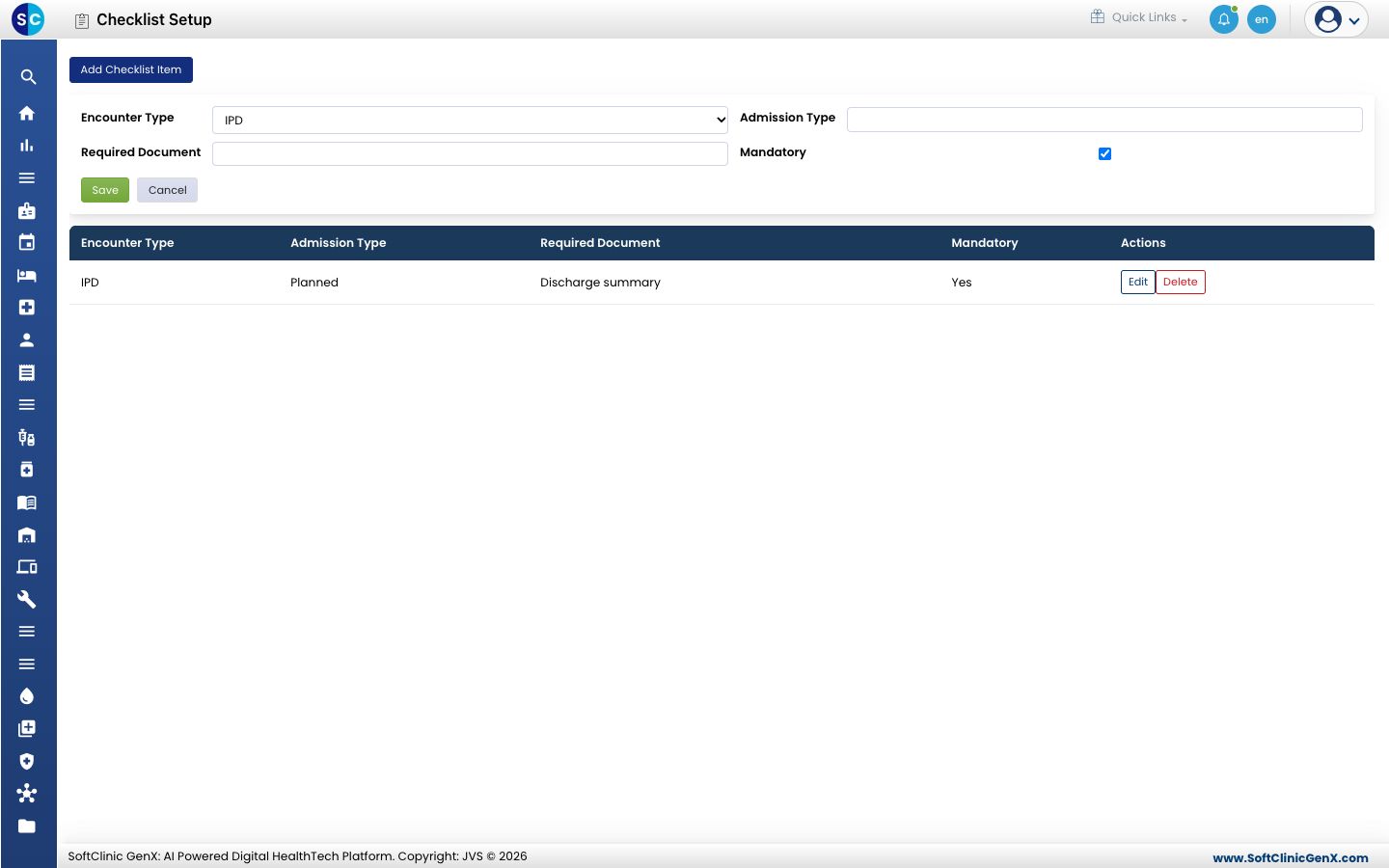
Fill in the form.
| Field | What to enter |
|---|---|
| Encounter Type | The kind of encounter the document belongs to, for example IPD. |
| Admission Type | The admission type it applies to. |
| Required Document | The name of the document, for example Discharge summary. |
| Mandatory | Keep it ticked if the record cannot be completed without this document. |
- Click Save. The item appears in the list.
Change or remove an item
Use Edit or Delete at the end of the row.
Good to know
- Mandatory documents are counted on each medical record as "mandatory document(s) still pending" until they are marked present.
Related
- Process a medical record: load this checklist on a record.
- Medical Records FAQs: short answers about the checklist.
Was this helpful?