Follow a transfusion
See all transfusions in progress, spot adverse reactions and open the bedside record.
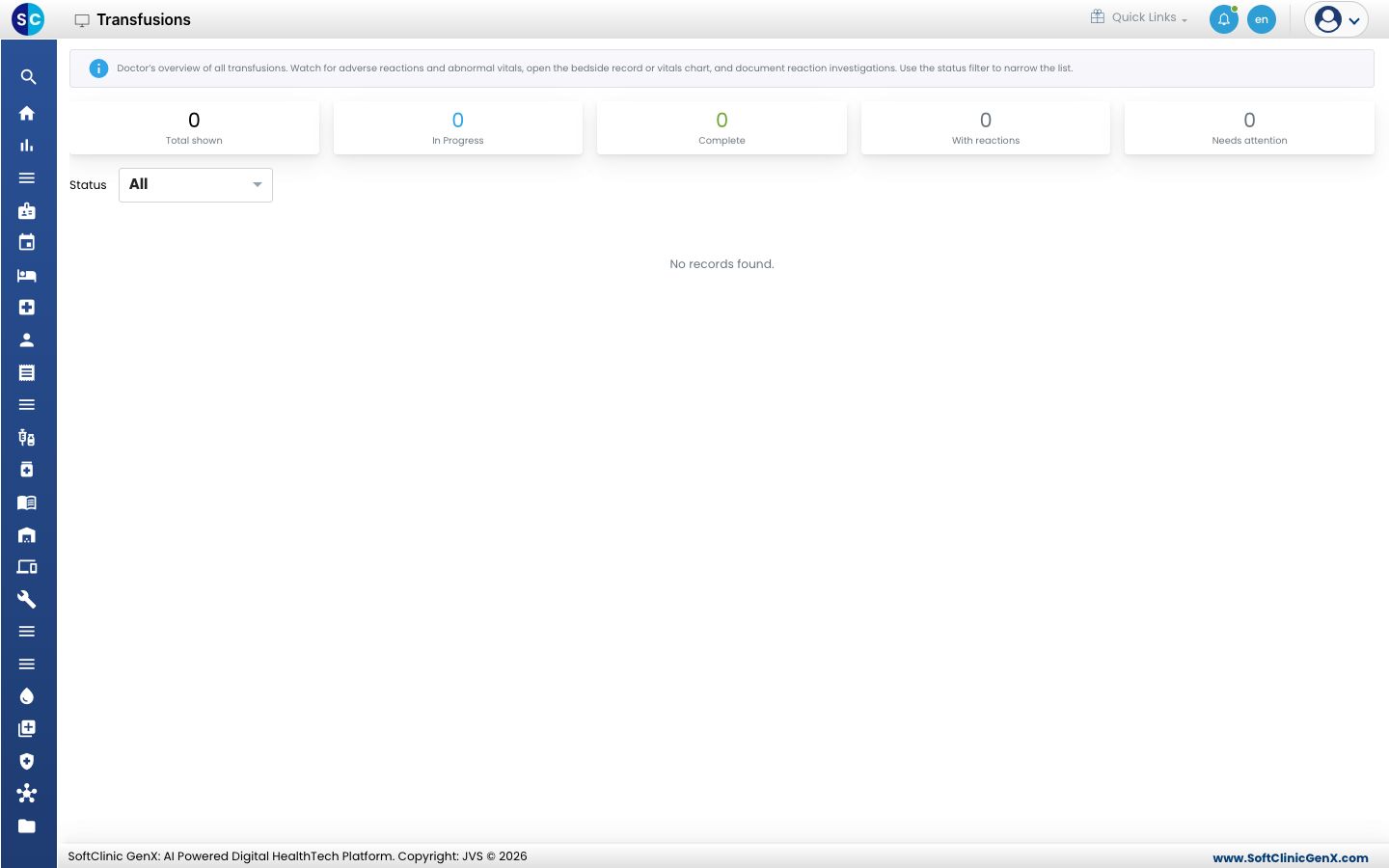
The Transfusions screen gives the doctor an overview of every transfusion, so reactions and abnormal vitals are noticed early.
note
Who does this: doctor or transfusion nurse · Where: Blood Bank › Transfusions
Review transfusions
-
Open Blood Bank › Transfusions.
-
Read the counts at the top: Total shown, In Progress, Complete, With reactions and Needs attention.
-
Use the Status filter to narrow the list.
-
Open a transfusion to see its bedside record or vitals chart, and to document a reaction investigation.
Related
- Raise a blood request: ask for blood for a patient.
- Blood Bank FAQs: short answers about transfusions.
Was this helpful?