Log a maintenance
Record maintenance done on an asset and see which maintenance is coming up.
Record every repair, service or inspection on an asset so its maintenance history is complete and the next due date is tracked.
Who does this: biomedical engineer or technician · Where: Maintenance Management › Maintenance
Log a maintenance
-
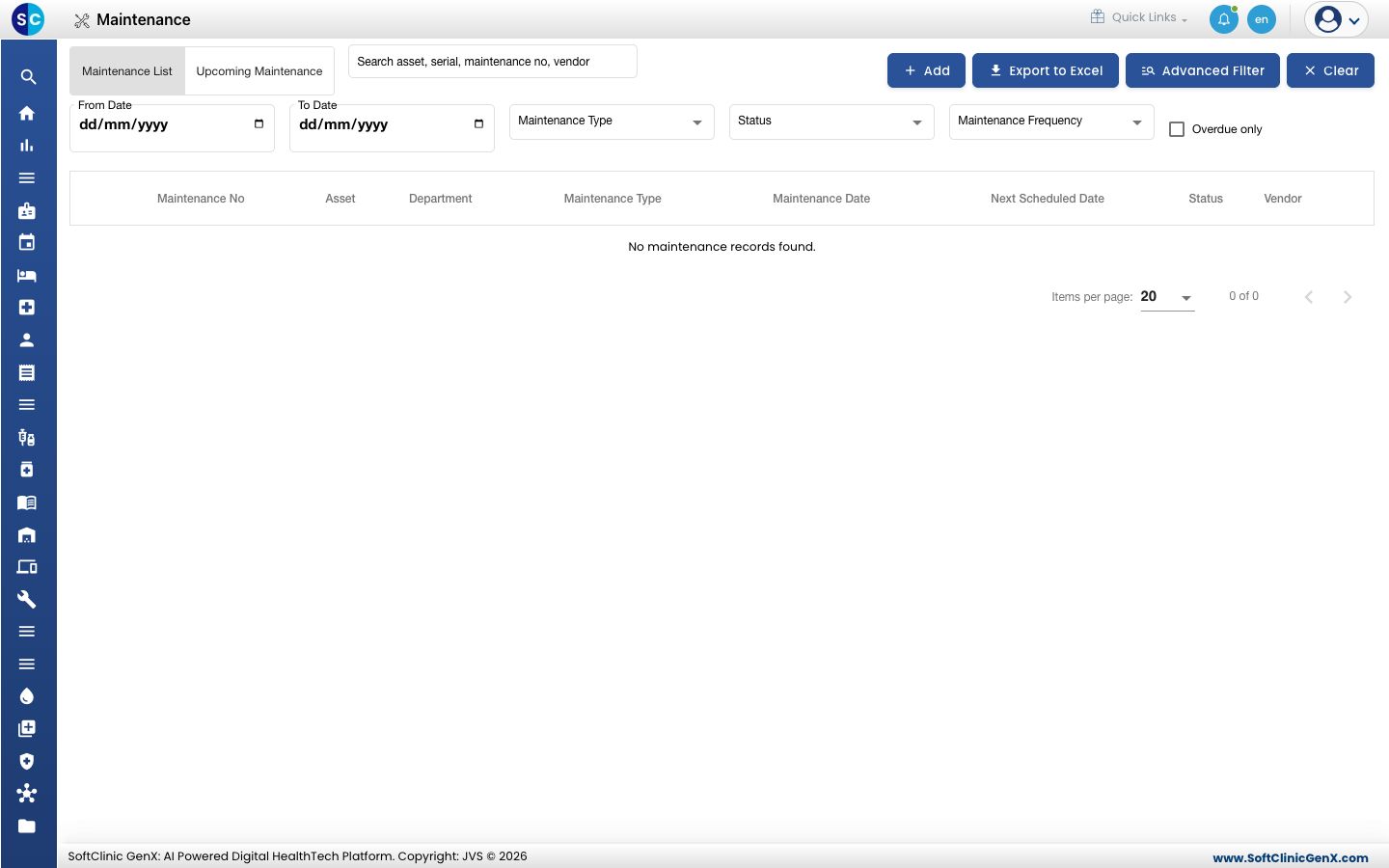
Open Maintenance Management › Maintenance. The Maintenance List tab shows past records. Use From Date, To Date, Maintenance Type, Status, Maintenance Frequency and Overdue only to filter, or search by asset, serial number, maintenance number or vendor. Export to Excel downloads the list.
-
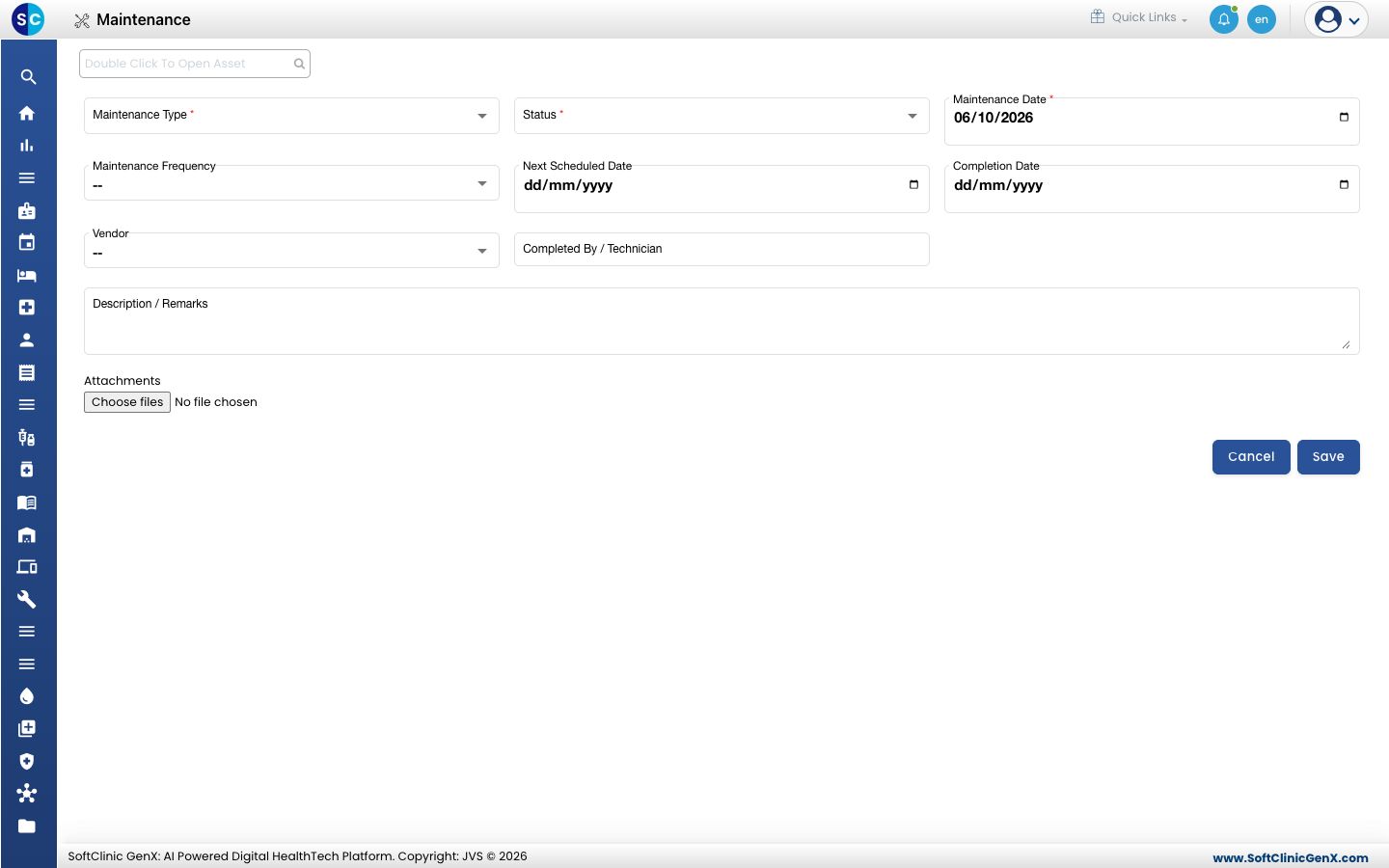
Click Add, then double-click the asset search box at the top and choose the asset.
-
Choose the Maintenance Type and Status, and check the Maintenance Date. These are required.
-
If the maintenance repeats, choose the Maintenance Frequency and the Next Scheduled Date. Enter the Completion Date, choose the Vendor, and enter who did the work in Completed By / Technician.
-
Write what was done in Description / Remarks, and attach papers under Attachments if needed.
-
Click Save.
See what is coming up
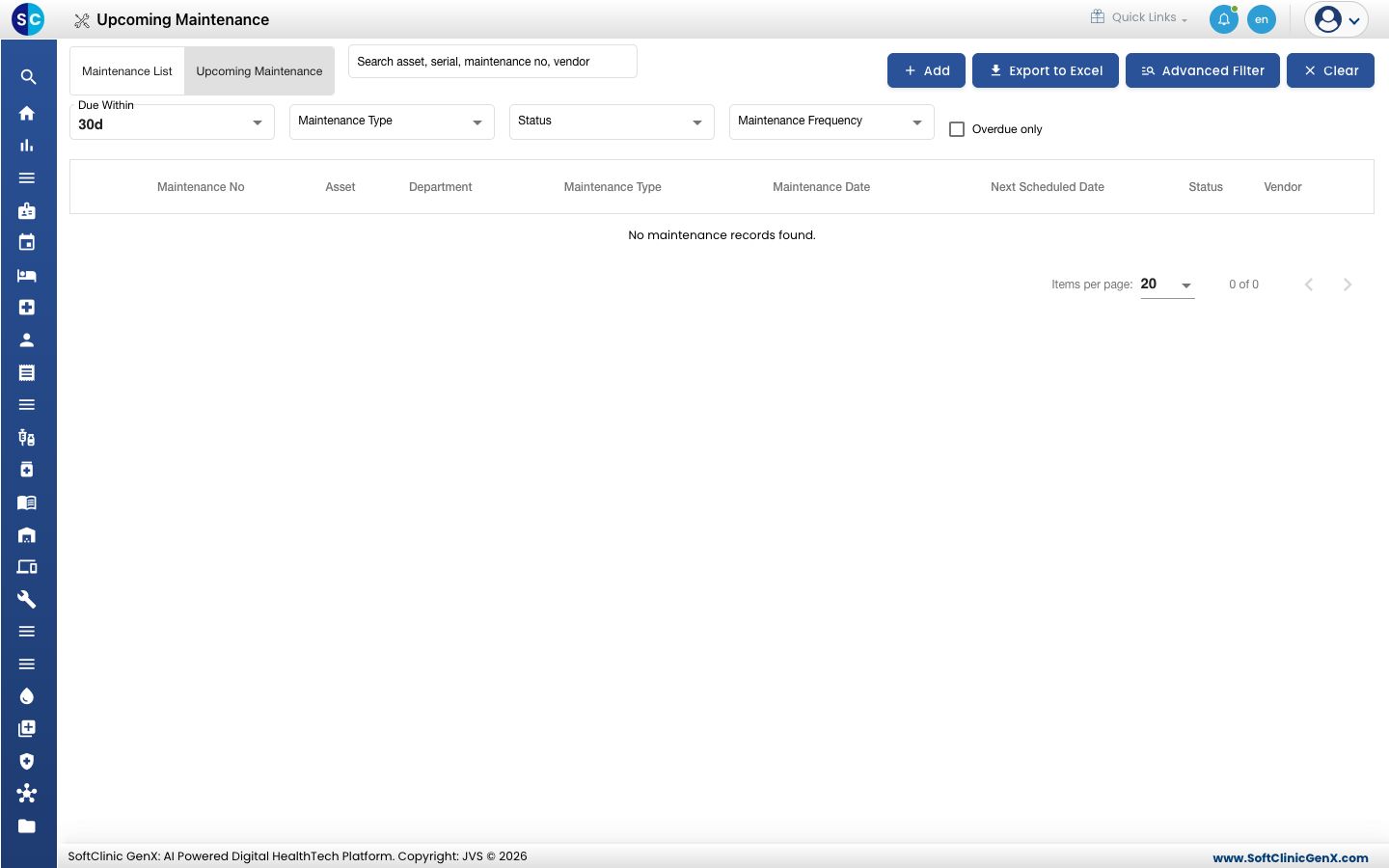
Open the Upcoming Maintenance tab. Due Within shows the maintenance due in the next 30 days by default, and you can narrow it with the same filters.
Related
- Schedule preventive maintenance: plan regular checks in advance.
- Maintenance Management FAQs: short answers about maintenance.