Assign a complaint
See which complaints are assigned to which technician, and the job type, priority and status.
Assign Management shows who is working on each complaint, so nothing is left unassigned.
note
Who does this: biomedical in-charge · Where: Complaint Management › Assign Management
Review assignments
-
Open Complaint Management › Assign Management.
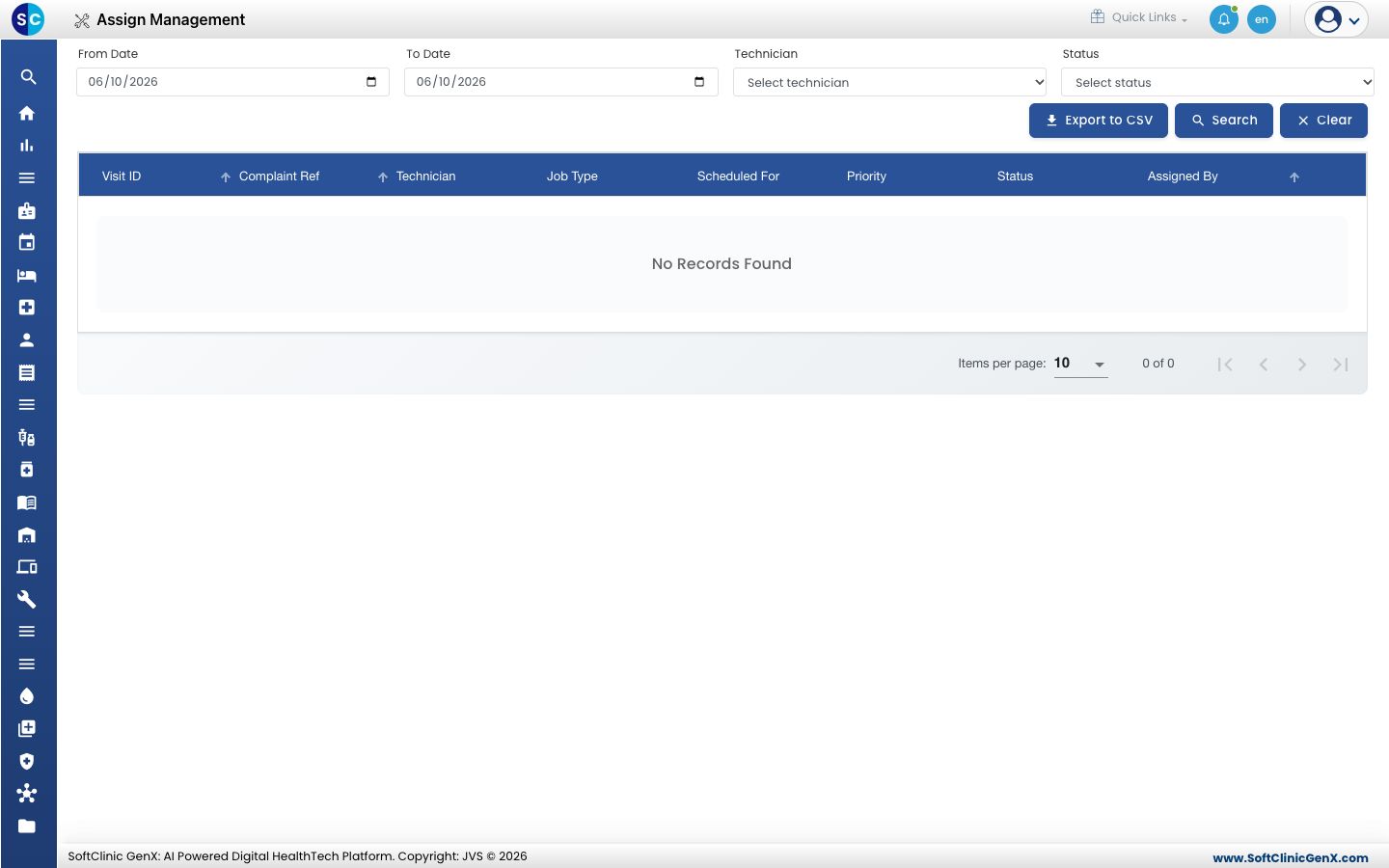
-
Set the From Date and To Date, choose a Technician or Status if you want, and click Search. Click Clear to reset.
-
Read the list. Each row is one assignment with the technician, the job type, when it is scheduled, its priority and status.
-
Click Export to CSV to download the list.
Related
- Register a complaint: add the complaint first.
- Review technician visits: record the technician's visit.
- Complaint Management FAQs: short answers about assignment.
Was this helpful?