Register a complaint
Log a complaint about an asset or a general facility problem and set its priority.
Staff register a complaint when equipment breaks or a facility needs attention. Each complaint gets a code and a due time, and can then be assigned to a technician.
Who does this: any staff member · Where: Complaint Management › Complaint Management
Register a complaint
-
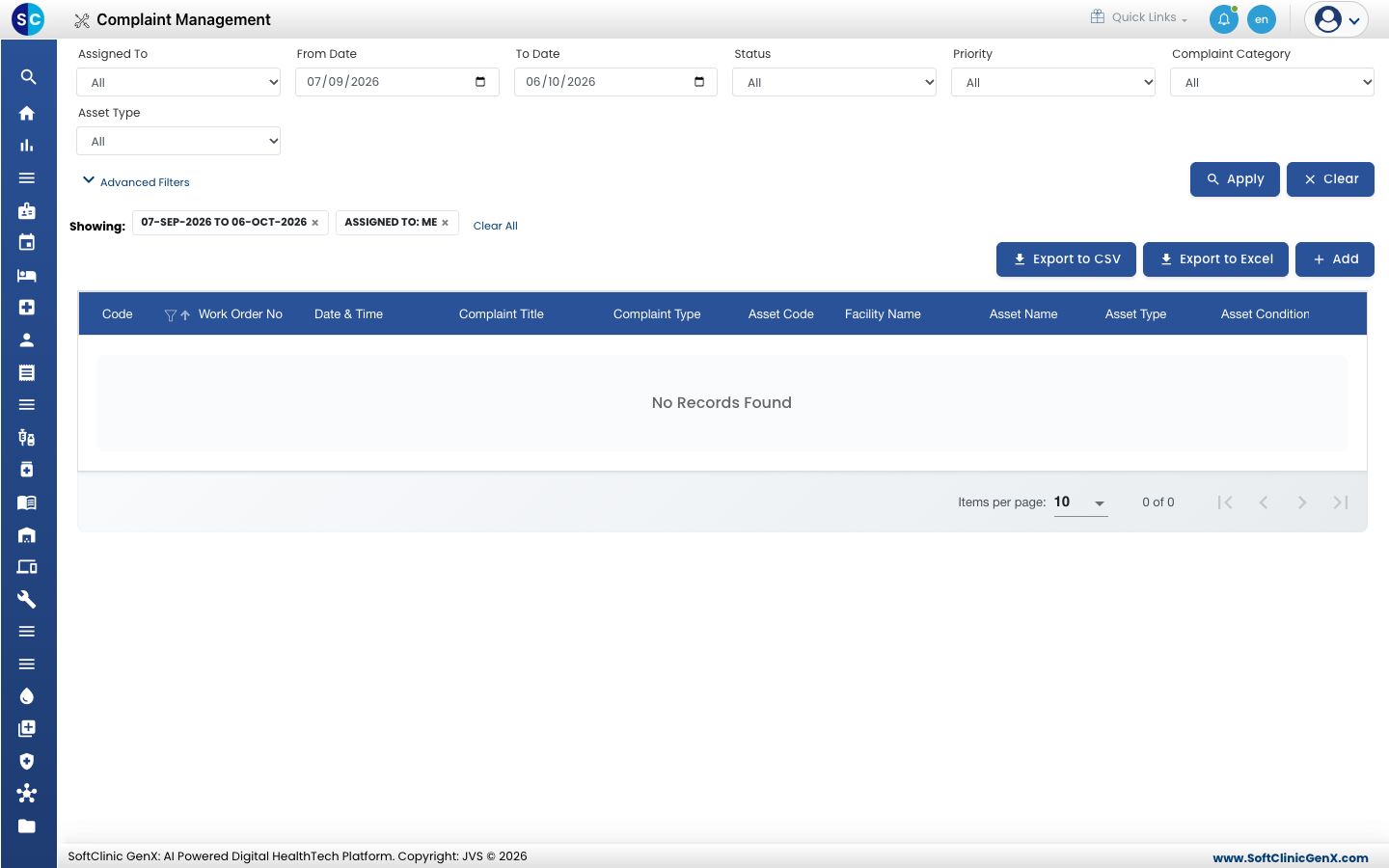
Open Complaint Management › Complaint Management. The list shows complaints with their code, title, type, asset and condition. Use Assigned To, From Date, To Date, Status, Priority, Complaint Category and Asset Type, then Apply. Export to CSV and Export to Excel download the list.
-
Click Add.
-
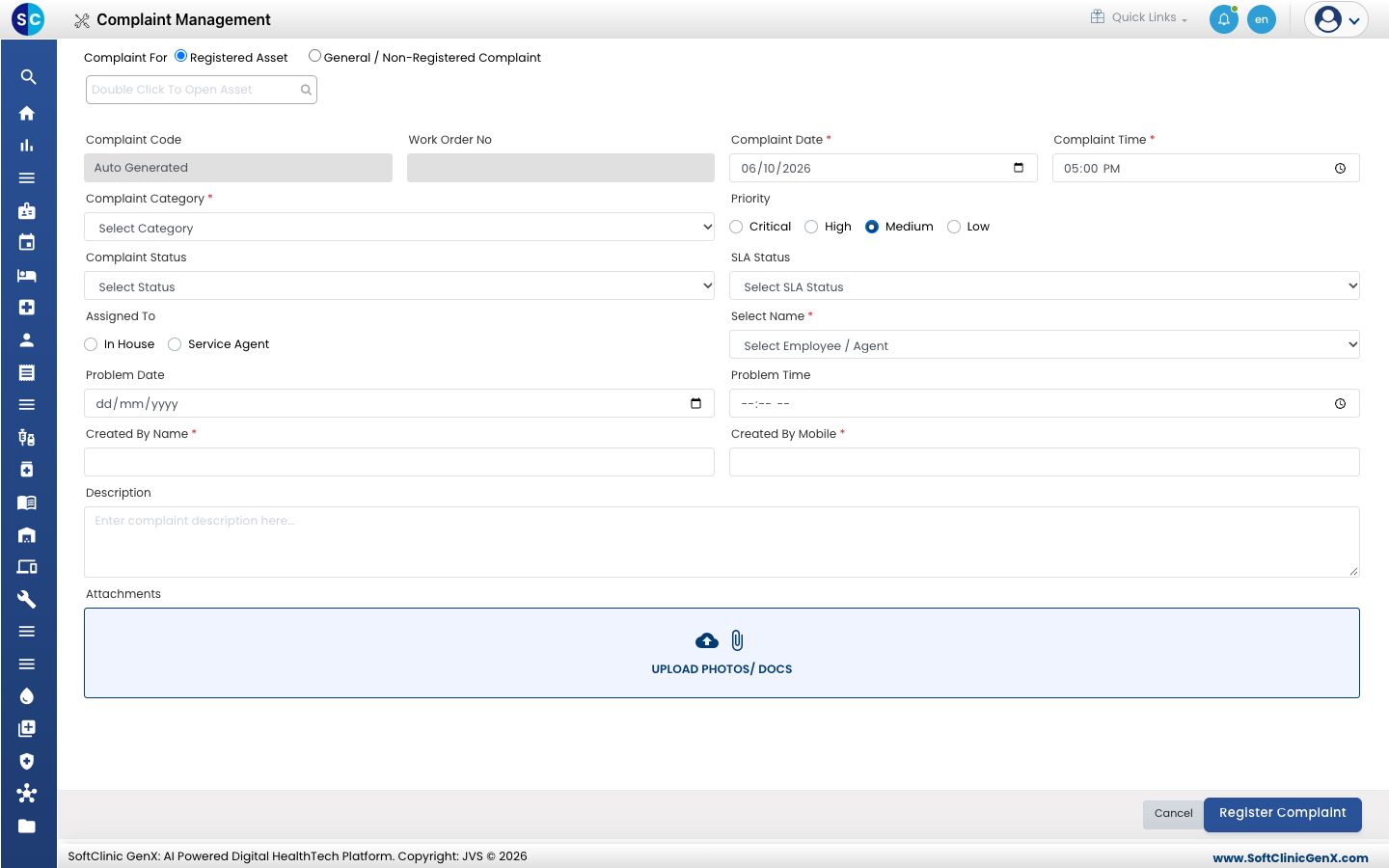
Choose Registered Asset and double-click the search box to pick the asset, or choose General / Non-Registered Complaint for something that is not an asset.
-
Choose the Complaint Category and the Priority: Critical, High, Medium or Low. Check the Complaint Date and Complaint Time.
-
Choose who it is Assigned To, In House or Service Agent, and select the employee or agent.
-
Enter Created By Name and Created By Mobile, and describe the problem in Description. Attach photos or documents under Attachments.
-
Click Register Complaint.
Related
- Assign a complaint: give the complaint to a technician.
- Set up Complaint SLA Rules: set the due times.
- Complaint Management FAQs: short answers about complaints.