Review technician visits
See each technician visit for a complaint, with its start and end time and status.
A visit is each time a technician goes to work on an assigned complaint. Visit Management lists them so you can follow the work.
note
Who does this: biomedical in-charge or technician · Where: Complaint Management › Visit Management
Review visits
-
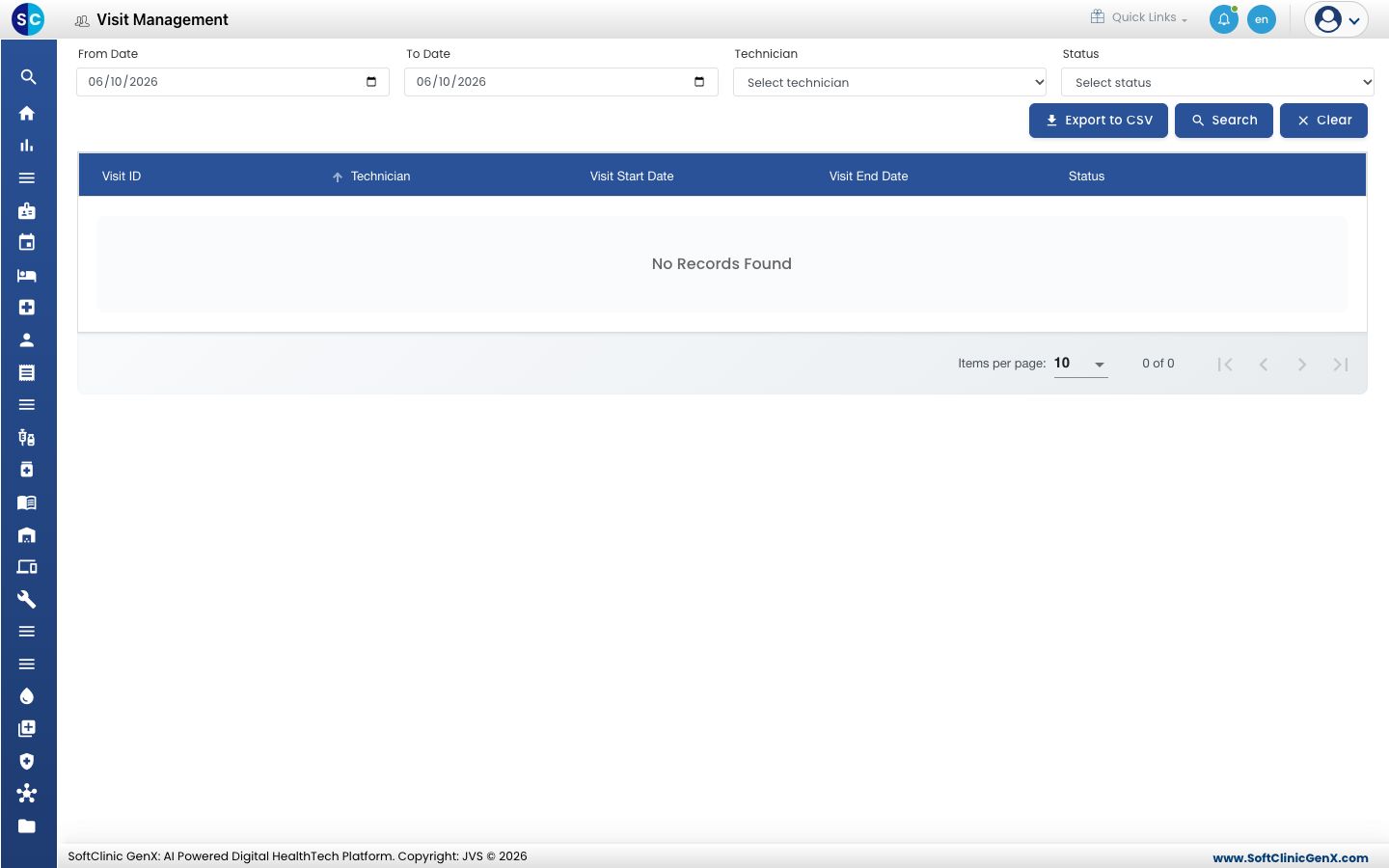
Open Complaint Management › Visit Management.
-
Set the From Date and To Date, choose a Technician or Status, and click Search. Click Clear to reset.
-
Read each visit's technician, start and end date and status.
-
Click Export to CSV to download the list.
Related
- Assign a complaint: give the complaint to a technician.
- Complaint Management FAQs: short answers about visits.
Was this helpful?