Set up Asset Type
Create the asset types, such as surgical or diagnostic equipment, that you choose when you register an asset.
An asset type groups similar equipment. You choose one every time you register an asset, so create your types first.
note
Who does this: biomedical or administration in-charge · Where: Asset Management › Masters › Asset Type
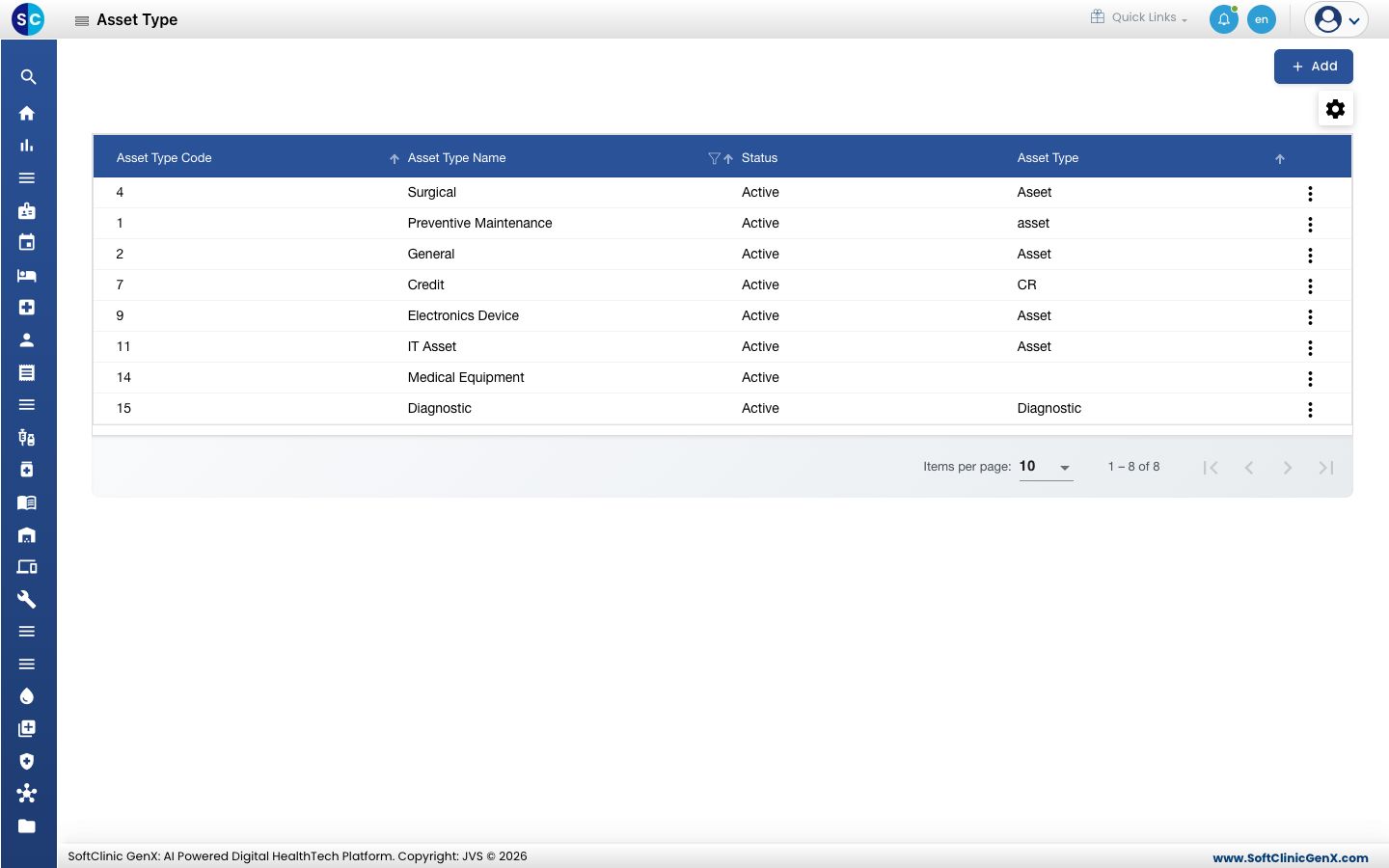
Add an asset type
-
Open Asset Management › Masters › Asset Type and click Add.
-
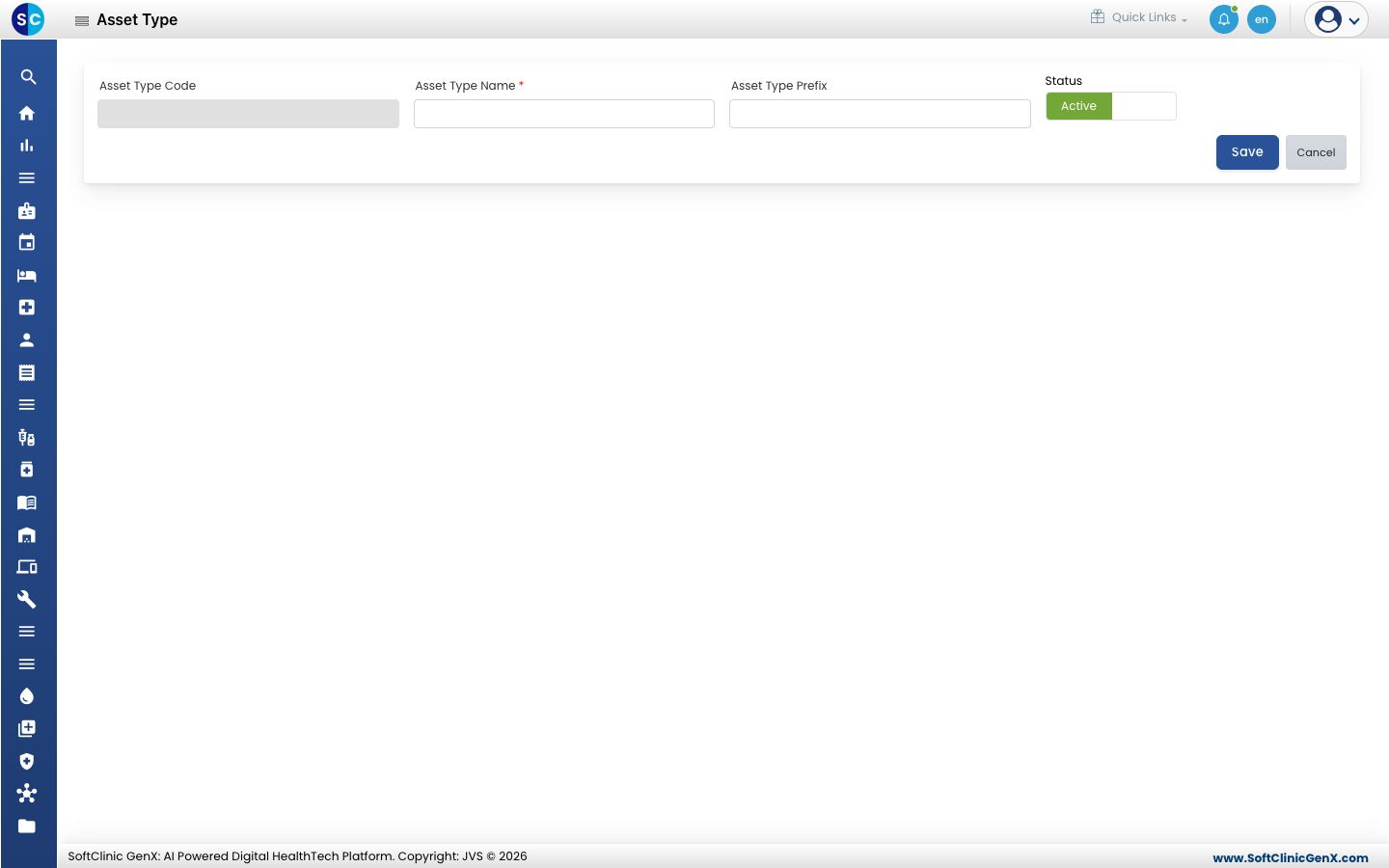
Fill in the form.
| Field | What to enter | Required |
|---|---|---|
| Asset Type Code | Created for you when you save. | No |
| Asset Type Name | The name of the type, for example Diagnostic. | Yes |
| Asset Type Prefix | A short prefix for the type. | No |
| Status | Leave it on Active to use the type. | No |
- Click Save.
Change a type
Click the three dots at the end of the row to edit it.
Related
- Register an asset: choose the type when you add equipment.
- Asset Management FAQs: short answers about assets.
Was this helpful?