Publish a consent notice
Publish the privacy notice patients read and accept before giving consent.
The privacy notice is what a patient reads before giving consent. Only one notice can be active for each language at a time, and every consent records which version the patient saw.
Who does this: data protection officer · Where: DPDP Compliance › Consent Notices
Publish a notice
-
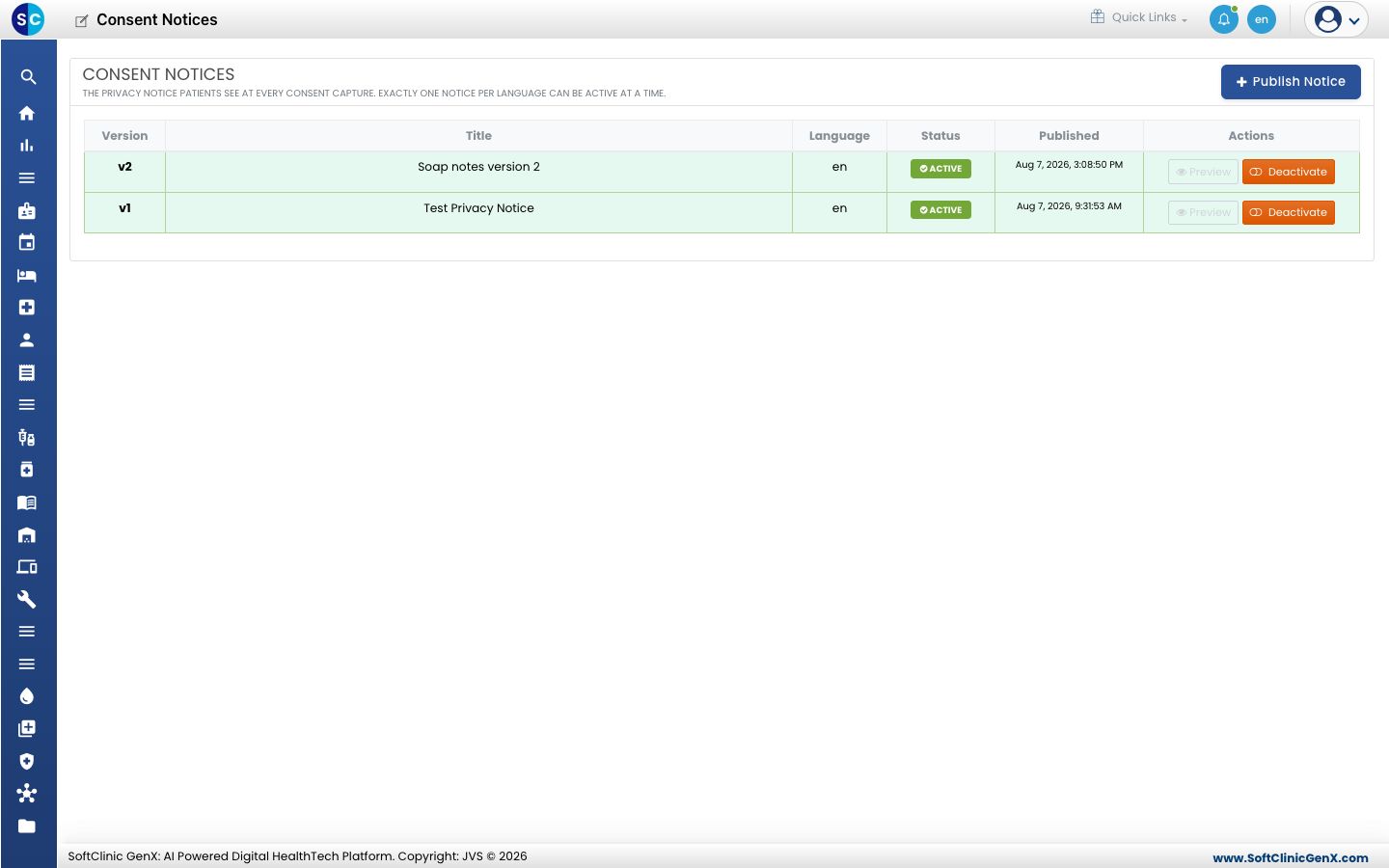
Open DPDP Compliance › Consent Notices. The list shows each version with its title, language, status and the date it was published.
-
Click Publish Notice.
-
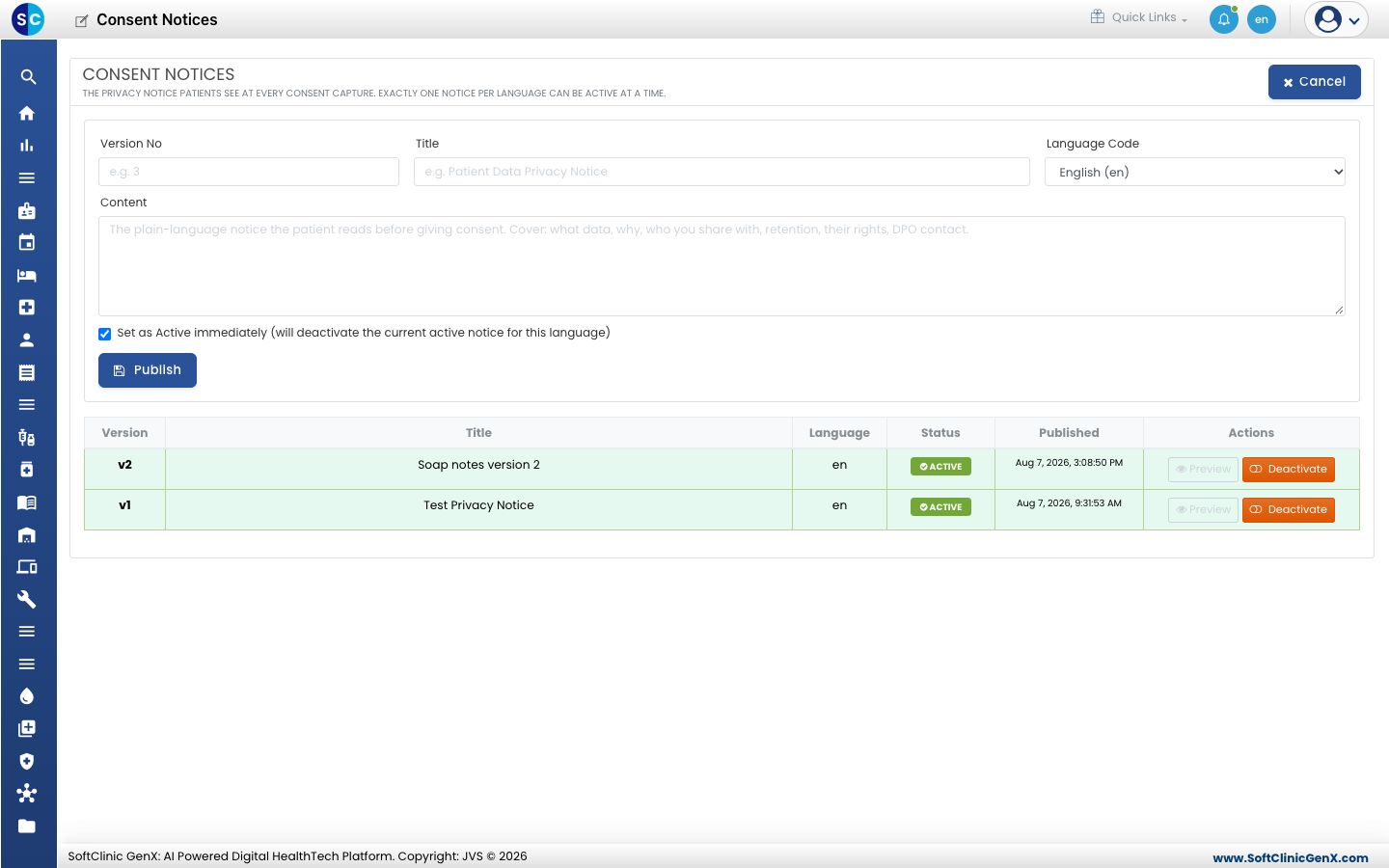
Enter the Version No, the Title and the Language Code.
-
Write the Content in plain language: what data you collect, why, who you share it with, how long you keep it, the patient's rights and the DPO contact.
-
Keep Set as Active immediately ticked to replace the current notice for that language, then click Publish.
Use Deactivate on a row to retire a notice.
Related
- Review the DPO dashboard: see consents by purpose.
- DPDP Compliance FAQs: short answers about notices.