Manage retention policies
Set how long each kind of data is kept, and see what would be removed today.
A retention policy says how many days a category of data is kept before it is removed. The screen shows what would be deleted today under each active policy.
note
Who does this: data protection officer · Where: DPDP Compliance › Retention Policies
Review and set policies
-
Open DPDP Compliance › Retention Policies.
-
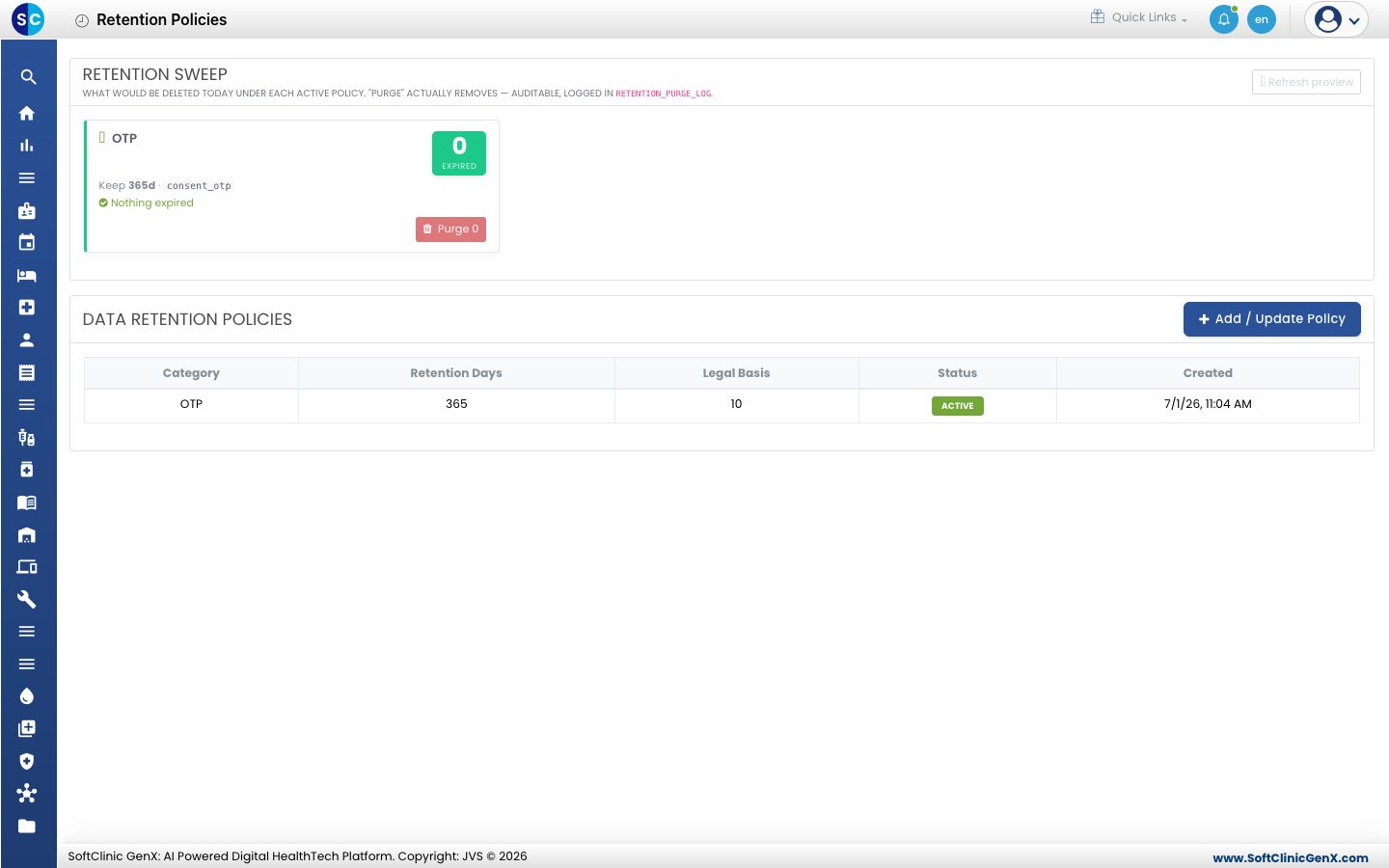
Under Retention Sweep, each active policy shows how many records have expired. Click Refresh preview to update it. Purge removes the expired records and is written to an audit log.
-
Under Data Retention Policies, each row shows the Category, the Retention Days, the Legal Basis, the Status and when it was created.
-
Click Add / Update Policy to set the retention days for a category.
Good to know
- Purging cannot be undone, so check the preview first.
Related
- Review the DPO dashboard: see how many policies are active.
- DPDP Compliance FAQs: short answers about the module.
Was this helpful?