Set up Bed Type
Who does this: hospital administrator Where: In-Door Management › Masters › Bed Type
A bed type describes the physical kind of bed, such as a general bed, a crib or a dialysis chair. When you add a bed in Bed Masters, you choose its type from this list, and the type shows on the bed list.
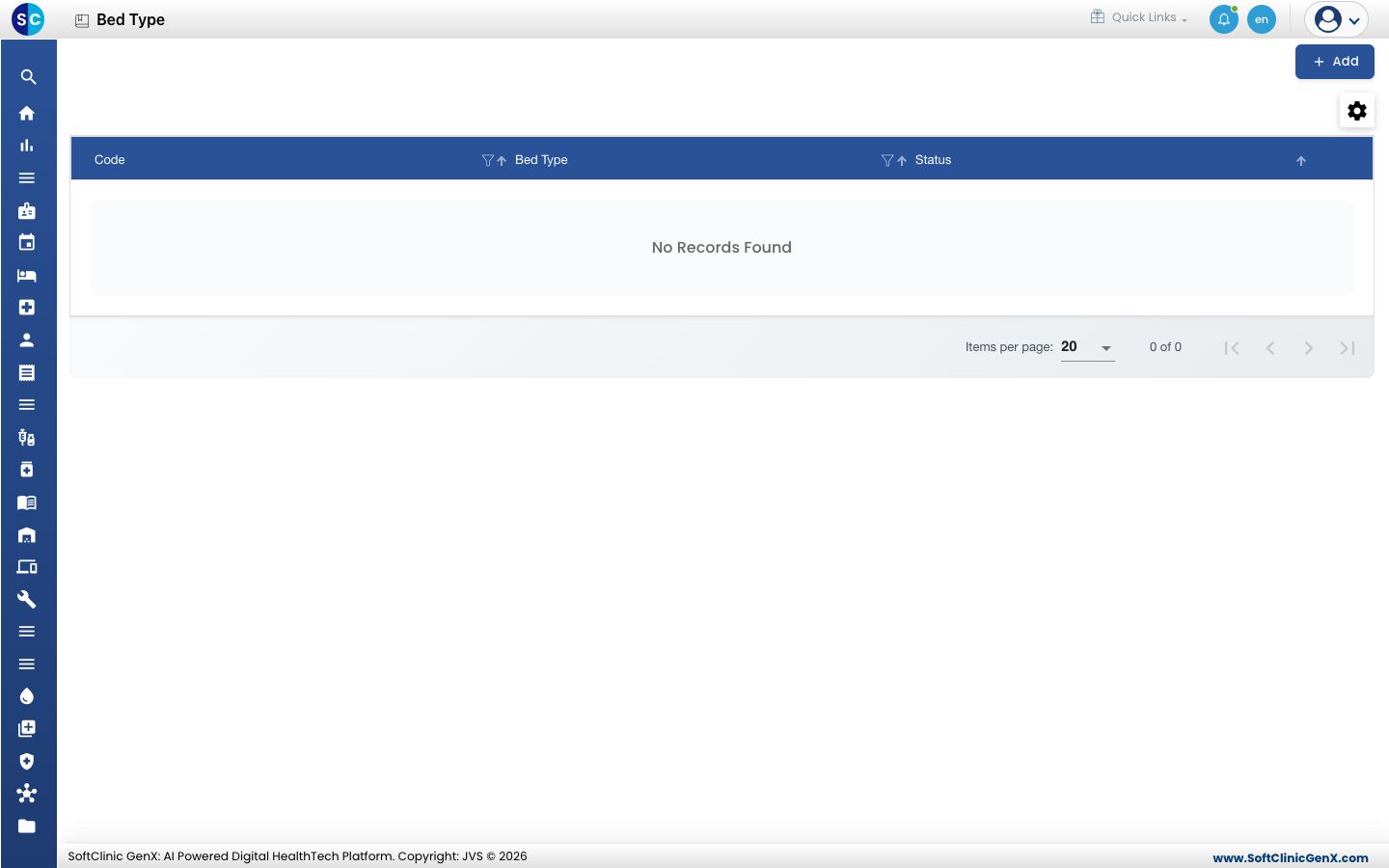
Add a bed type
-
Go to In-Door Management › Masters › Bed Type.
-
Click Add. The Bed Type Master form opens on the right.
-
Fill in the fields:
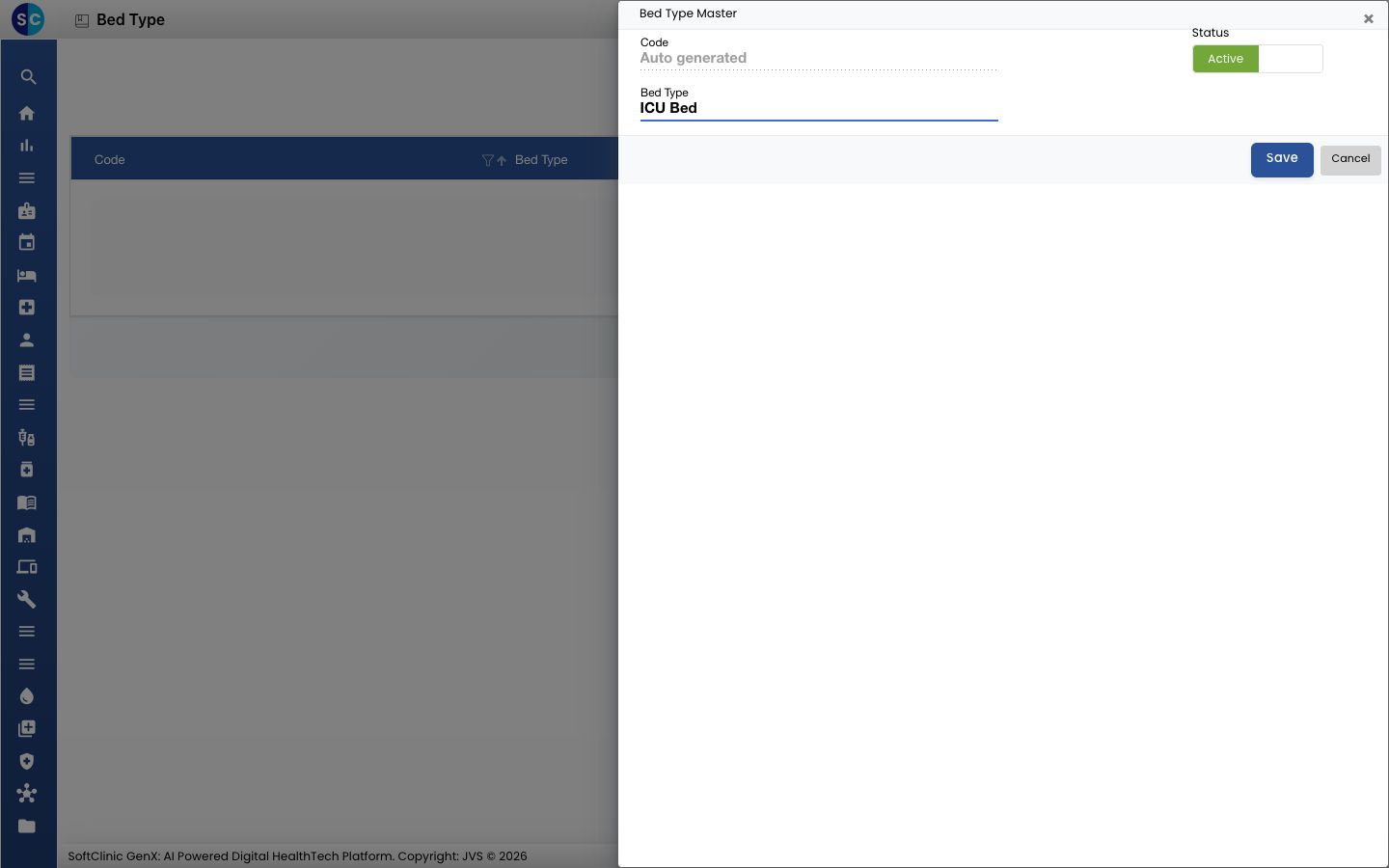
Field What to enter Required Code Filled in automatically when you save. — Status Leave on Active. — Bed Type The name of the bed type, for example ICU Bed. Up to 50 characters. Yes -
Click Save. The form closes and the new bed type appears in the list.
Change or deactivate a bed type
- In the list, click the ⋮ button at the end of the row and choose Edit.
- Change the name, or switch Status to Inactive to stop offering the type for new beds.
- Click Save.
Good to know
- Bed type names must be unique.
- Common bed types, such as General Bed, Crib, Bassinet, Trolley, ICU Specialized, Dialysis Chair, Air Bag Bed, Day Care Bed and Other, may already be offered in Bed Masters even when this list is empty. Add only the types you need beyond these.
- Click Cancel to close the form without saving.