Set up Reasons for Admission Request
Who does this: hospital administrator Where: In-Door Management › Masters › Reasons for Admission Request Set up before: Facility
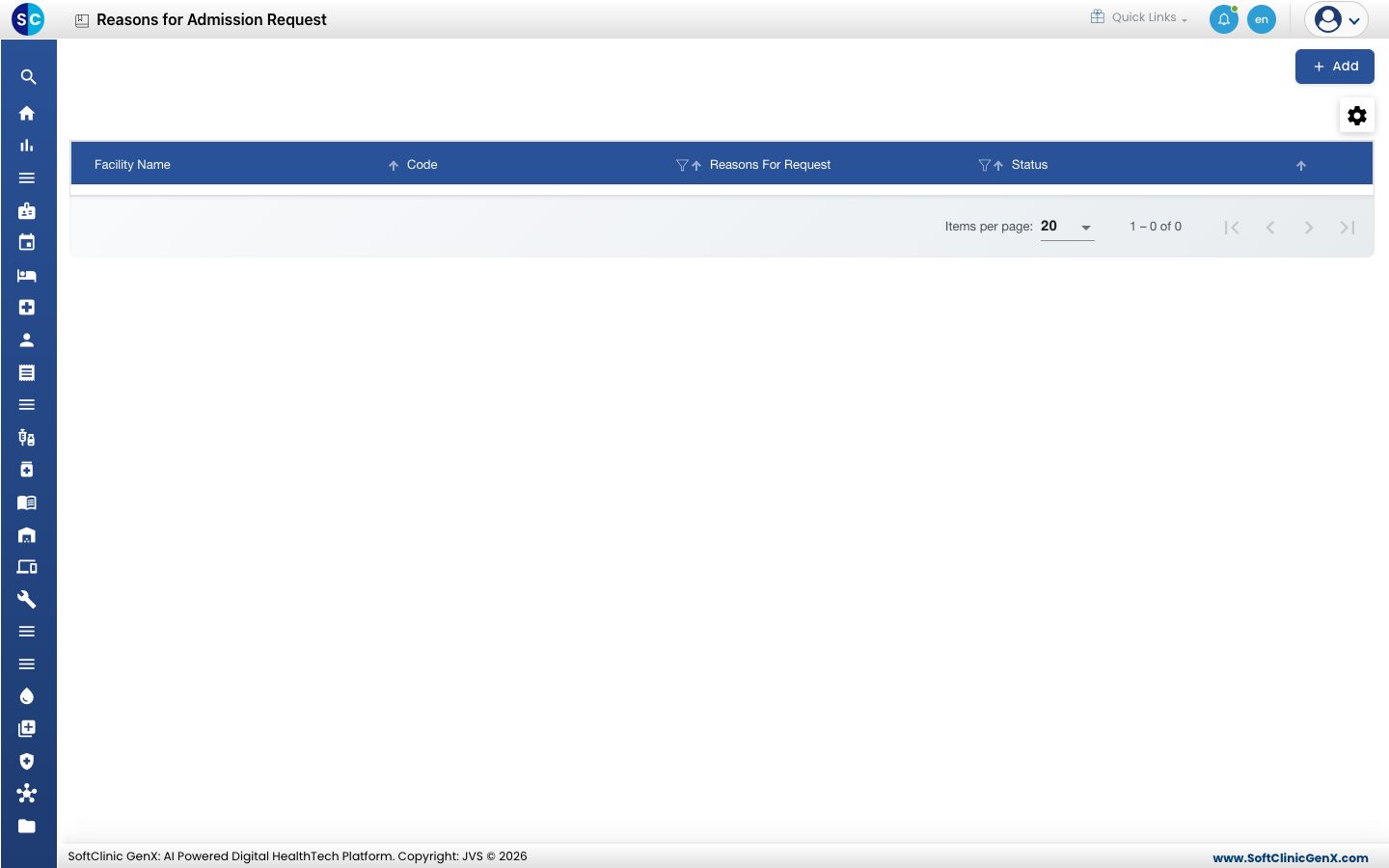
These are the standard reasons a doctor or the front desk can give when asking for a patient to be admitted, for example Needs observation after a day-care procedure. Each reason belongs to one facility.
Add a reason
-
Go to In-Door Management › Masters › Reasons for Admission Request.
-
Click Add. The Reasons For Admission Request Profile form opens on the right.
-
Fill in the fields:
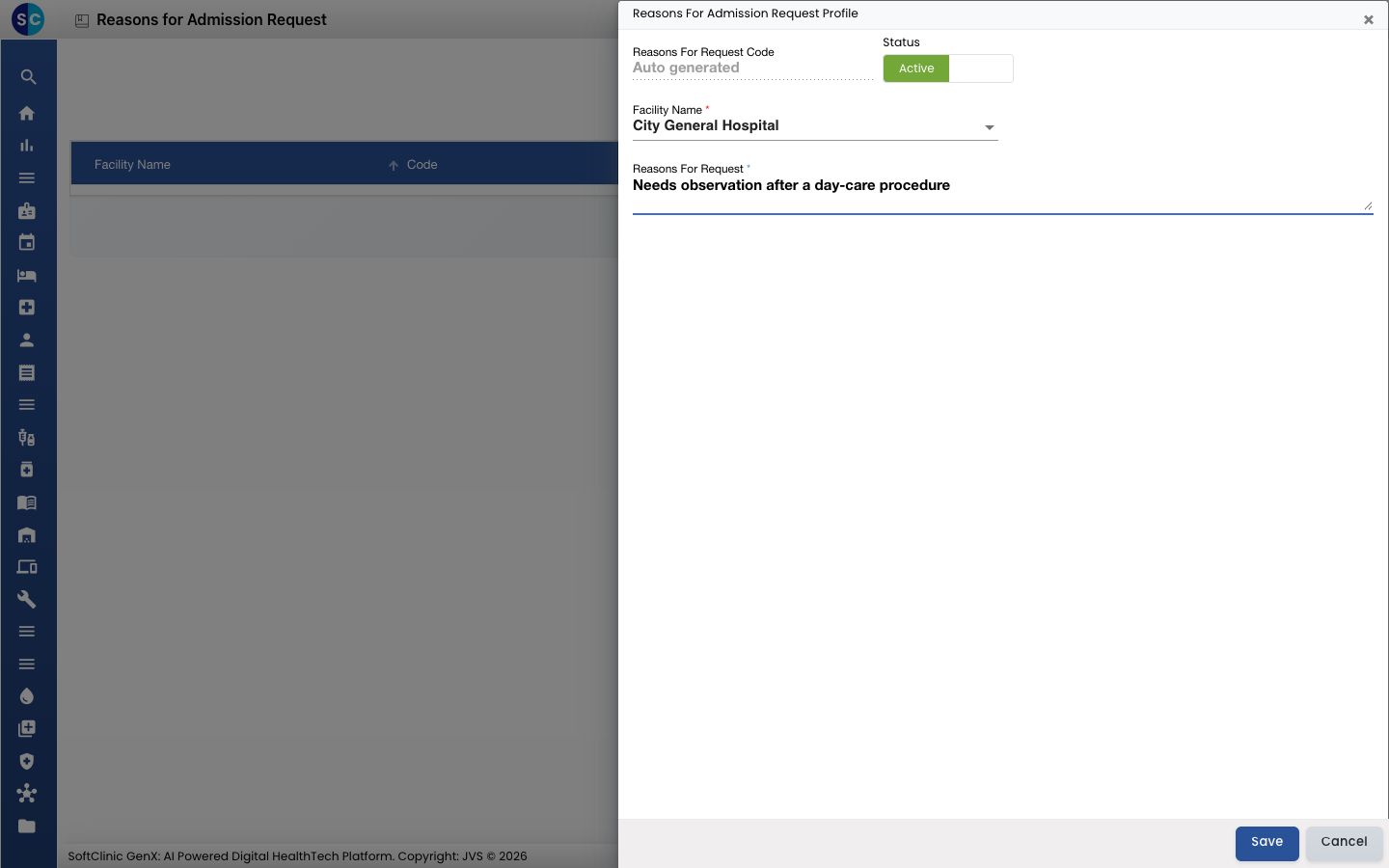
Field What to enter Required Reasons For Request Code Filled in automatically when you save. — Status Leave on Active. — Facility Name The facility this reason is used in. Yes Reasons For Request The reason, in plain words. Up to 150 characters. Yes -
Click Save. The form closes and the new reason appears in the list.
Change or deactivate a reason
- In the list, click the ⋮ button at the end of the row and choose Edit.
- Change the text, or switch Status to Inactive to stop offering the reason.
- Click Save.
Good to know
- Each reason and each code must be unique.
- Click Cancel to close the form without saving.