Set up Bed Specifications
Who does this: hospital administrator Where: In-Door Management › Masters › Bed Specifications
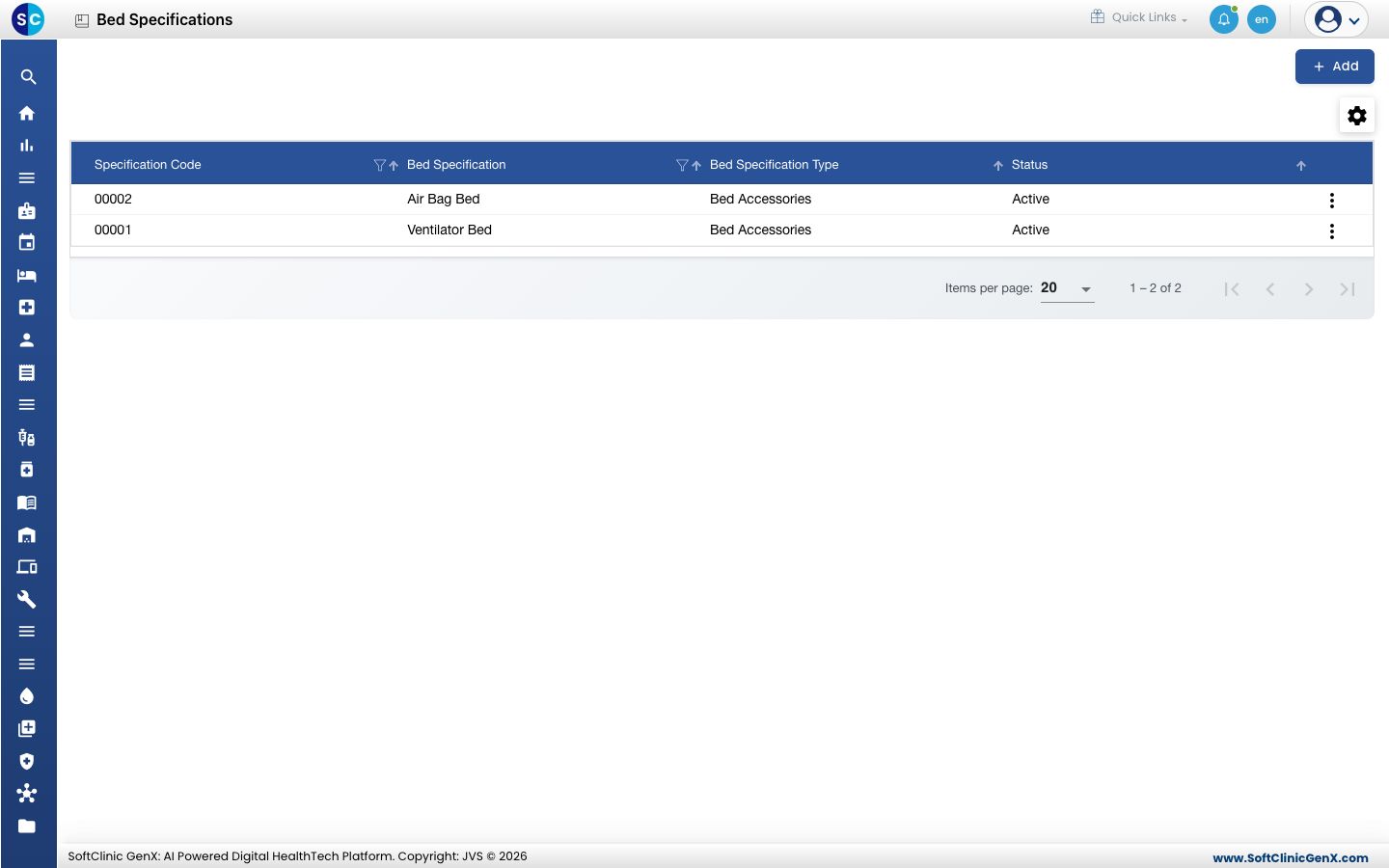
A bed specification is an accessory or a piece of equipment that comes with a bed, such as a ventilator, an air bag or an oxygen point. Once a specification is in this list, you can attach it to a bed in the Bed Specification Or Accessories Details section of the bed.
Add a bed specification
-
Go to In-Door Management › Masters › Bed Specifications.
-
Click Add. The Bed Specification form opens on the right.
-
Enter the name in Bed Specification, then open Bed Specification Type and choose the kind of item.
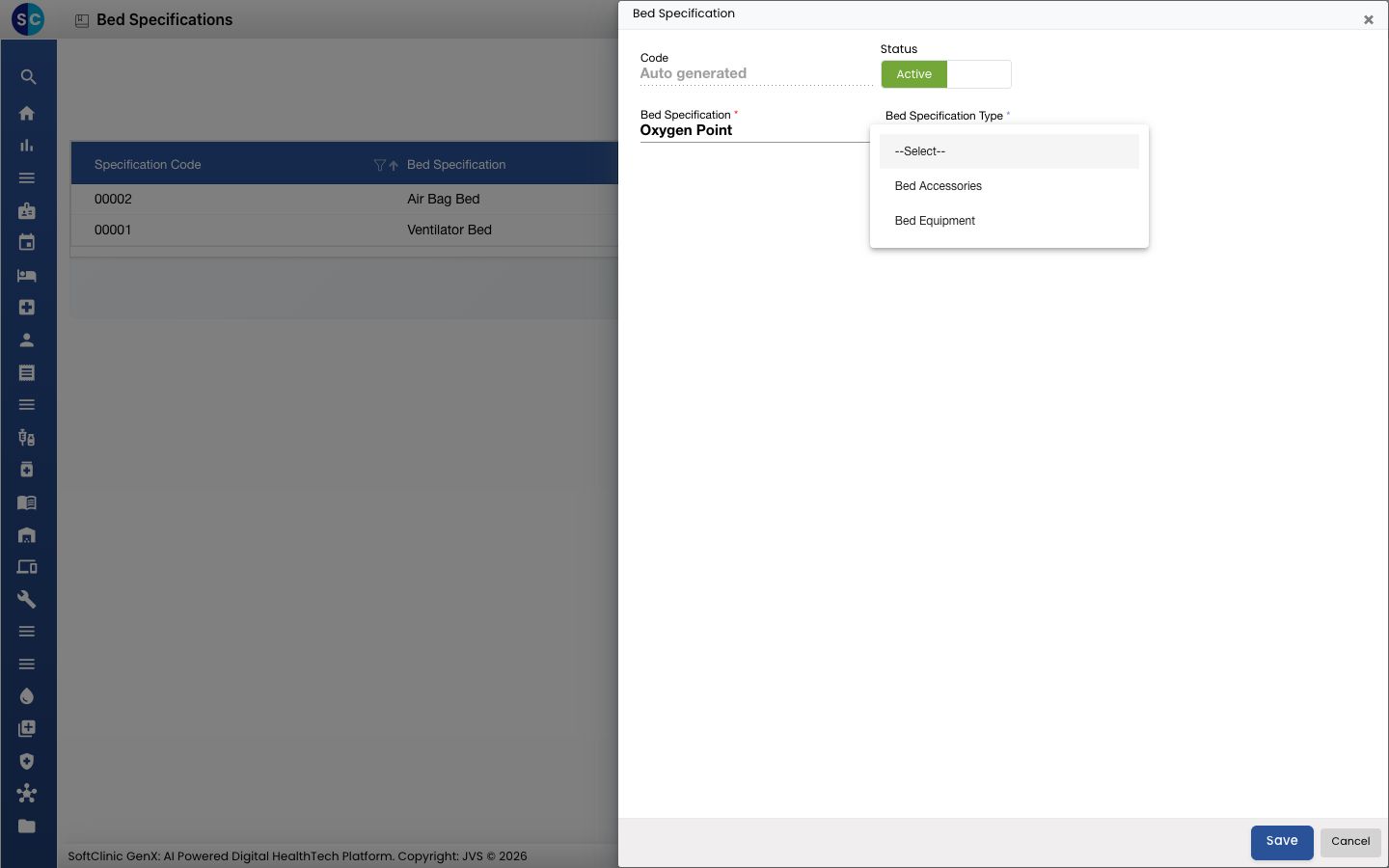
Field What to enter Required Code Filled in automatically when you save. — Status Leave on Active. — Bed Specification The name of the item, for example Oxygen Point. Yes Bed Specification Type Bed Accessories for items added to the bed, Bed Equipment for devices such as a monitor or an oxygen point. Yes 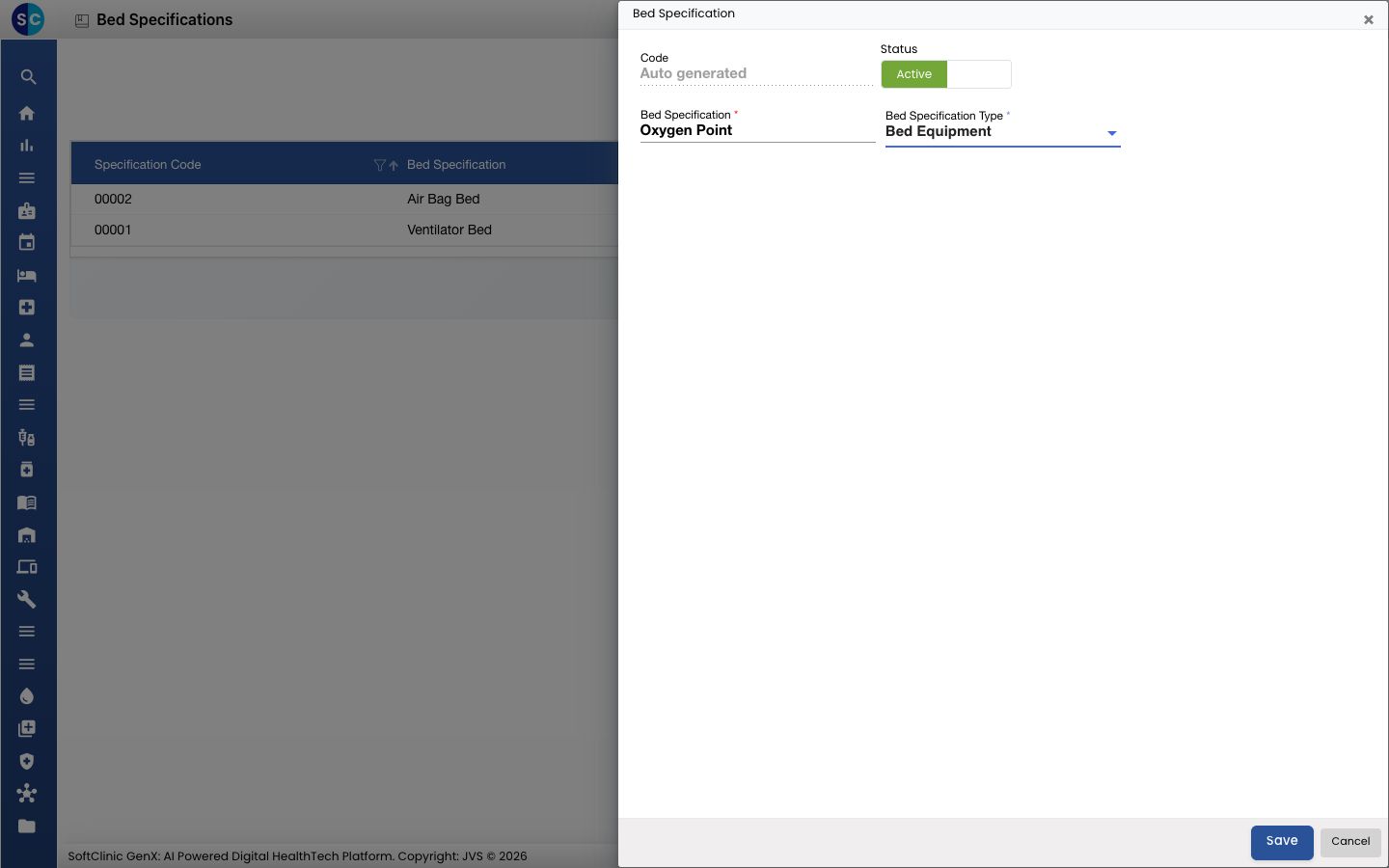
-
Click Save. The form closes and the new specification appears in the list.
Change or deactivate a bed specification
- In the list, click the ⋮ button at the end of the row and choose Edit.
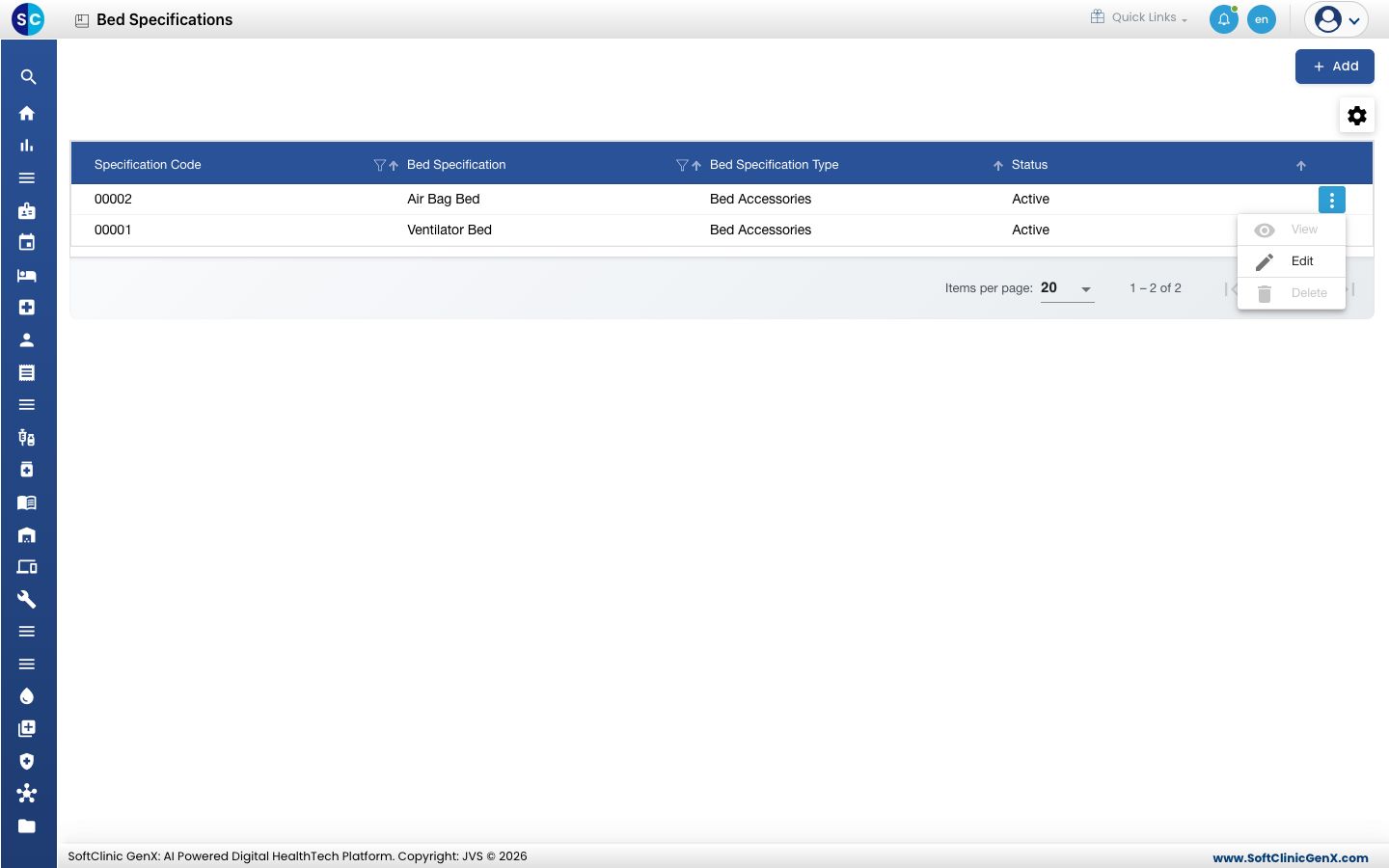
- Change the fields you need. To stop using the specification, switch Status to Inactive.
- Click Save.
Good to know
- Specification names must be unique.
- Use the filter icons in the column headers to find a specification by code, name or type.
- Click Cancel to close the form without saving.
Related
- Next: Set up Class Master for bed classes, then Set up Bed Masters
- Previous: Set up Bed Type
- In-Door Management FAQs