Record a claim settlement
Record the payment an insurer made against submitted claims.
When the insurer pays, record the payment here and tie it to the claims it covers.
note
Who does this: accounts or insurance desk · Where: Insurance › Claim Management › Claim Settlement
Record a settlement
-
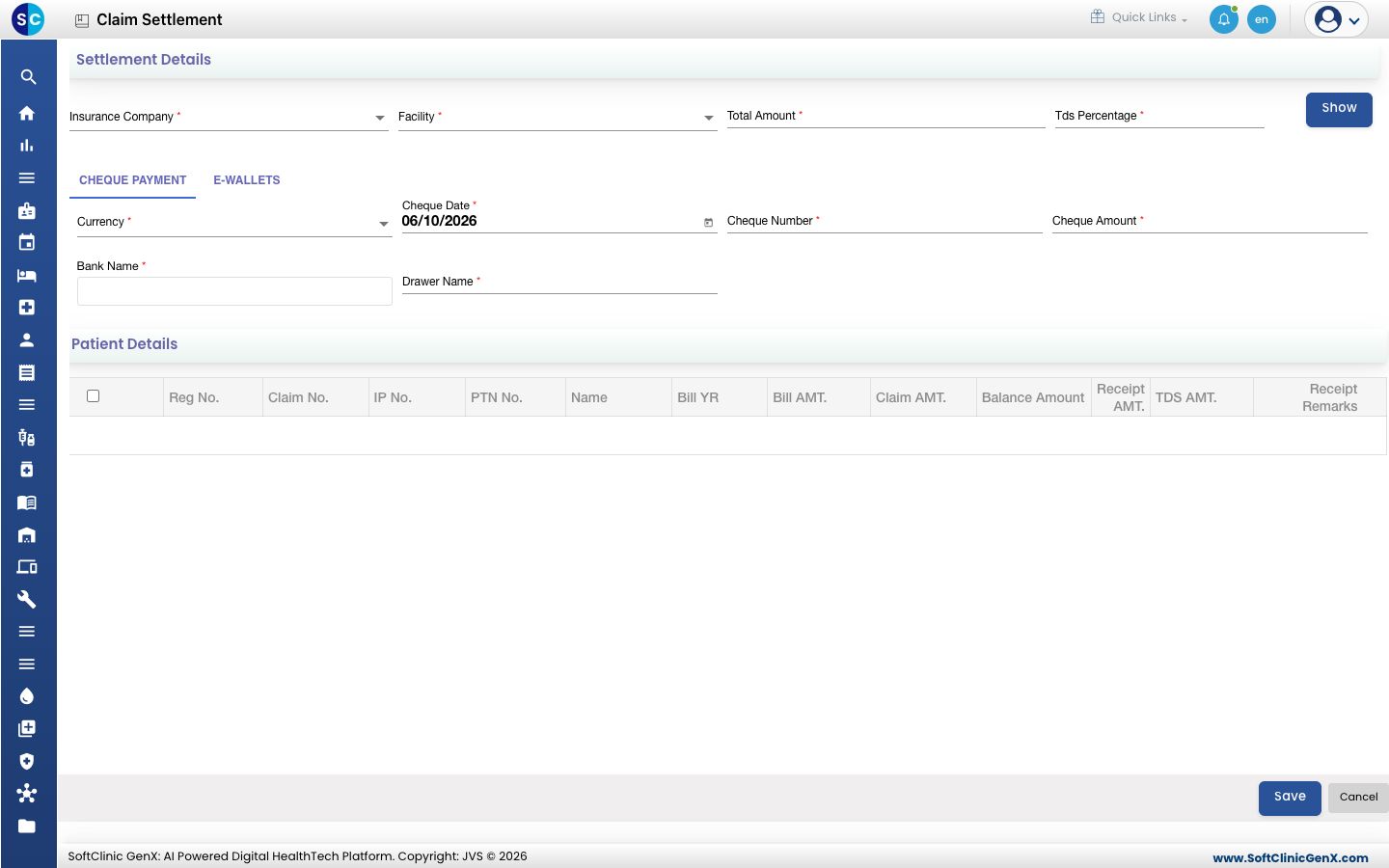
Open Insurance › Claim Management › Claim Settlement.
-
Choose the Insurance Company, then the Facility, and enter the Total Amount and Tds Percentage. Click Show to list the open claims.
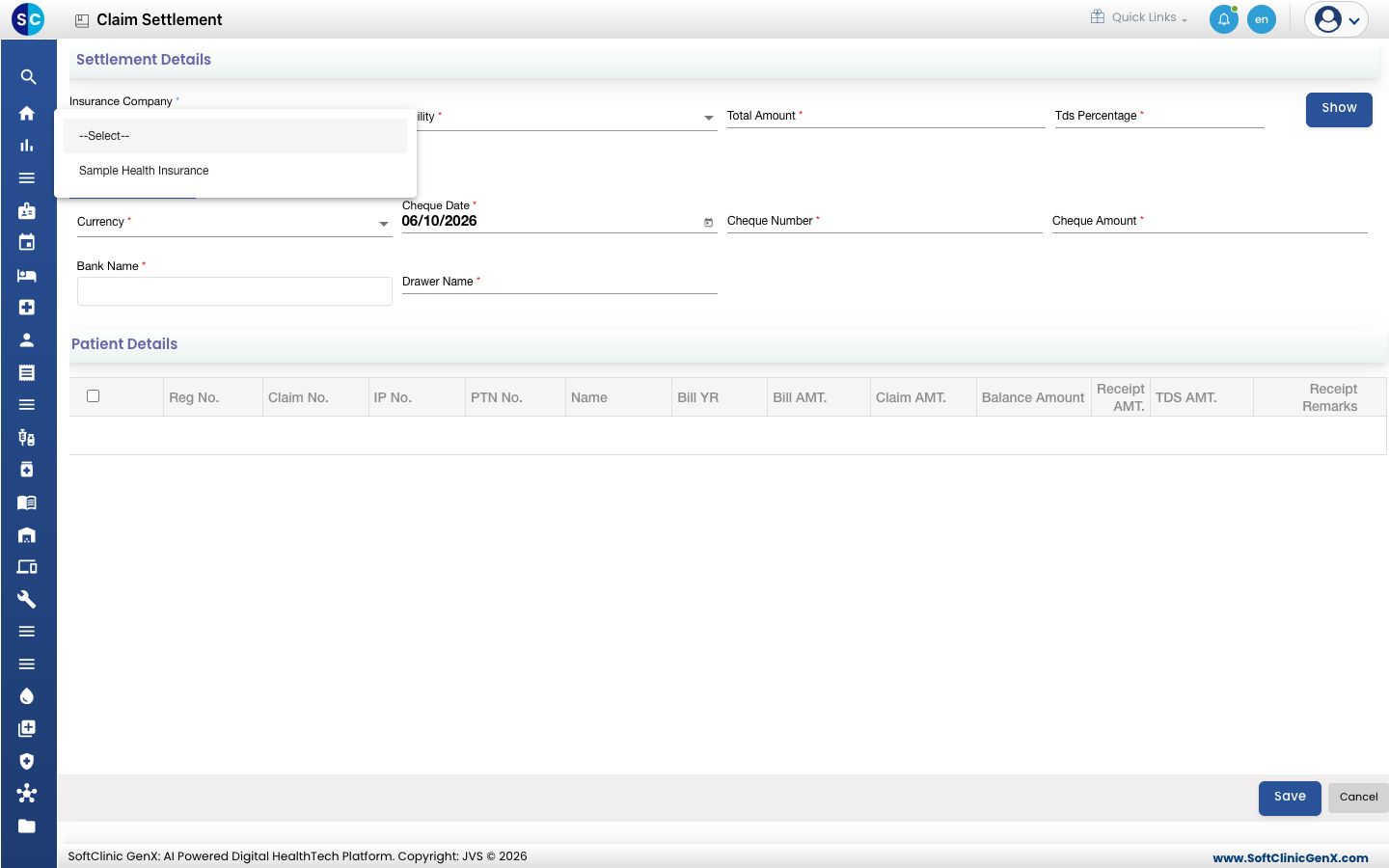
-
Under Cheque Payment, enter the Currency, Cheque Date, Cheque Number, Cheque Amount, Bank Name and Drawer Name. For an electronic payment, use the E-Wallets tab instead.
-
Under Patient Details, tick the claims the payment covers and enter the receipt amount for each.
-
Click Save.
Good to know
- The cheque number can be up to 12 characters, and the drawer name up to 20.
- The cheque amount must be at least 1.
Related
- Submit an insurance claim: the step before this.
- View the insurance register: see what is still pending.
Was this helpful?