Record the insurer approval
Note the amount the insurer approved, or rejected, for a registered application.
When the insurer replies to a pre-authorisation, record the answer against the application so the claim can use it.
note
Who does this: insurance desk · Where: Insurance › Pre-Authorization › Approval
Record an approval
-
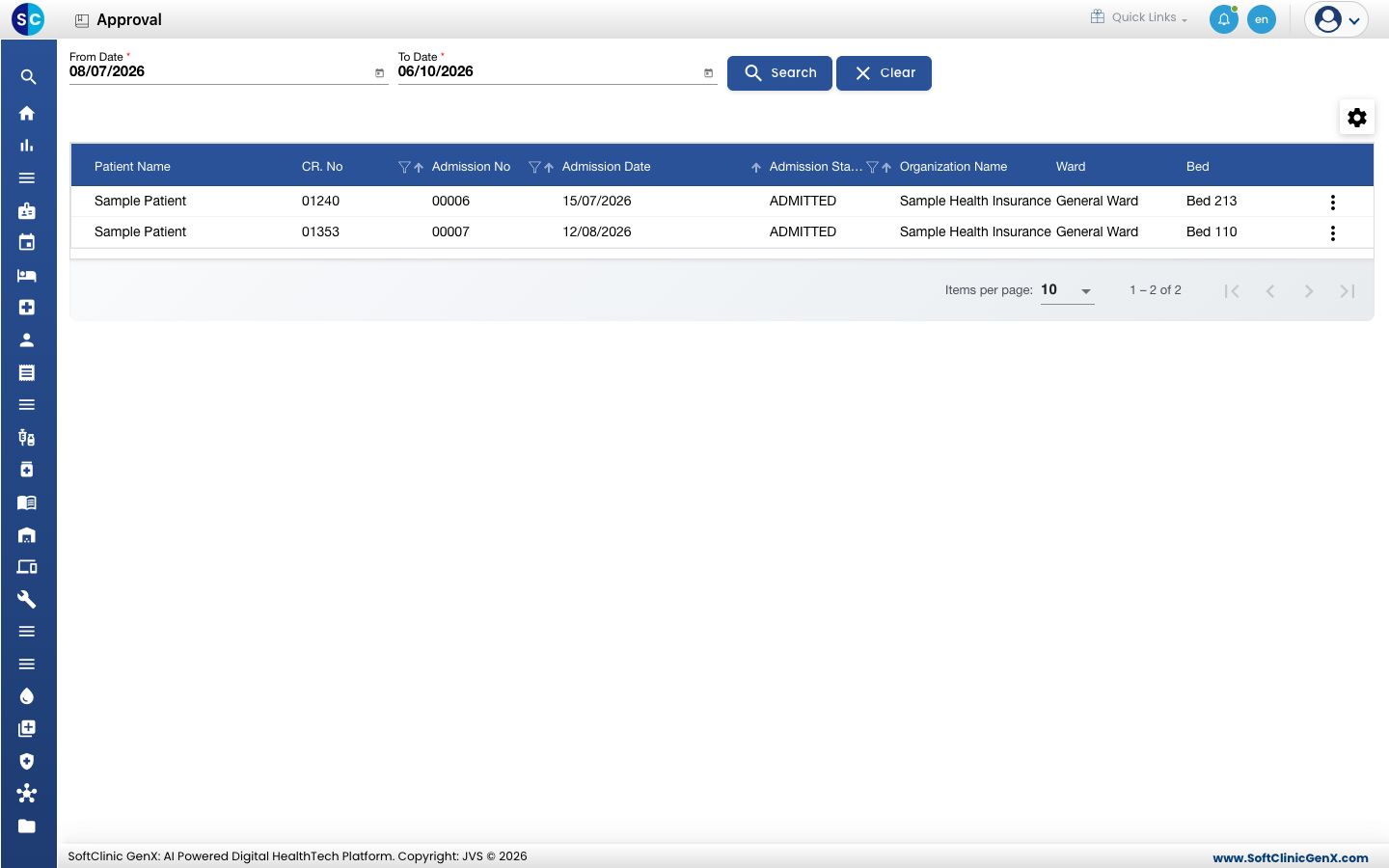
Open Insurance › Pre-Authorization › Approval. Choose the From Date and To Date and click Search if you need a different period.
-
Click the three dots at the end of the patient's row and choose Approval Entry.
-
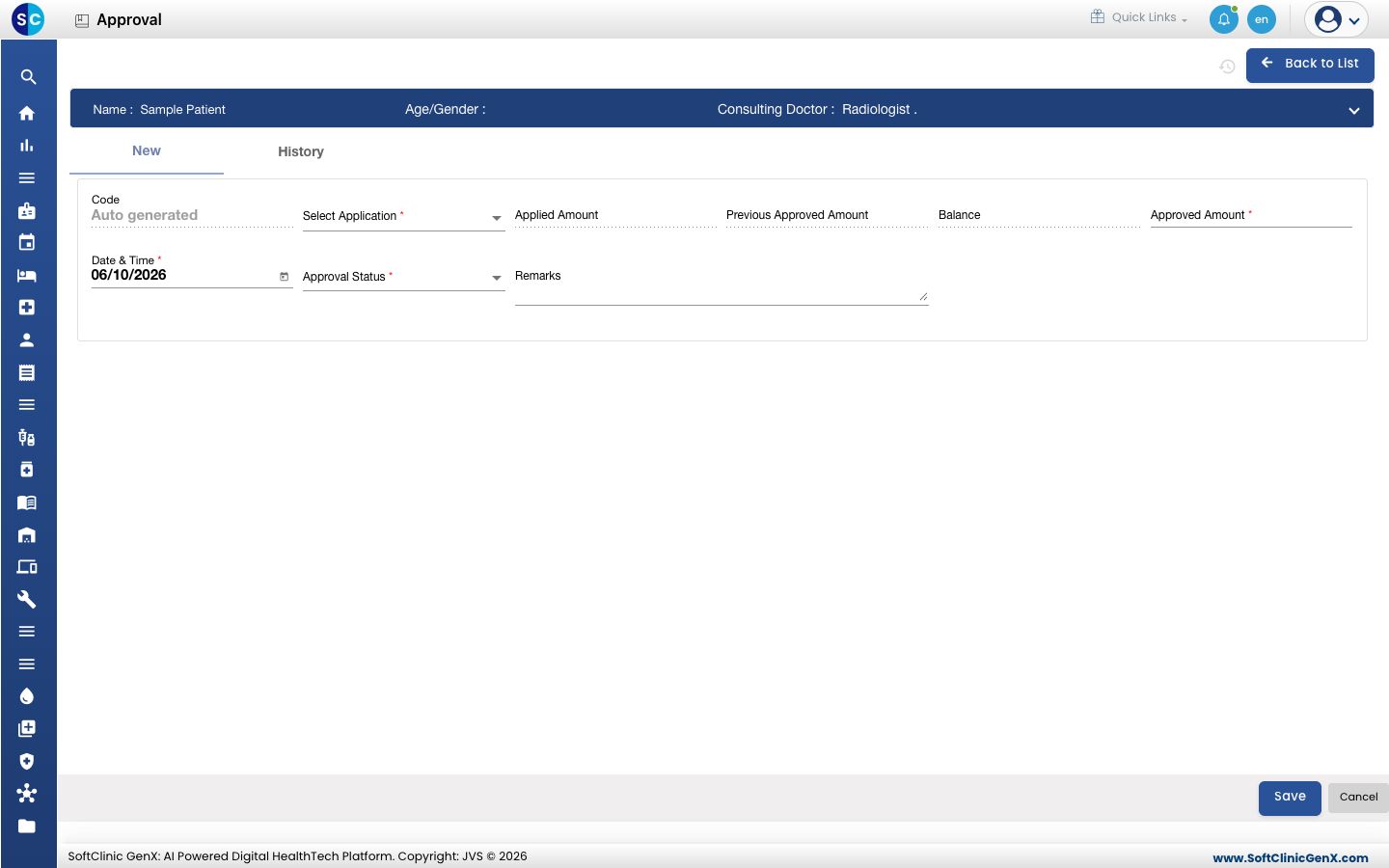
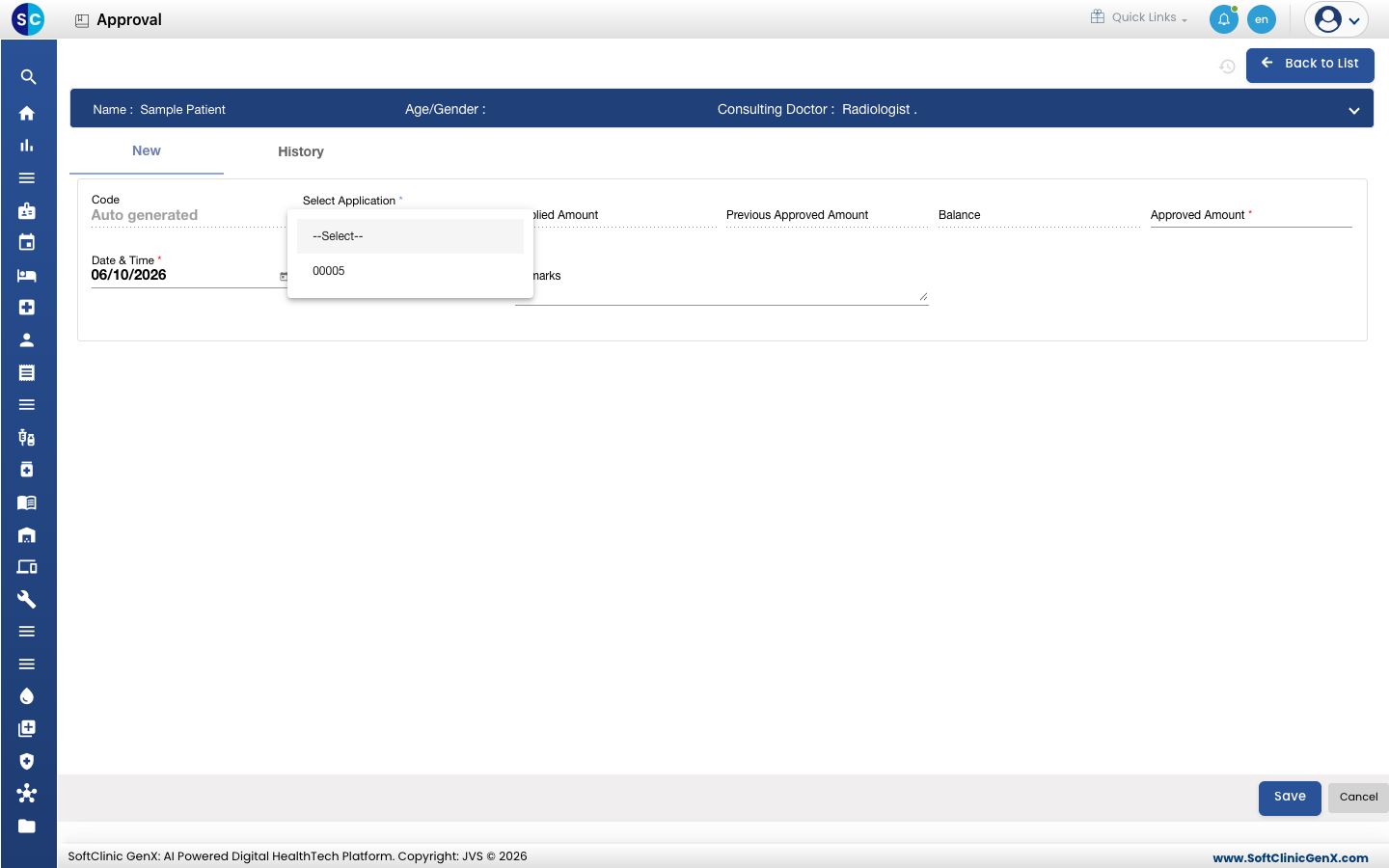
In Select Application, choose the application the insurer answered. The Applied Amount, Previous Approved Amount and Balance fill in.
-
Enter the Approved Amount, choose the Approval Status and add Remarks if you need to.
-
Click Save.
Good to know
- You can record more than one approval for the same application, for example when the insurer approves more cover later. Previous Approved Amount and Balance show what is already approved.
- The History tab lists the approvals recorded so far.
Related
- Register a pre-authorisation application: the step before this.
- Submit an insurance claim: the step after this.
Was this helpful?