View the insurance register
See which patients are registered, applied, approved or waiting for a claim.
The insurance register lists patients by how far their insurance work has got, so you can see what still needs doing.
note
Who does this: insurance desk · Where: Insurance › Insurance Register
Find patients at a stage
-
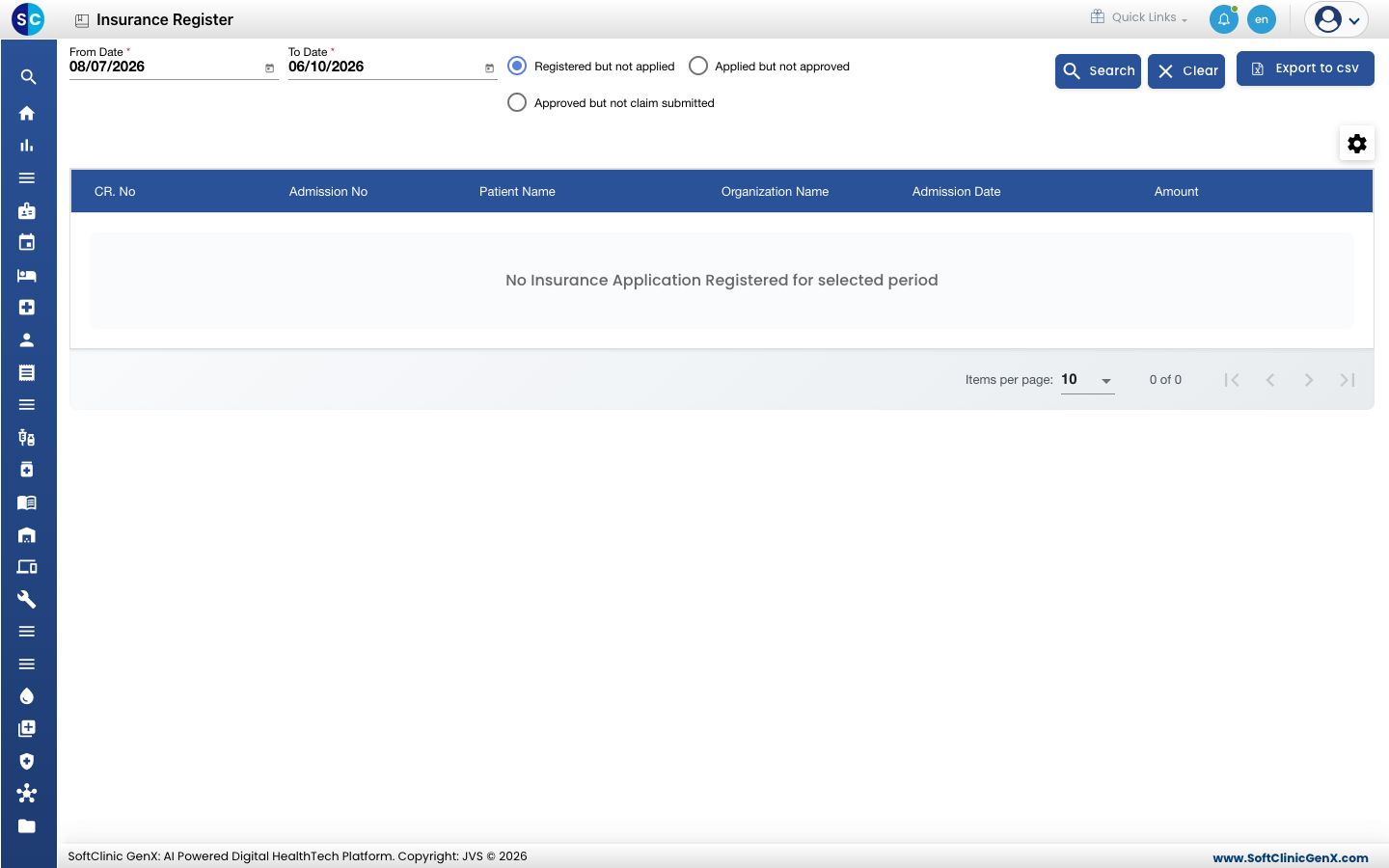
Open Insurance › Insurance Register. Choose the From Date and To Date.
-
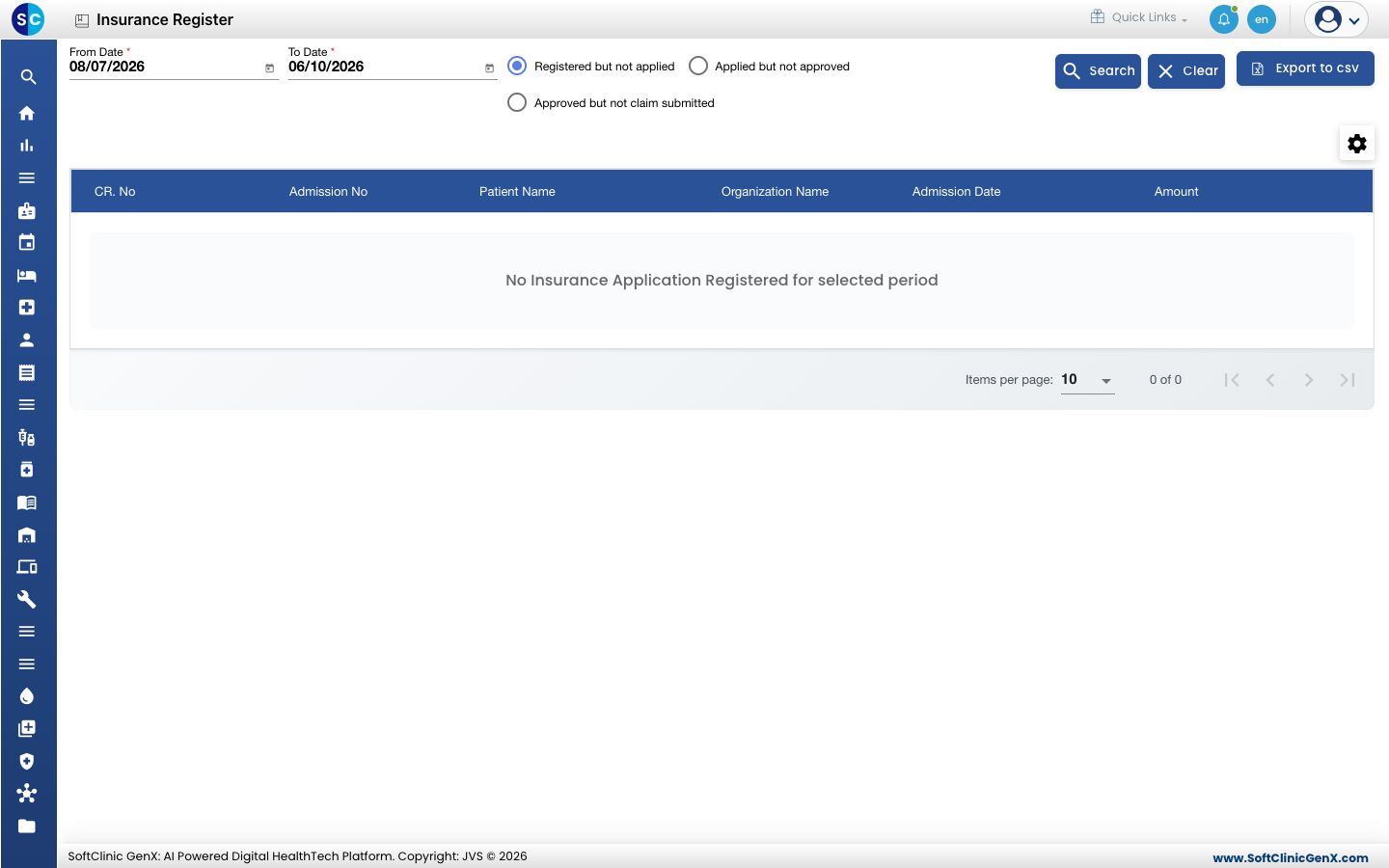
Choose one stage: Registered but not applied, Applied but not approved or Approved but not claim submitted.
-
Click Search. Click Clear to start again, or Export to csv to download the list.
Related
- Register a pre-authorisation application: move a patient on from the first stage.
- Insurance FAQs: short answers about insurance.
Was this helpful?