Set up TPA Master
Add the third-party administrators (TPAs) your hospital works with, so they can be chosen on insurance work.
A TPA is the third-party administrator that handles insurance claims for an insurer. Add each TPA once here, then pick it wherever insurance work asks for one.
note
Who does this: hospital administrator · Where: Insurance › Masters › TPA Master
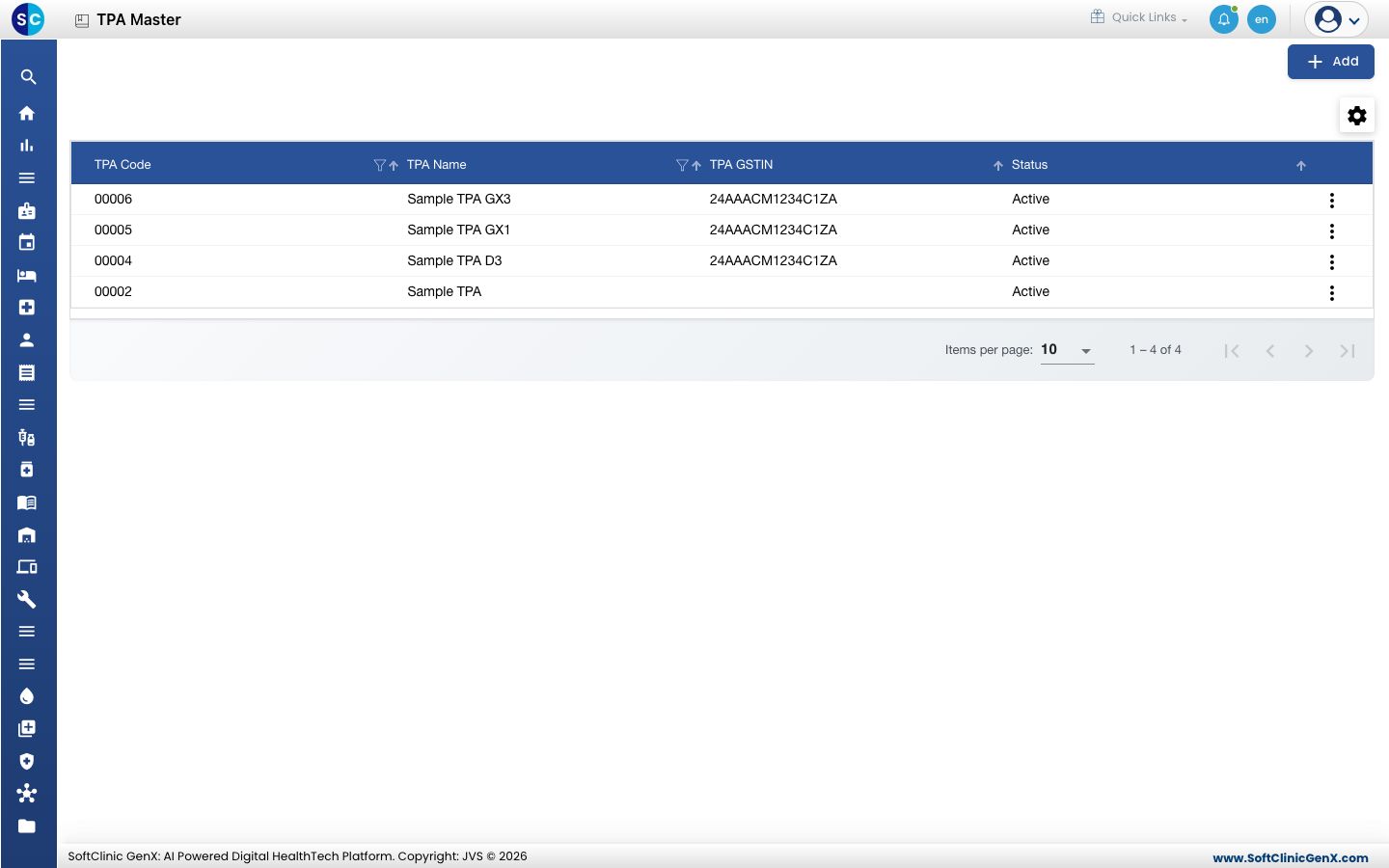
Add a TPA
-
Open Insurance › Masters › TPA Master and click Add.
-
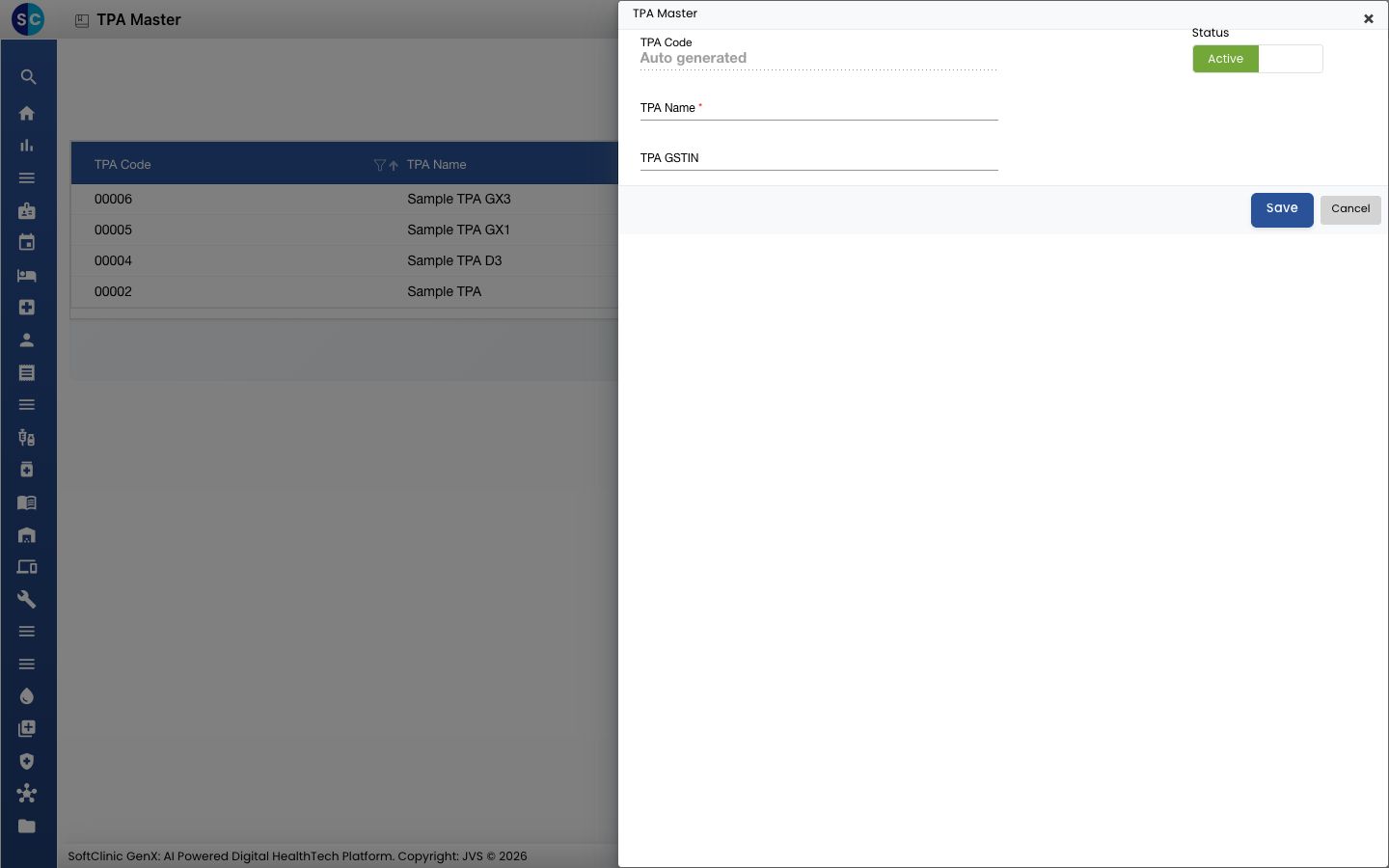
Fill in the form.
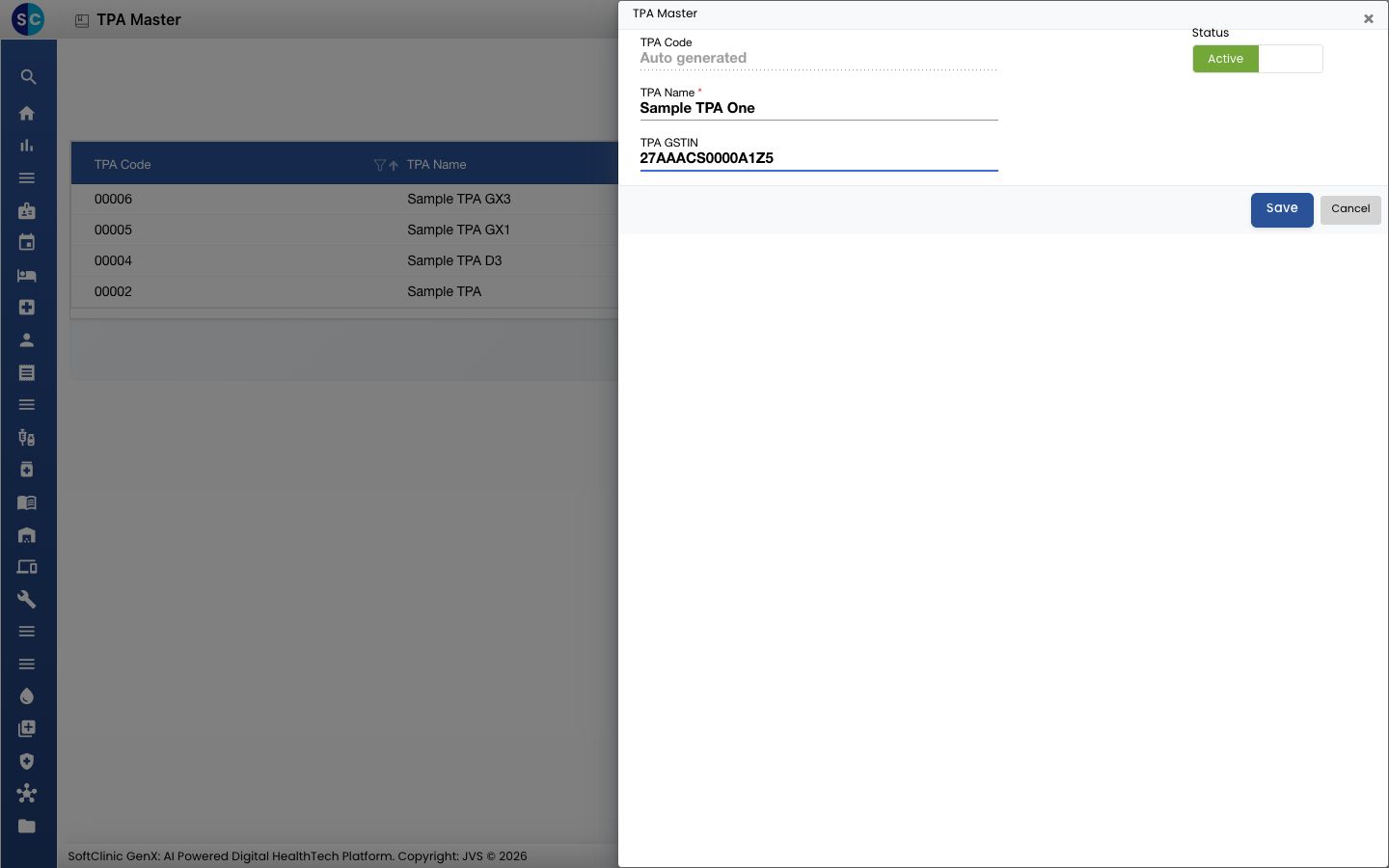
| Field | What to enter | Required |
|---|---|---|
| TPA Code | Created for you when you save. | No |
| TPA Name | The name of the TPA. | Yes |
| TPA GSTIN | The TPA's GST number, if you need it on documents. | No |
| Status | Leave it on Active to use the TPA. | No |
- Click Save. The TPA appears in the list.
Change a TPA
Click the three dots at the end of the row, choose the edit option, change the details and click Save. Set Status to inactive to stop using a TPA without losing its history.
Related
- Set up Group Company: the insurer groups your TPAs and plans belong to.
- Insurance FAQs: short answers about TPAs.
Was this helpful?