Set up Template Doctor Link
Who does this: radiology or hospital administrator Where: Radiology › Masters › Template Doctor Link Set up before: Employee (the doctor), Service and Radiology Template Master
Radiologists often prefer their own report wording. Template Doctor Link lets you give a doctor a personal set of templates for a radiology test, with their own default. When that doctor writes the report in Radiology Requisitions, the templates linked to the test and to the doctor are offered.
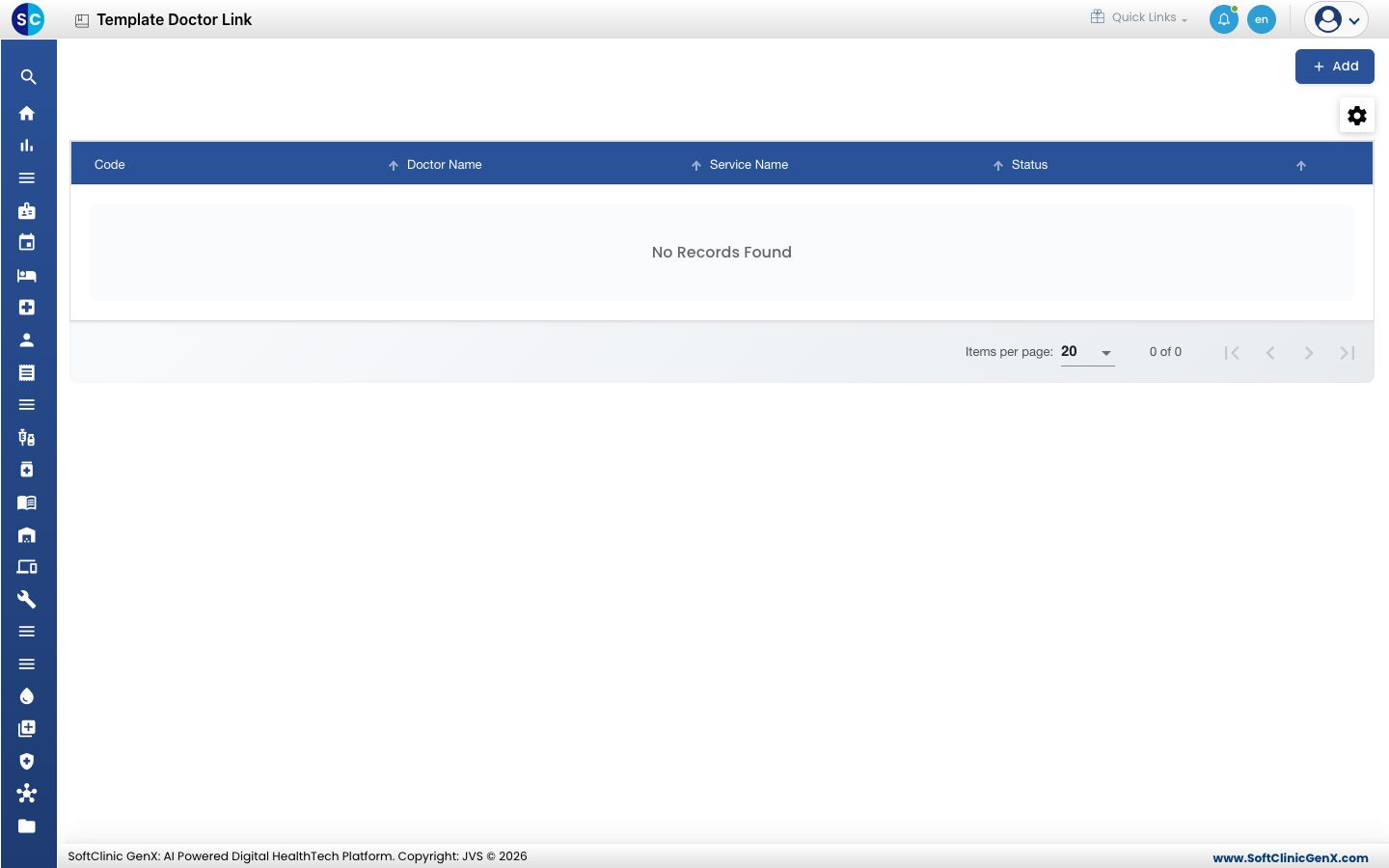
Link templates to a doctor
- Go to Radiology › Masters › Template Doctor Link and click Add.
- In Service Name, type part of the service name and pick the radiology service.
- In Doctor, choose the radiologist.
- In Template Name, type part of the template name and pick it. Tick Is Default if the doctor should see this template first.
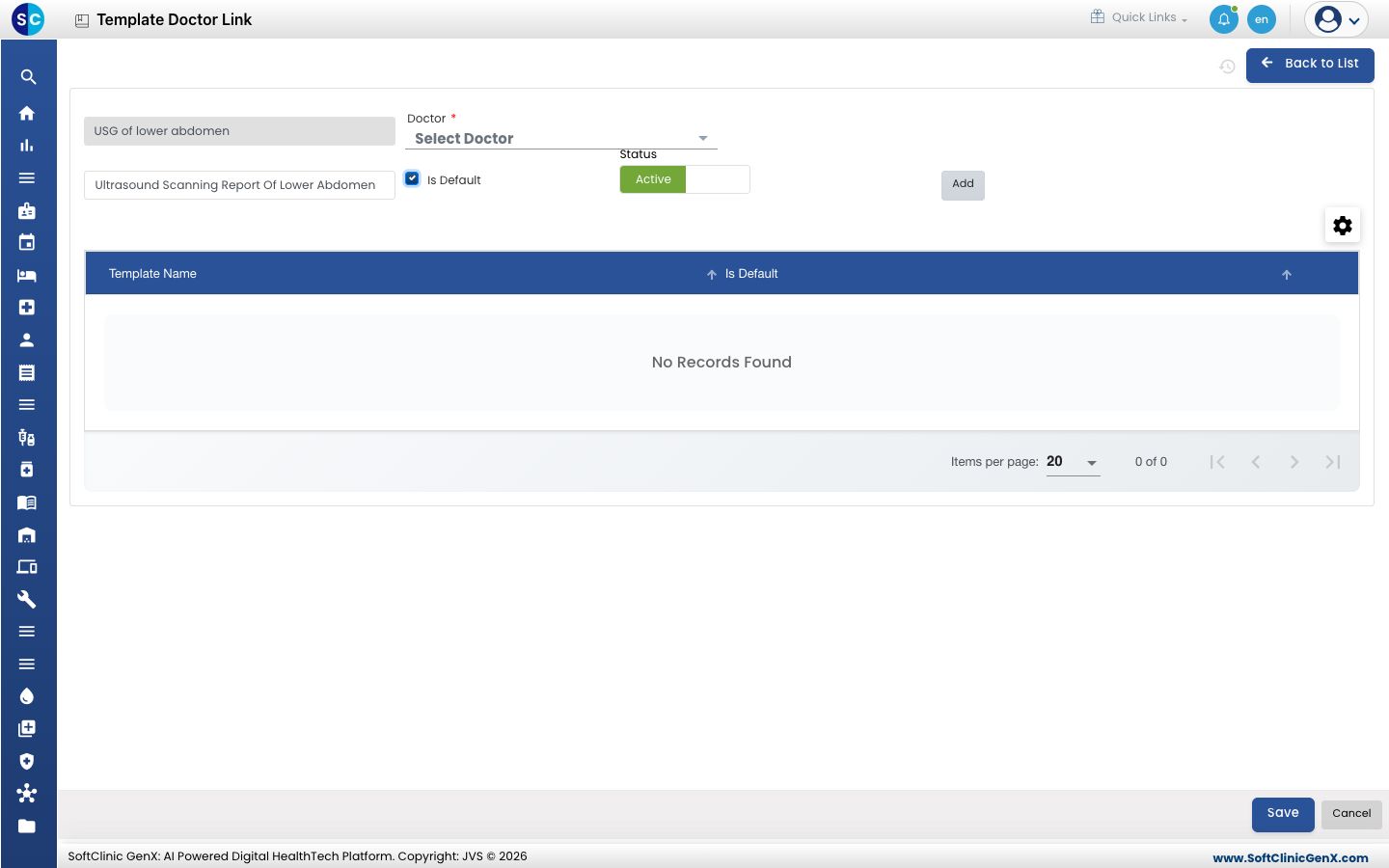
- Click Add. The template appears in the table below. Repeat for each template the doctor uses for this test.
- Click Save.
| Field | What to enter | Required |
|---|---|---|
| Service Name | The radiology service, picked from the list. | Yes |
| Doctor | The radiologist, from the consulting doctors list. | Yes |
| Template Name | A template from Radiology Template Master. | Yes, for each row you add |
| Is Default | Tick for the template this doctor sees first. Only one can be the default. | No |
| Status | Active to use the link. | — |
Change a link
- In the list, click the ⋮ button at the end of the row and choose Edit.
- In the templates table, use the row ⋮ menu to Preview a template or Delete it. Add more templates as above.
- Click Save.
Good to know
- Each doctor has one link record per service. If the doctor is already linked to the service, you are asked to update the existing record instead.
- The same template cannot be added twice to one record.
- If you tick Is Default while another template is already the default, you are asked whether to replace it.
- A doctor appears in the Doctor list only when set up as a consulting doctor in the employee master.
Related
- Previous: Set up Template & Service Link
- Radiology FAQs