Set up Group Company
Add the insurance companies or groups that your patients' policies come from.
A group company is the insurer, or the group of insurers, behind a patient's policy. Add each one here so it can be used when you set up contracts.
note
Who does this: hospital administrator · Where: Insurance › Masters › Group Company
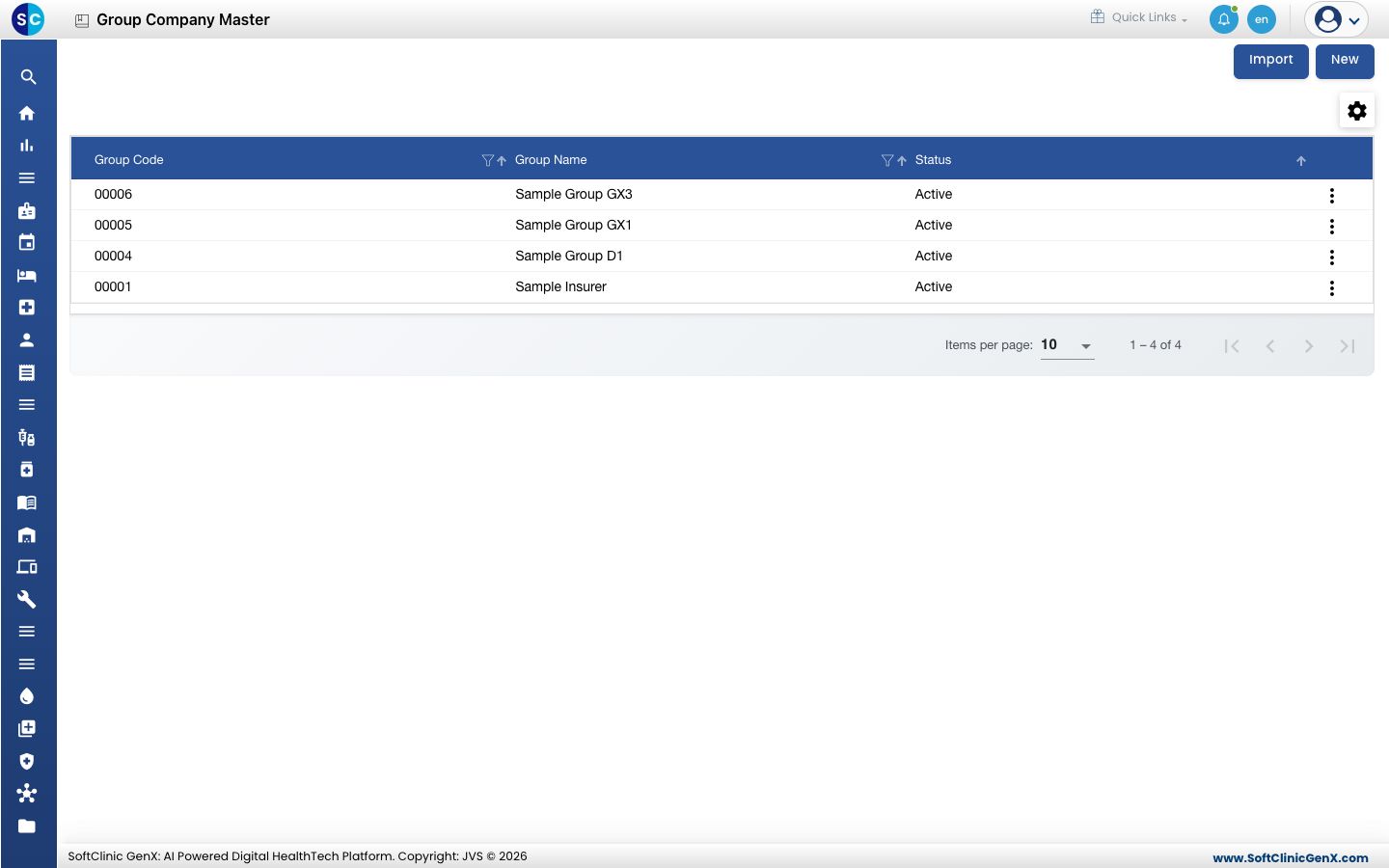
Add a group company
-
Open Insurance › Masters › Group Company and click New.
-
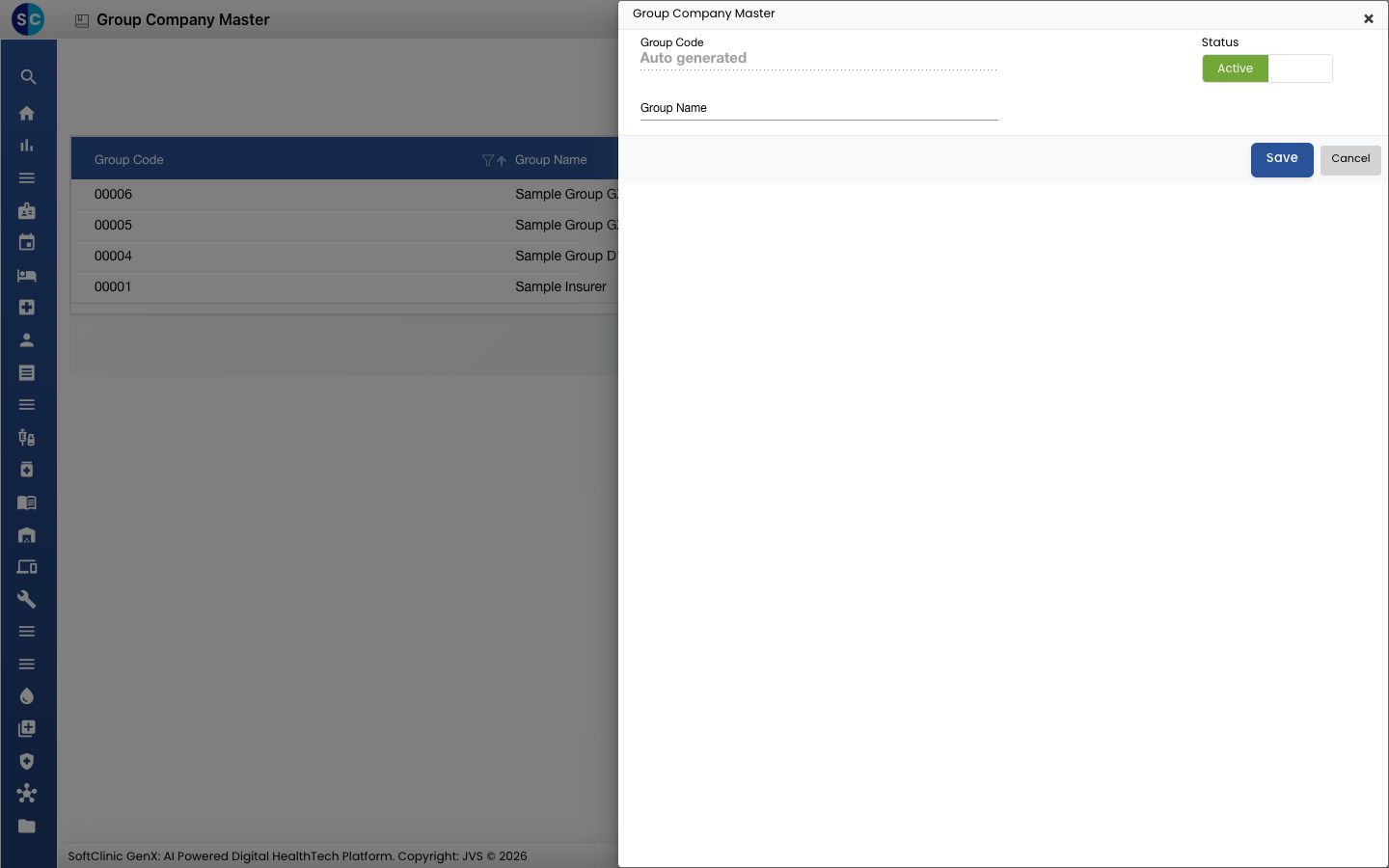
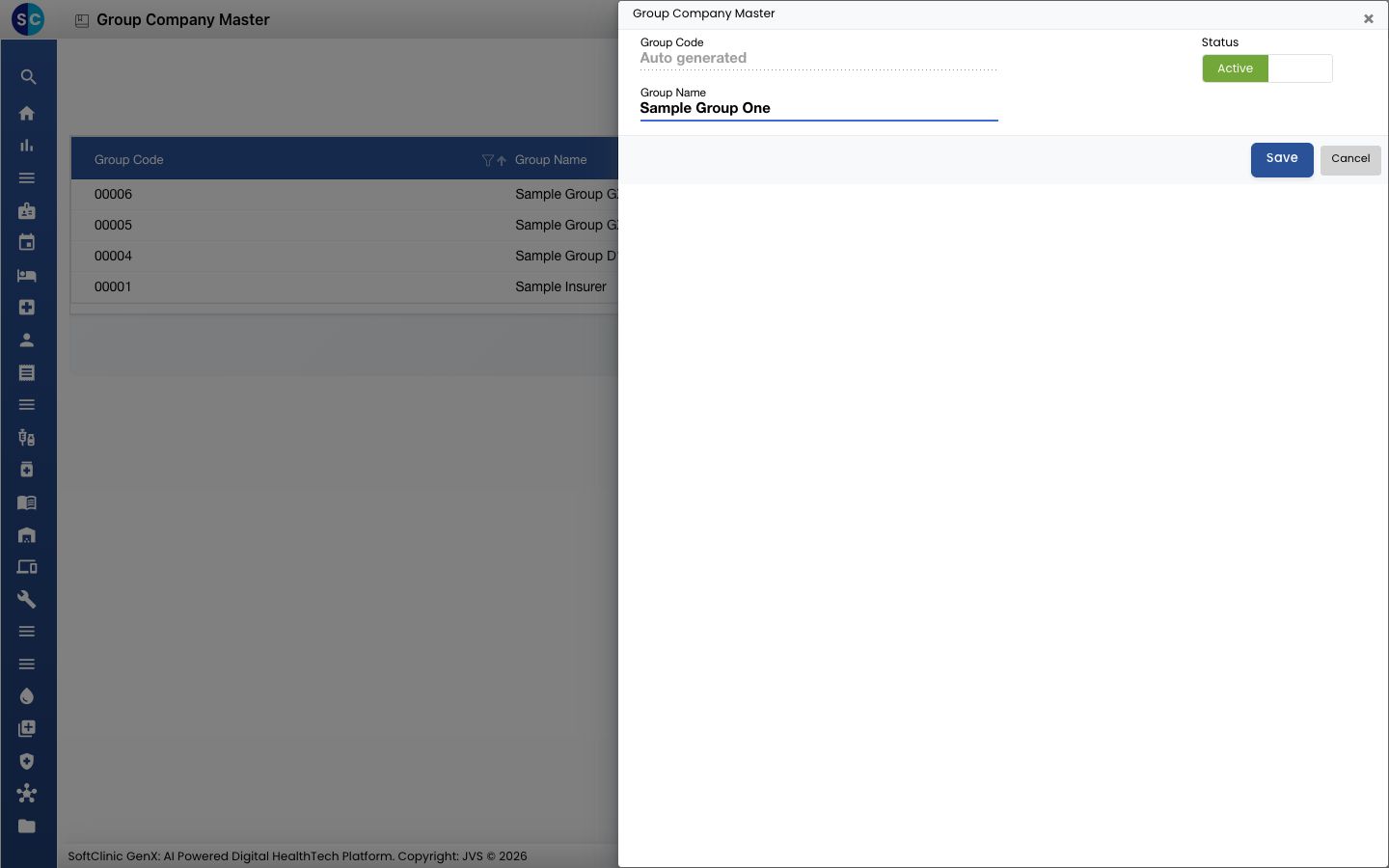
Type the Group Name. The Group Code is created for you.
-
Leave Status on Active and click Save.
Other options on this screen
- Import adds many group companies at once from a file.
- The three dots at the end of a row let you edit that group company.
Related
- Set up TPA Master: add the TPAs.
- Set up Contract Class: the classes a contract can use.
Was this helpful?