Fast-track an urgent patient
Put an urgent patient at the front of the department queue by severity.
Fast-track moves a patient into the emergency queue so they are called ahead of less severe patients. A triage nurse uses it when a patient cannot wait.
Who can do this: triage nurse or doctor · Where: Queue Management › Triage & Fast Track
Fast-track a patient
-
Open Queue Management › Triage & Fast Track.
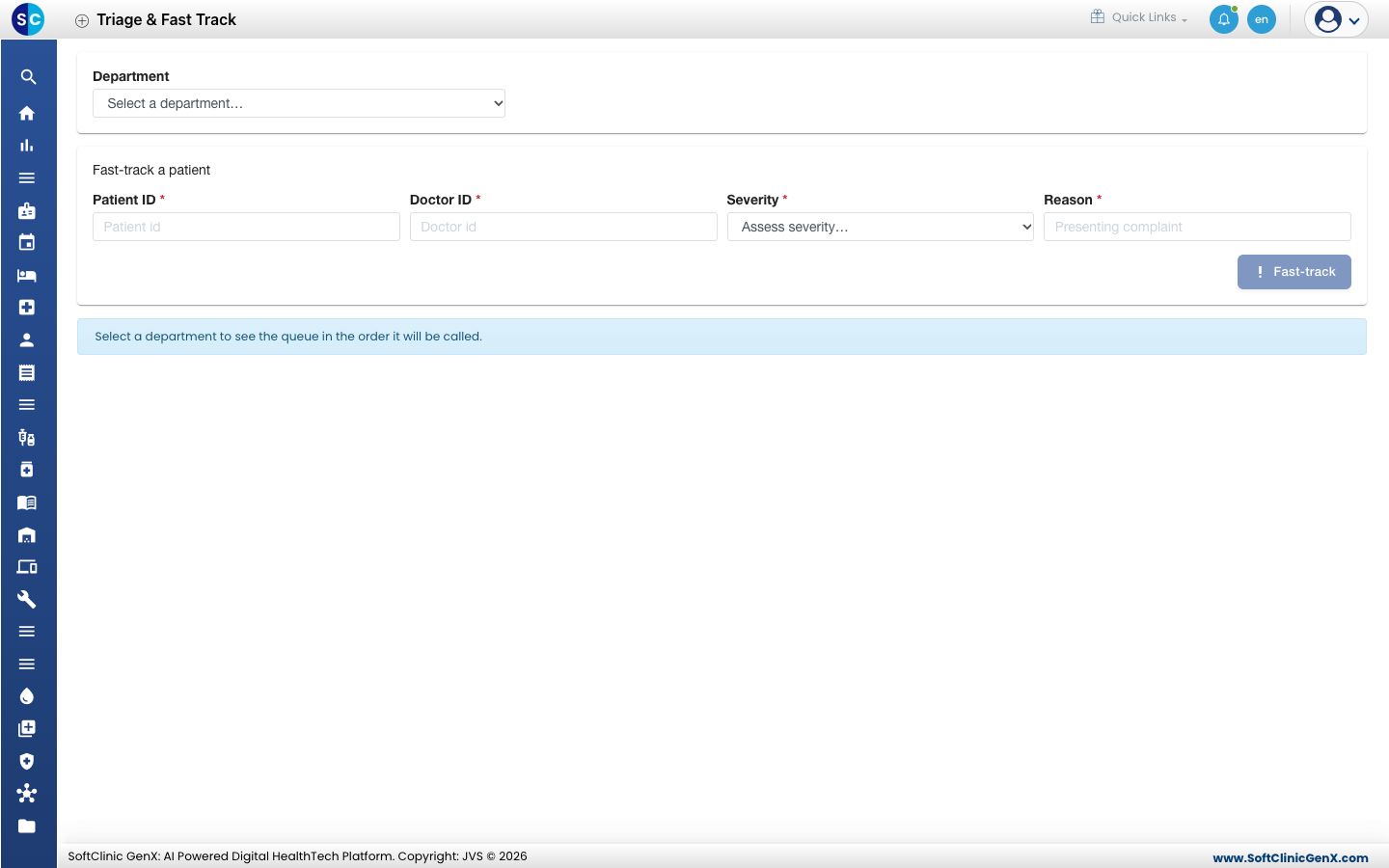
-
Choose the Department. The queue below shows the order patients will be called.
-
Enter the Patient ID and the Doctor ID.
-
Choose a Severity: Critical, Emergent, Urgent, Standard or Minor.
-
Type the Reason, for example the presenting complaint.
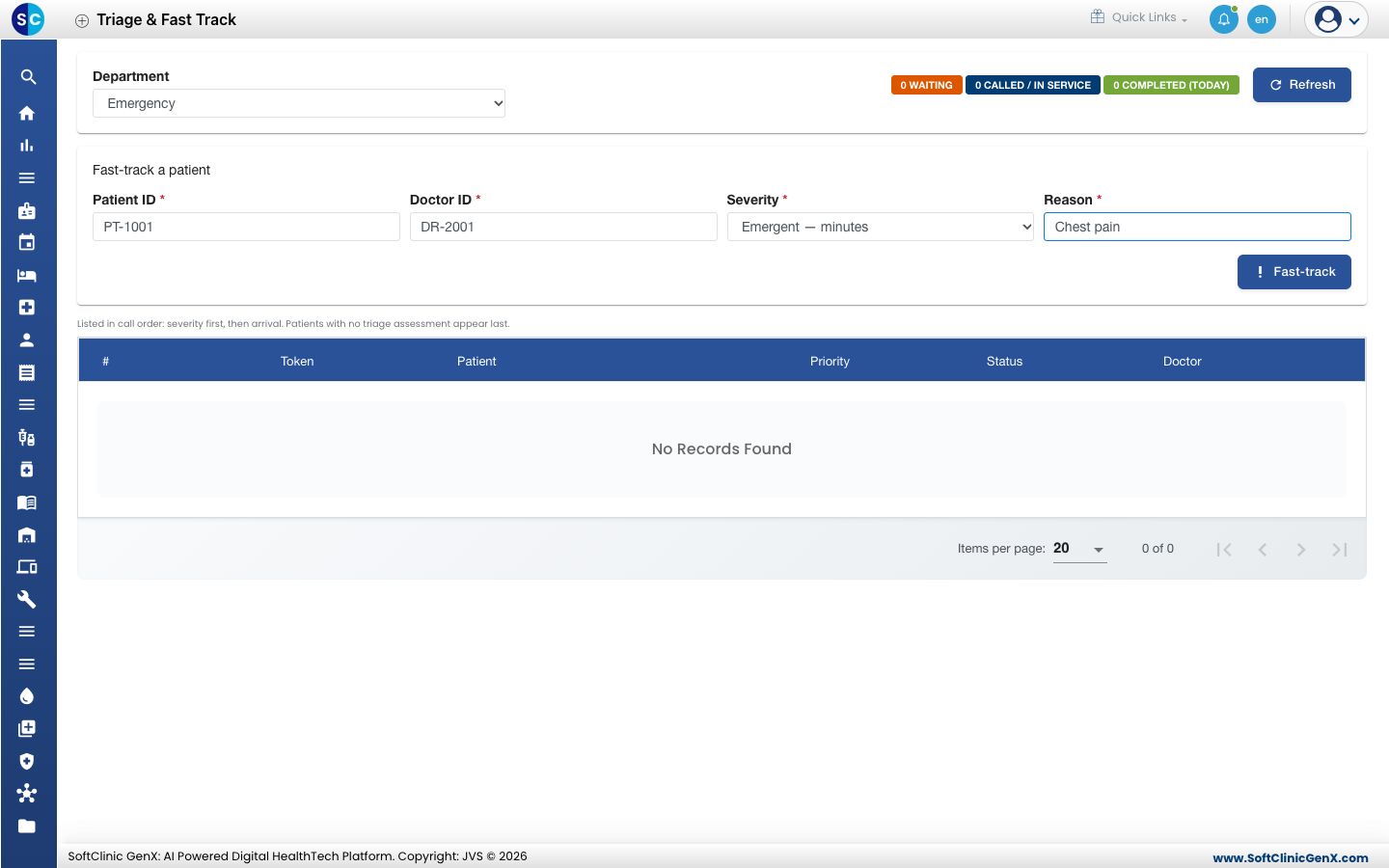
-
Click Fast-track and confirm. The message Fast-track this patient? names the severity you chose.
-
The message Fast-tracked shows the new token number.
Check the severity before you confirm. It decides who is seen first.
Troubleshooting
| What you see | What it means | What to do |
|---|---|---|
| Fast-track failed | The patient was not fast-tracked. The message gives the reason, for example the patient already has an active token. | Read the reason and fix it. |
| Fast-track is greyed out | A required field is empty. | Fill in the patient, doctor, severity and reason. |
Related
- Open a department queue: see the whole department's queue.
- Queue Management FAQs: short answers about fast-tracking.