Call the next patient
Call, recall, skip or complete patients from the Doctor Screen.
The Doctor Screen is where a doctor works through the waiting queue. One click calls the next patient, and the waiting-room displays and announcements follow.
Who can do this: doctor · Where: Queue Management › Doctor Screen
Call and finish a patient
-
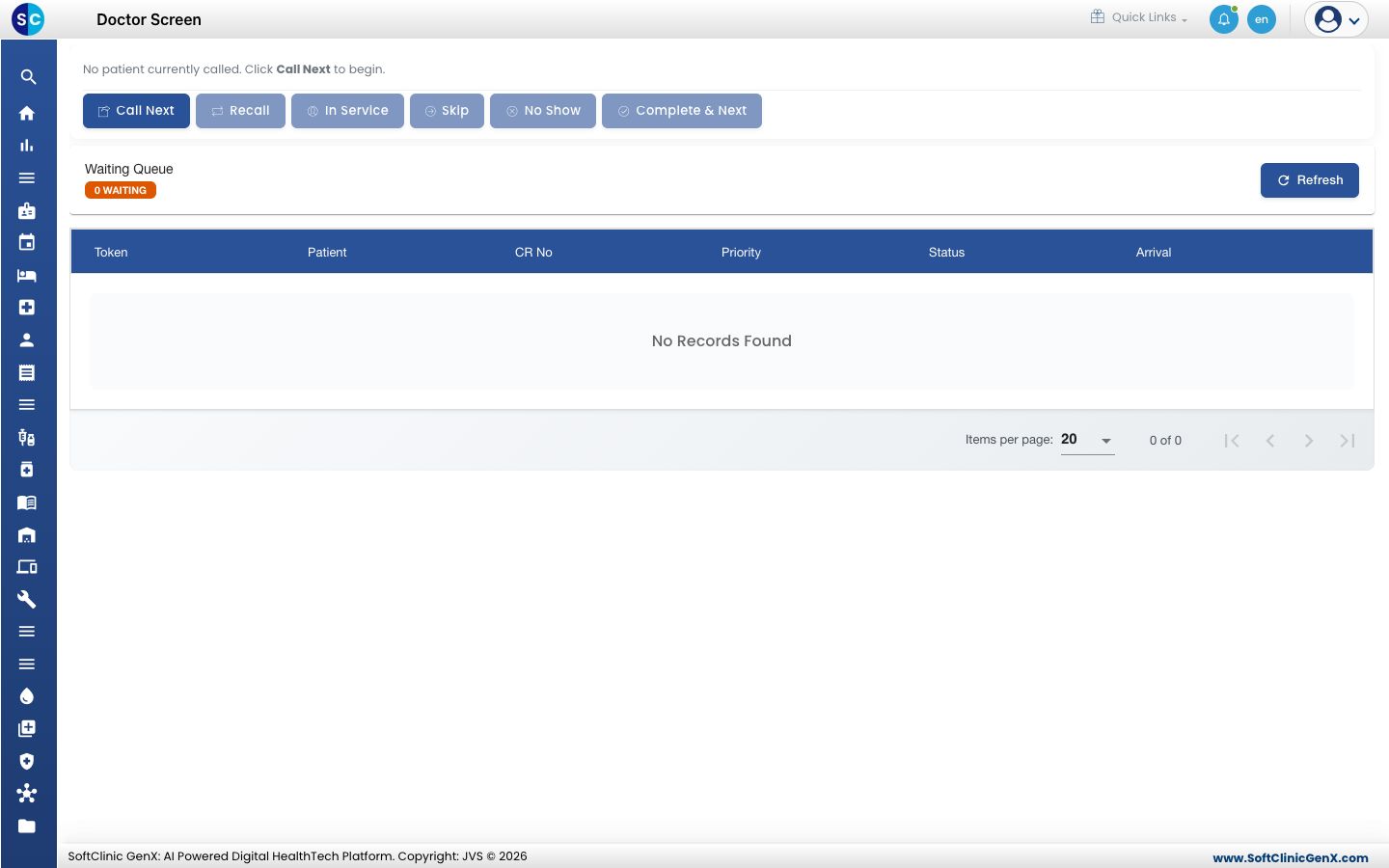
Open Queue Management › Doctor Screen. The top of the screen says No patient currently called until you call someone.
-
Click Call Next. The message shows the token number and patient name.
-
Click In Service when the patient is with you.
-
Click Complete & Next when you finish. The token is completed and the next patient is called.
When the patient does not arrive
- Recall: calls the same token again.
- Skip: asks for a reason, then moves on. The token is marked skipped.
- No Show: marks the patient as not having come.
Read the Waiting Queue
The Waiting Queue below shows how many are waiting and lists each token with its patient, CR number, priority, status and arrival. Click Refresh to update it.
Troubleshooting
| What you see | What it means | What to do |
|---|---|---|
| No patients waiting in the queue. | The queue is empty. | Wait for a patient to be registered. |
| Could not call the next patient. Please try again. | The call did not go through. | Click Call Next again. |
| Patient completed. No more patients waiting in the queue. | You completed the last patient. | No action needed. |
Related
- Fast-track an urgent patient: put an urgent patient at the front.
- Queue Management FAQs: short answers about calling patients.