Open a department queue
See every patient waiting in a department and switch the department to emergency mode.
The department queue shows all patients waiting, called and completed in one department, across its doctors. A supervisor uses it to see how busy a department is.
Who can do this: department supervisor · Where: Queue Management dashboard › Department queue
Open the queue
-
Open the Queue Management dashboard and click Department queue under Queue operations.
-
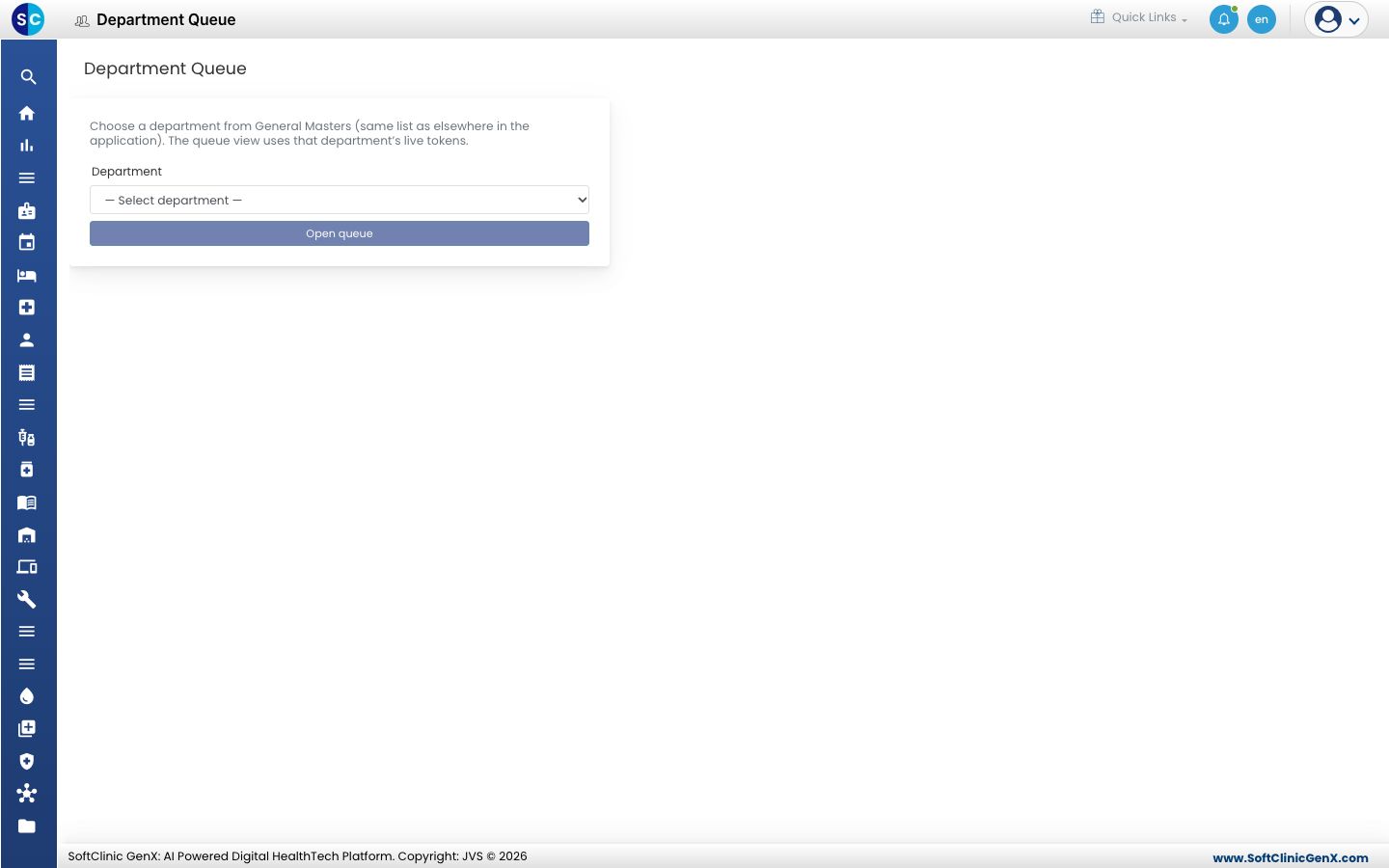
Choose a Department.
-
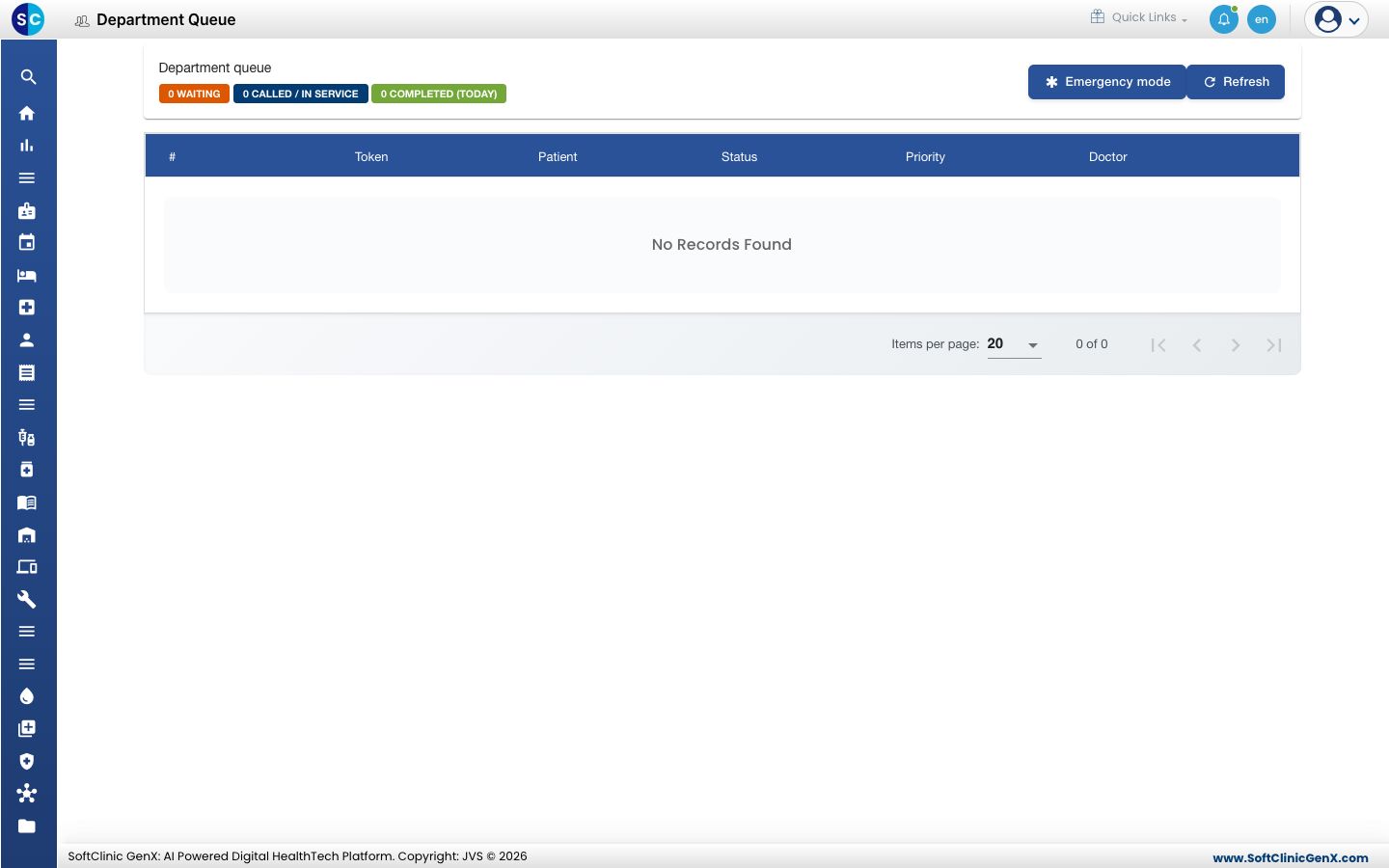
Click Open queue. The page shows three counts, WAITING, CALLED / IN SERVICE and COMPLETED (TODAY), and a table with the position, token, patient, status, priority and doctor.
-
Click Refresh to update the page.
Use emergency mode
Click Emergency mode to park the regular queue during an emergency. The page then shows how many patients are suspended. They keep their place. Click Resume queue to put them back.
While emergency mode is on, suspended patients are not called.
Related
- Fast-track an urgent patient: add a patient at a severity.
- Queue Management FAQs: short answers about queues.