Print a patient QR poster
Print an A4 poster for a department so patients can register from their own phone.
The patient QR poster is a printable A4 sheet with a QR code for one department. Patients scan it with their phone and skip the counter queue.
note
Who can do this: hospital administrator · Where: Queue Management › Masters › Patient QR Poster
Print the poster
-
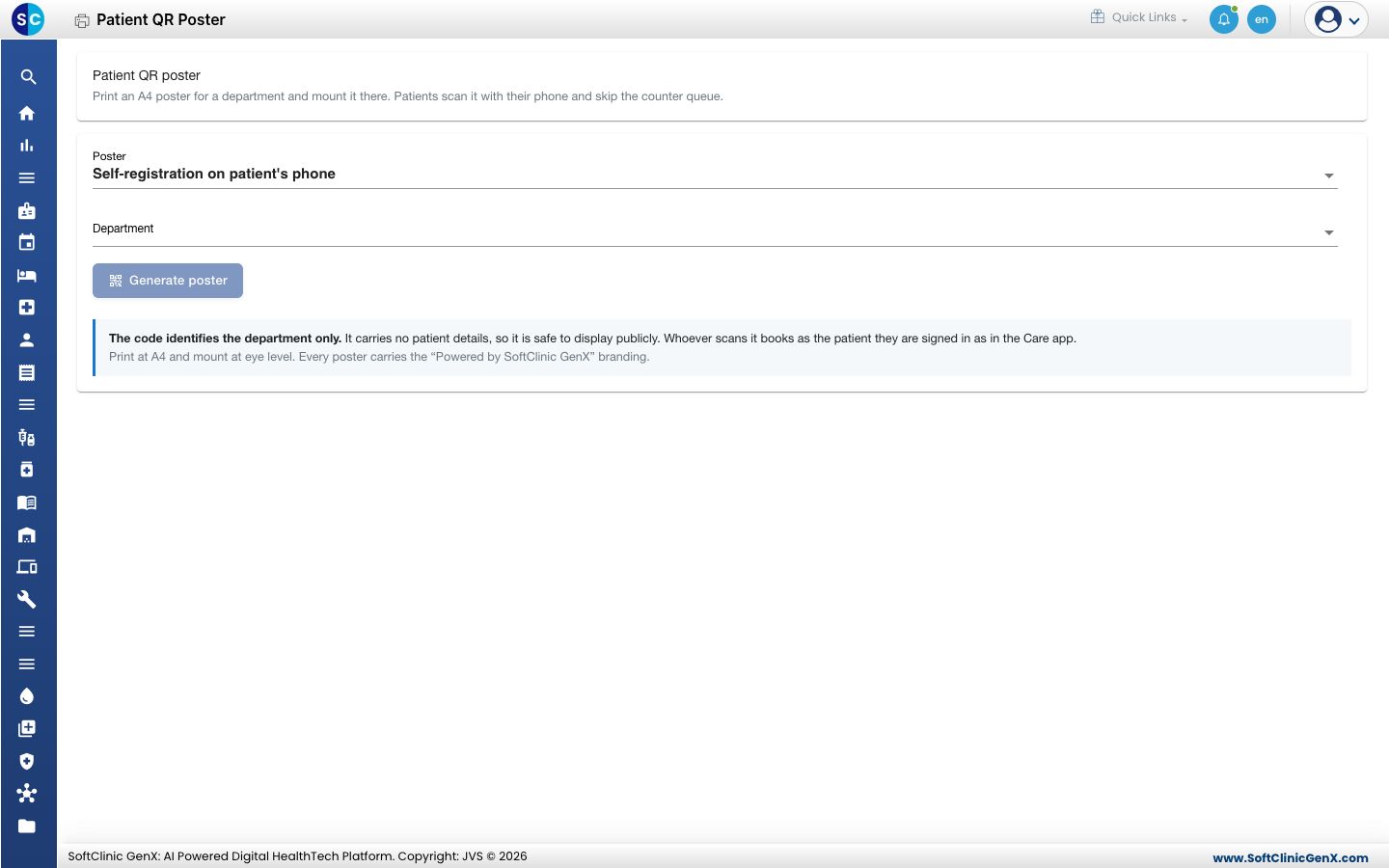
Open Queue Management › Masters › Patient QR Poster.
-
Keep Self-registration on patient's phone in Poster.
-
Choose the Department.
-
Click Generate poster. The print dialog opens.
-
Print at A4 and mount the poster at eye level in the department.
Good to know
- The code names the department only. It carries no patient details, so it is safe to display in public.
- Whoever scans it books as the patient signed in on the Care app.
- Every poster carries the Powered by SoftClinic GenX branding.
Troubleshooting
| What you see | What it means | What to do |
|---|---|---|
| Poster not generated | The poster could not be made. | Choose a department and try again. |
Related
- Queue Management FAQs: short answers about queues.
Was this helpful?