Write a radiology report
Type the findings for a scan, pick a report template and save the report for the doctor to certify.
The radiology report holds the findings and impression for one scan. You write it in a text editor that works like a word processor, optionally starting from a ready-made template.
Who can do this: radiologist or reporting doctor · Where: Radiology › Radiology Requisitions › row menu › Report
Before you start
- The test is billed and shows on the worklist. See Order a radiology test.
- For a template, link it to the test or the doctor first. See Set up Template & Service Link.
Write the report
-
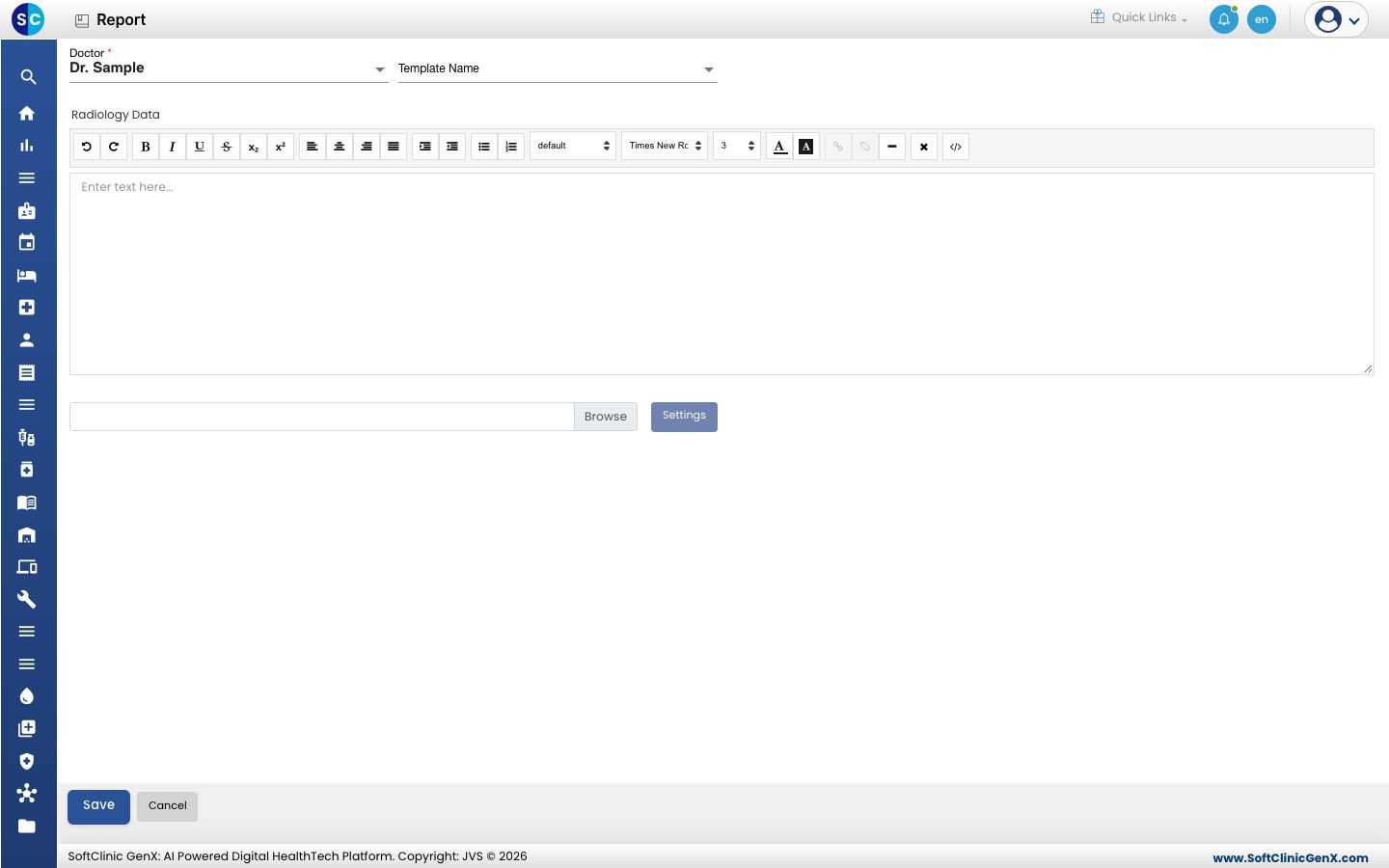
Go to Radiology › Radiology Requisitions, click the three dots at the end of the order's row and choose Report. The Report screen opens.
-
Check Doctor. This is the doctor who signs the report; change it if needed. It is required.
-
To start from a template, choose it in Template Name. Its text fills Radiology Data.
-
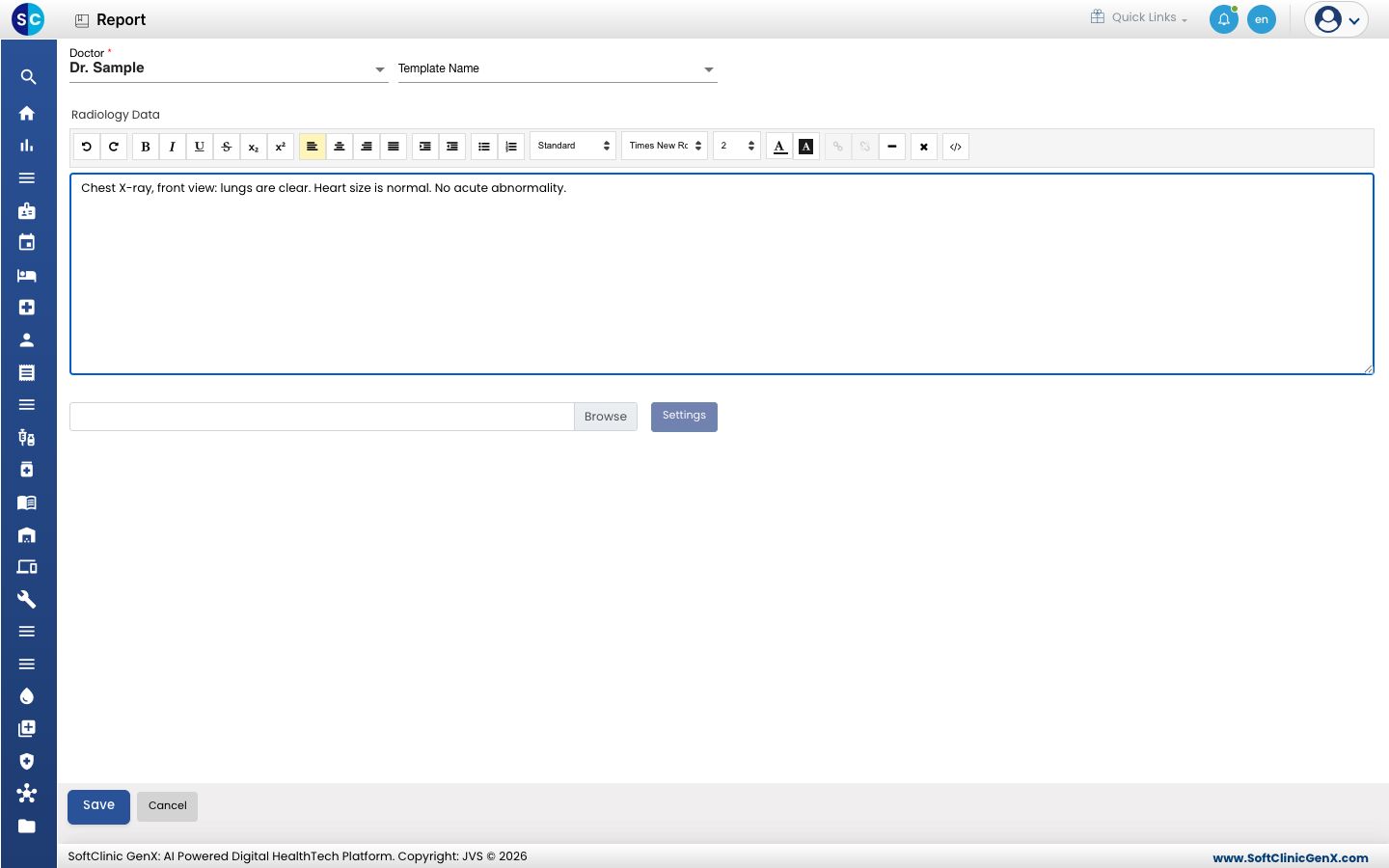
Type or edit the findings in Radiology Data. The toolbar gives bold, italic, underline, lists, alignment, font and colour.
-
To add scan images, click Browse and choose one or more image files. They show as thumbnails below the editor. Click Settings to set the number of rows and the image height and width, then Save Settings.
-
Click Save. A message confirms the report is saved and the list opens. The order now shows Report Entered.
Click Cancel to leave without saving.
Write a report for a patient without an order
-
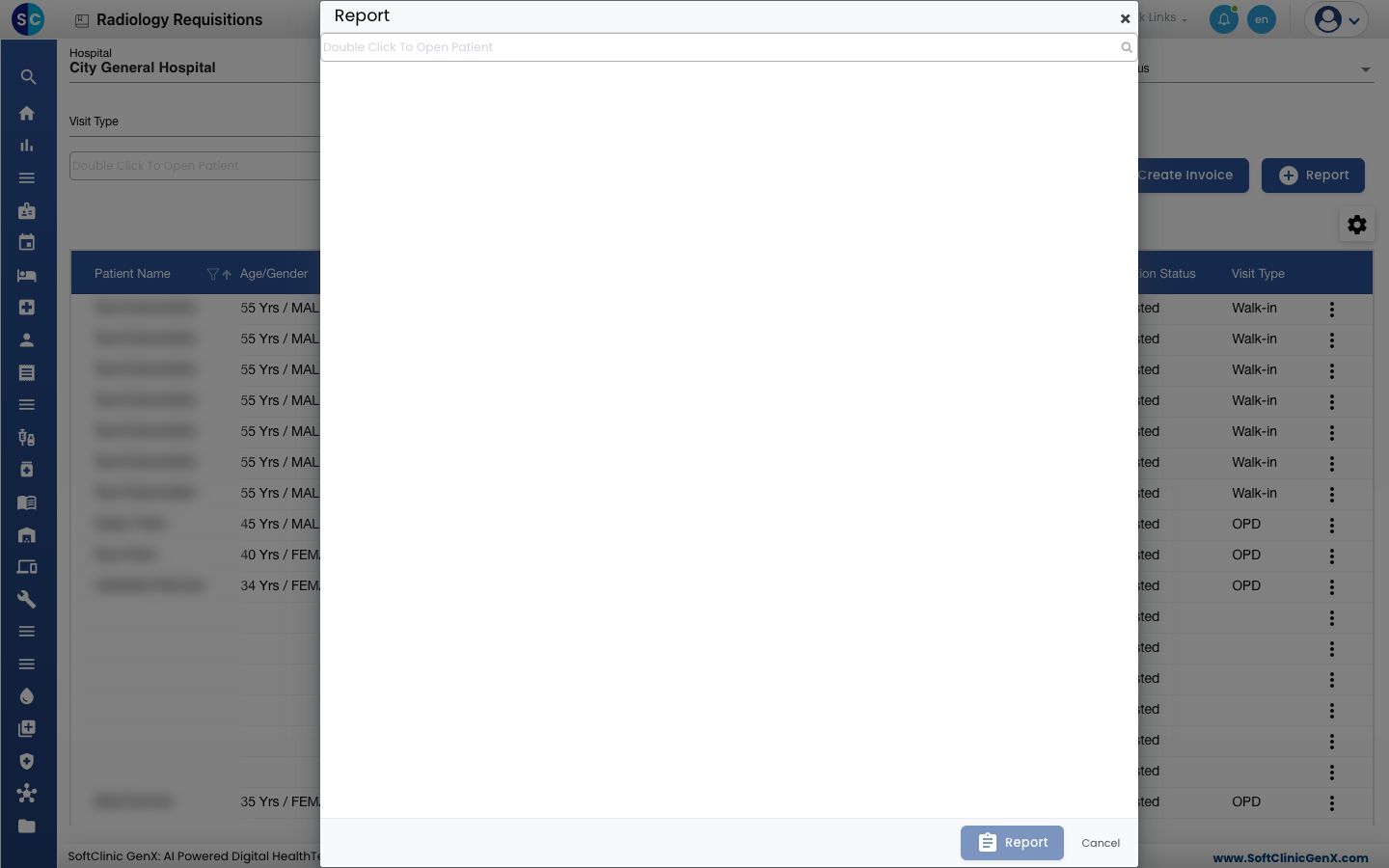
On the worklist, click Report (the button at the top, beside Create Invoice). A Report window opens.
-
Search for and pick the patient, then click Report in the window. The same report screen opens.
-
Fill it in and click Save as above.
To fix a typing mistake before approval, open Report on the same row again and save.
Troubleshooting
| What you see | What it means | What to do |
|---|---|---|
| Template Name shows only --Select-- | No template is linked to this test or doctor. | Link one in Template & Service Link or Template Doctor Link, or type the report. |
| Settings is greyed out | No image is chosen yet. | Click Browse and choose an image first. |
| Nothing happens on Save | Doctor is empty. | Choose the doctor and save again. |
Related
- Certify and print a radiology report: the next step.
- Set up Radiology Template Master: build report templates.
- Radiology FAQs: short answers.