Set up Machine Type
Who does this: laboratory administrator Where: Laboratory › Lab Integration › Machine Type
A machine type is one analyser in the laboratory, such as a CBC counter or a biochemistry analyser. It is the first step in connecting an analyser: the machine you add here is chosen later in Machine Setting, Machine Type Mapping and Device Communicator. Connecting the analyser itself is done together with JVS support.
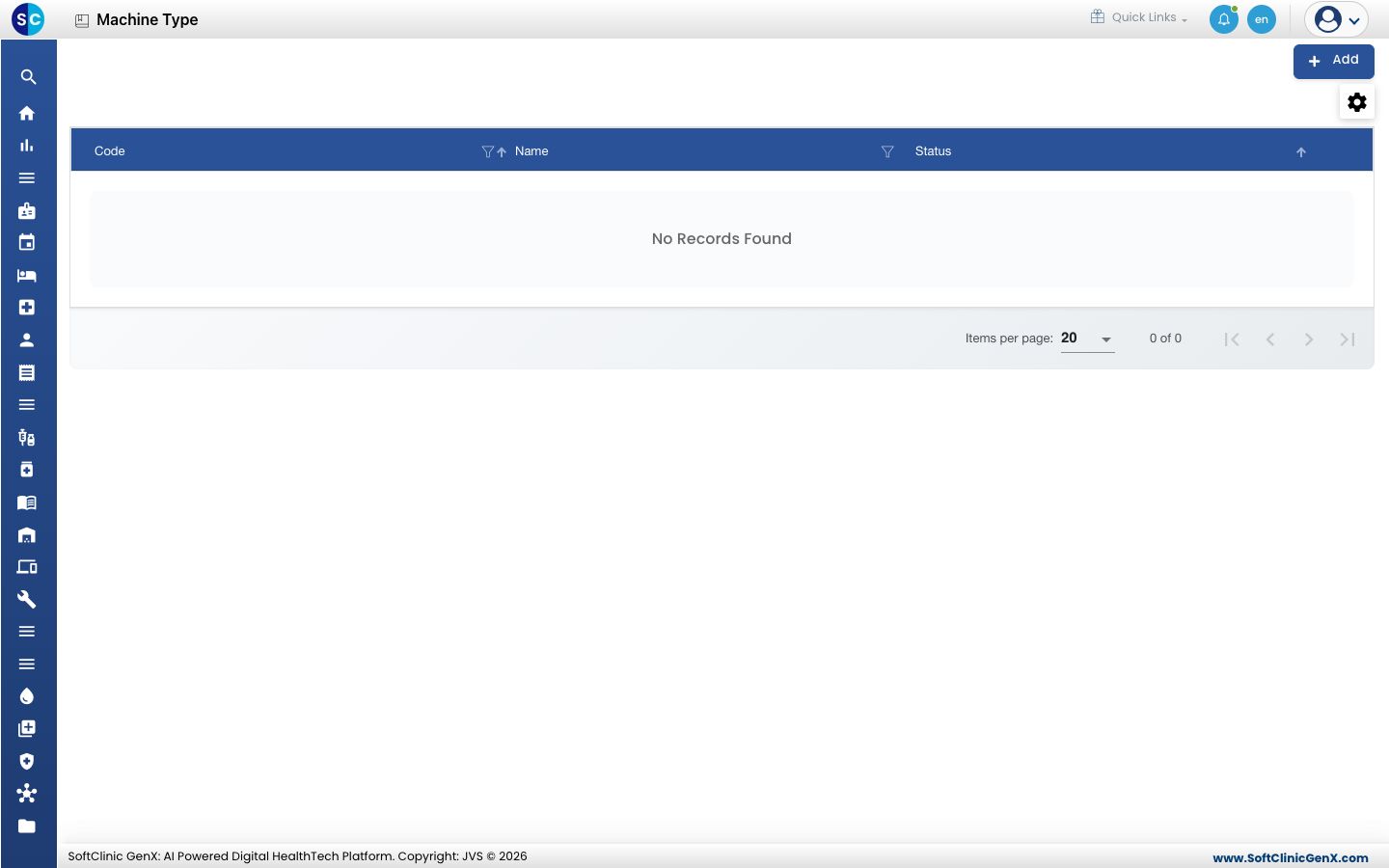
Add a machine
-
Go to Laboratory › Lab Integration › Machine Type.
-
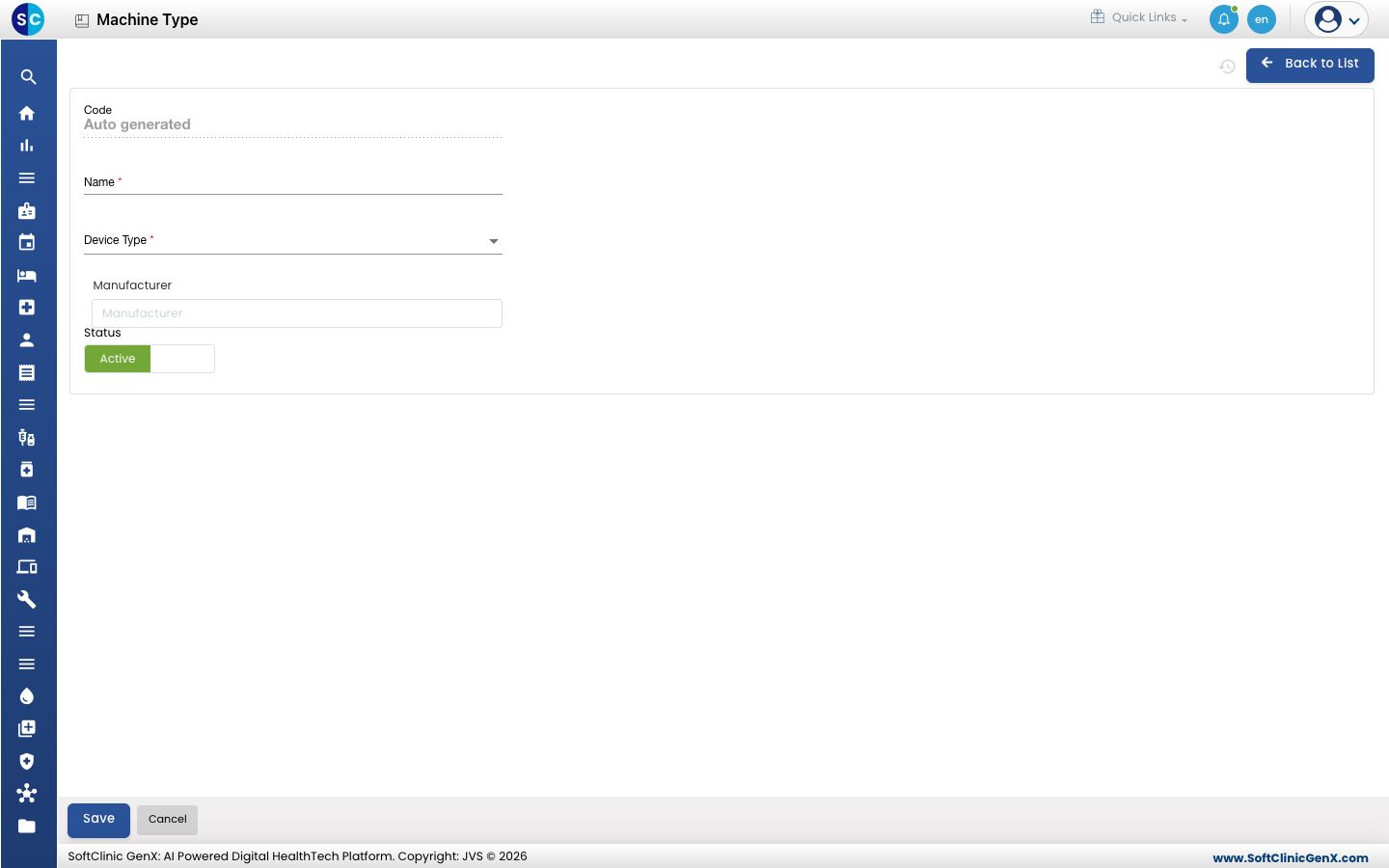
Click Add. The form opens.
-
Fill in the fields:
Field What to enter Required Code Filled in by the system. — Name The analyser's name, up to 50 characters, for example the model name. Yes Device Type CBC, Analyzer or Microscopy. Yes Manufacturer Start typing and pick the maker from your vendors marked as manufacturers. No Status Leave on Active. — -
Click Save. The machine appears in the list.
Change or deactivate a machine
- Open the machine from the list.
- Change the fields you need. To stop using the machine, switch Status to Inactive.
- Click Save. Click Back to List or Cancel to leave without saving.
Good to know
- Add each physical analyser once. Its connection details are set in Machine Setting.