Set up Nationality
Who does this: hospital administrator Where: General Masters › Location Masters › Nationality
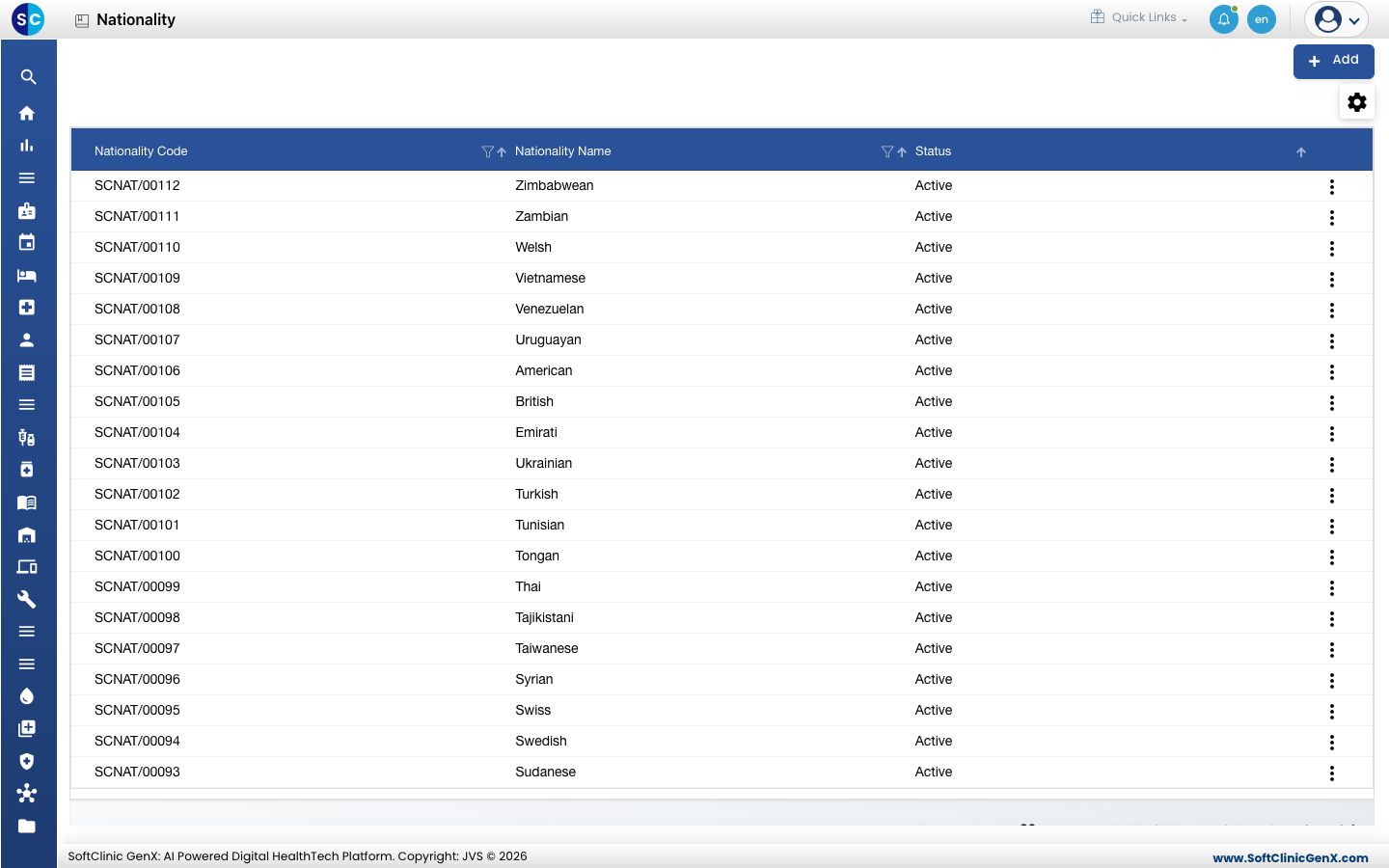
A nationality, such as British or Emirati, is picked when a person's nationality is recorded. The list comes pre-loaded, so you only need this screen to add a missing nationality or correct a name.
Add a nationality
-
Go to General Masters › Location Masters › Nationality.
-
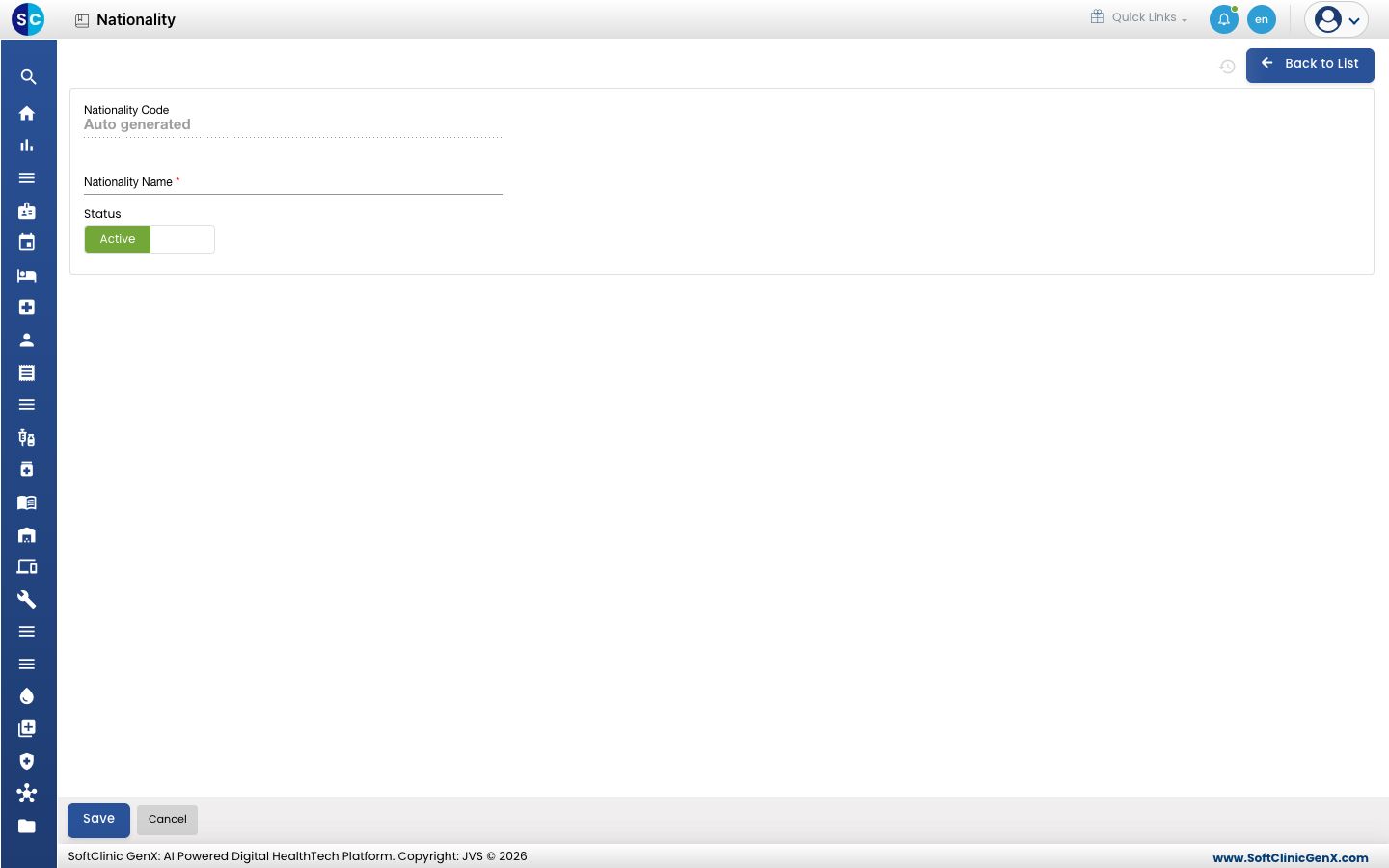
Click Add. The nationality form opens.
-
Fill in the fields:
Field What to enter Required Nationality Code Filled in automatically when you save. — Nationality Name The nationality, for example Mauritian.Yes Status Leave on Active. — -
Click Save. You return to the list.
Change or deactivate a nationality
- In the list, click the ⋮ button at the end of the row and choose Edit.
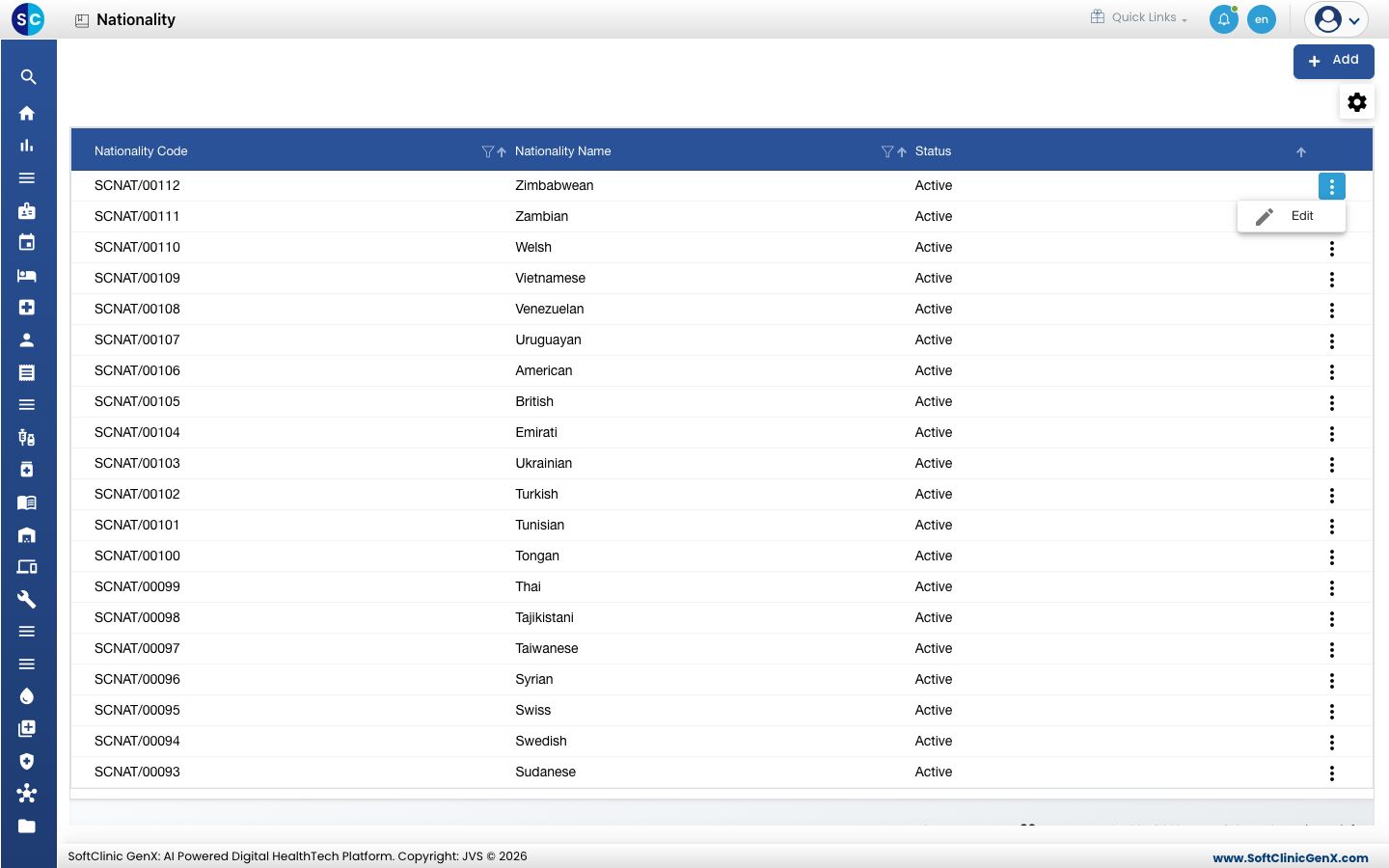
- Change the name if needed. To hide the nationality from the lists staff pick from, switch Status to Inactive.
- Click Save.
Nationalities cannot be deleted. Make a nationality Inactive instead.
Good to know
- Nationality is separate from Country: the country is part of an address, the nationality describes the person.
- Click Back to List to leave the form without saving.
Related
- Previous: Set up City
- Next: Set up Identification Types
- Set up Country
- General Masters FAQs