Set up Holiday
Record the hospital holidays for the year and say which ones are optional, repeat every year or are paid.
Who does this: hospital administrator or HR staff Where: Human Resource › Employee Masters › Holiday Master
A holiday is a date on which the hospital is closed or staff are off, such as Annual Day. Add each holiday once, with its date.
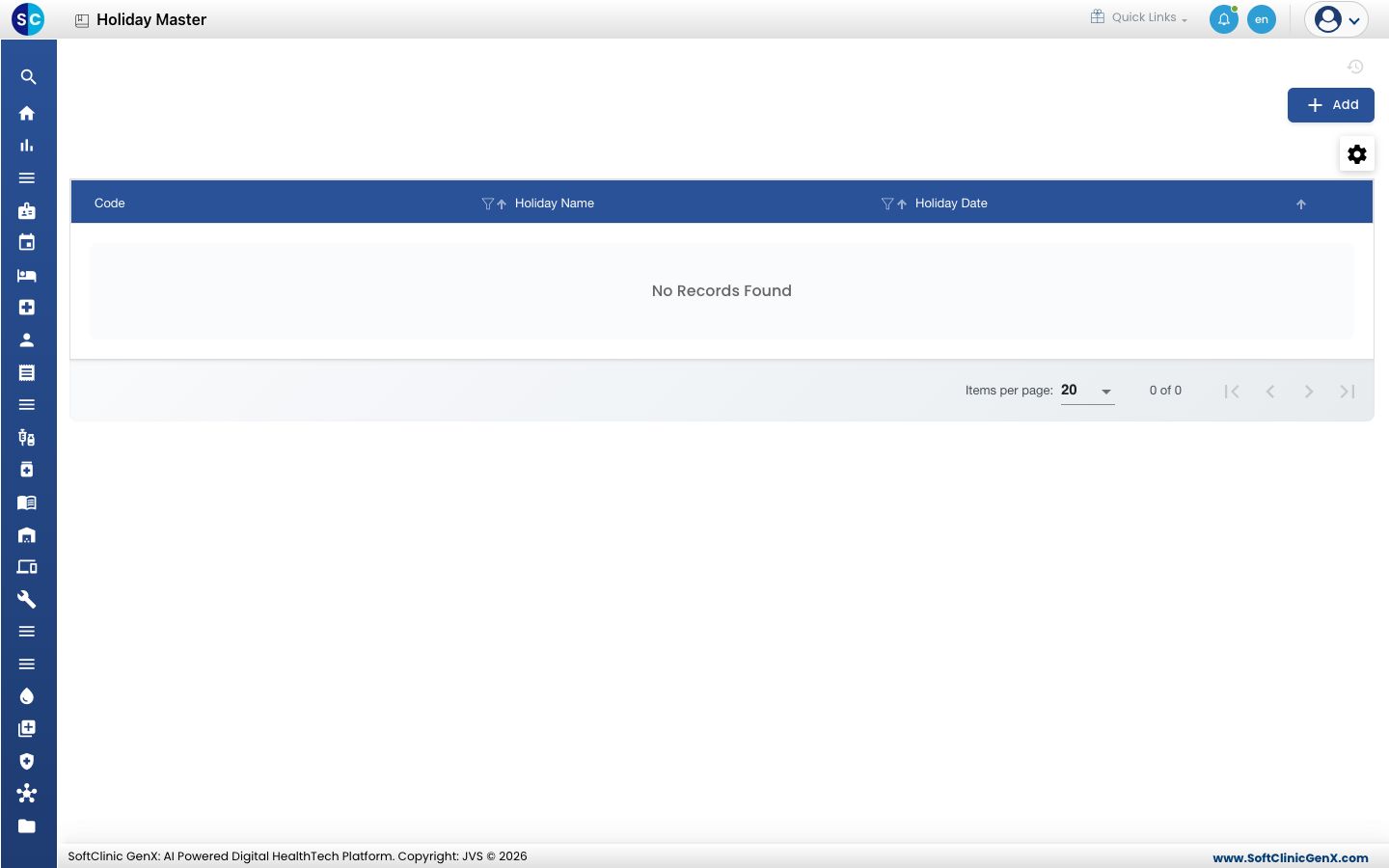
Add a holiday
-
Go to Human Resource › Employee Masters › Holiday Master.
-
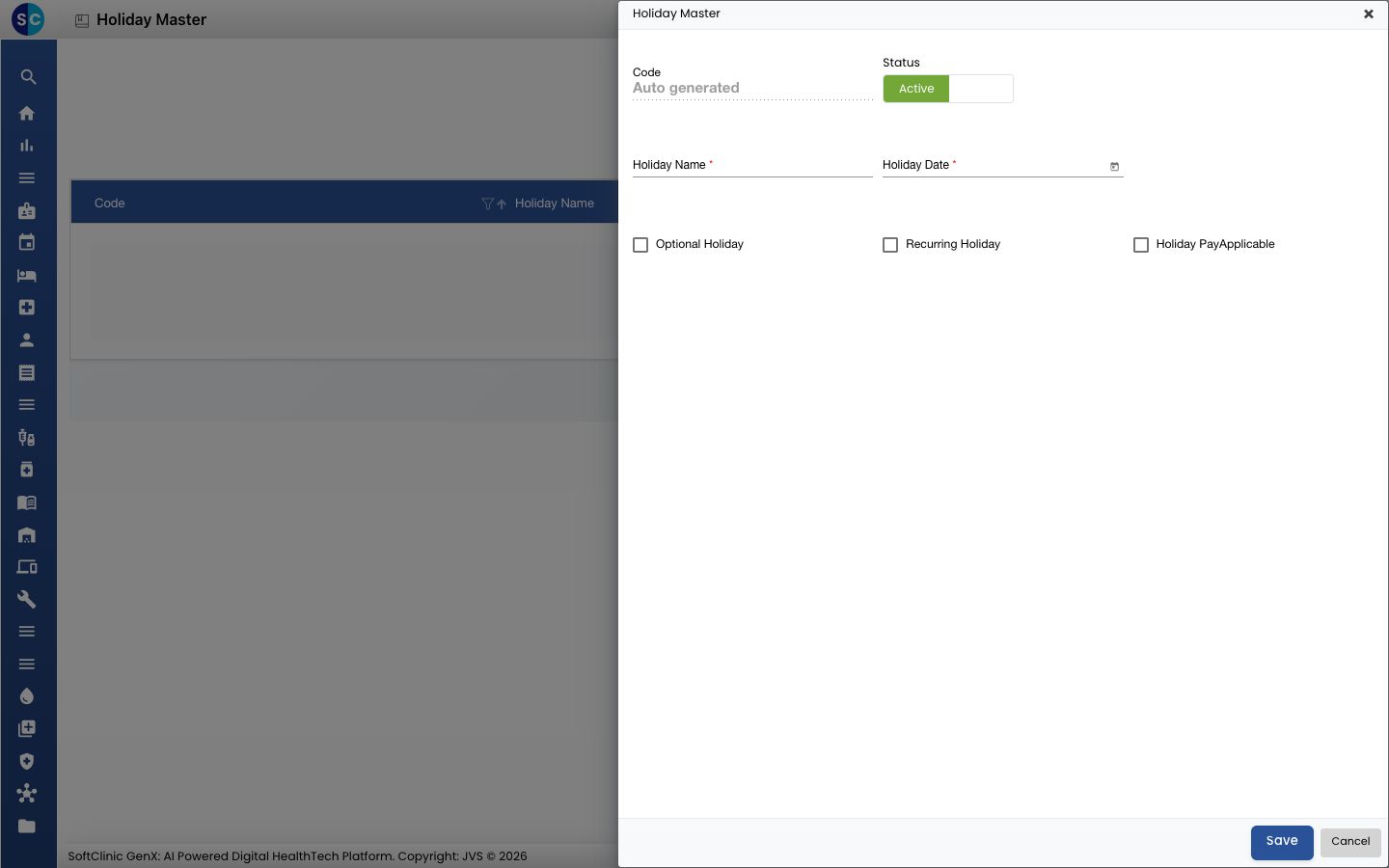
Click Add. The Holiday Master form opens.
-
Fill in the fields:
Field What to enter Required Code Filled in automatically when you save. — Holiday Name The holiday, for example Annual Day. Yes Holiday Date The date, in the format dd/mm/yyyy. Use the calendar button to pick it. Yes Optional Holiday Tick it if staff may choose whether to take the day. No Recurring Holiday Tick it if the holiday repeats every year. No Holiday PayApplicable Tick it if staff are paid for the day. No Status Leave on Active. — 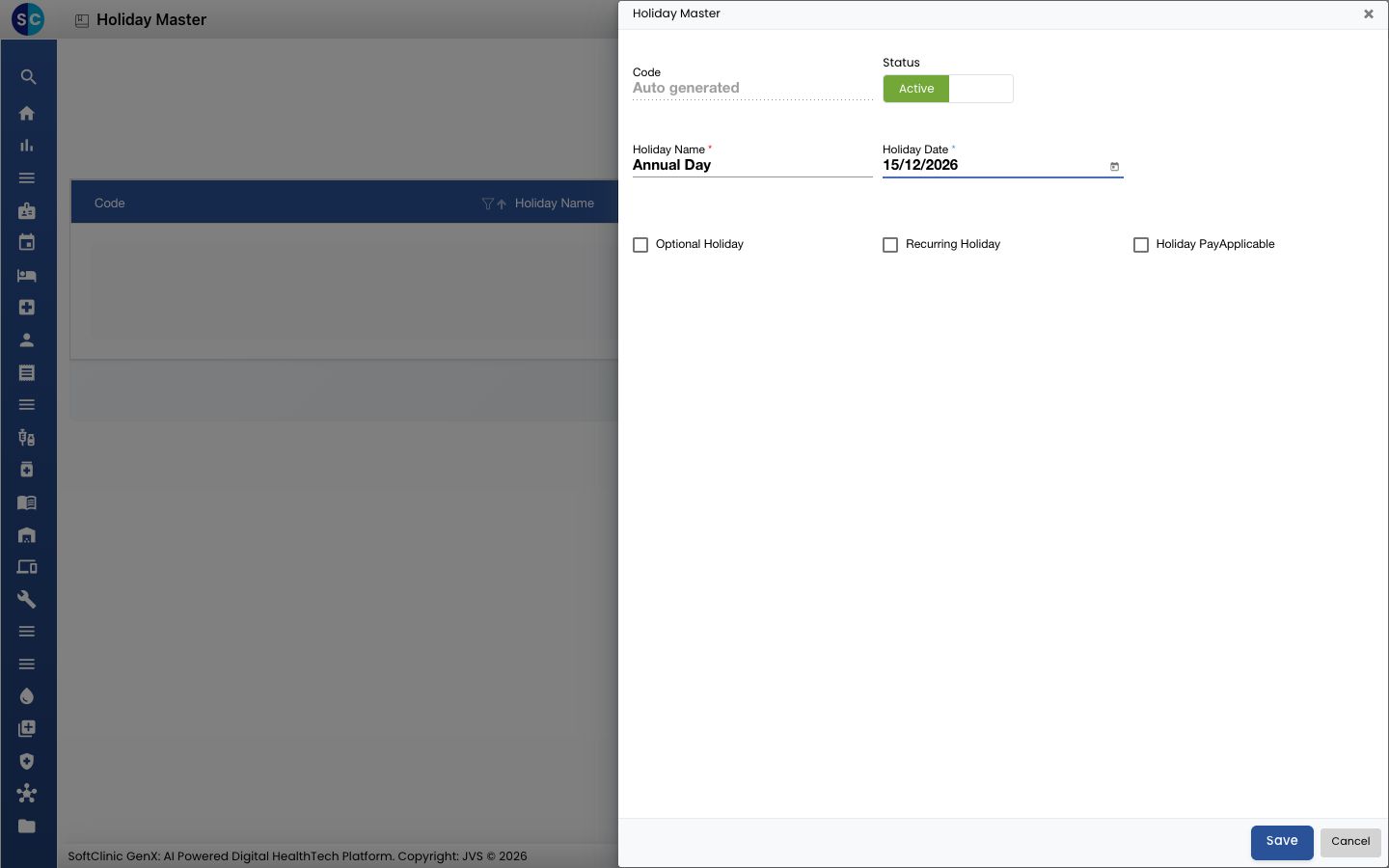
-
Click Save. You return to the list and the holiday appears in it.
Change or deactivate a holiday
- In the list, click the ⋮ button at the end of the row and choose Edit.
- Change the fields you need, or switch Status to Inactive.
- Click Save.
Related
- Previous: Set up Shift
- Human Resource FAQs
Was this helpful?