Set up Leave Type
Create the kinds of leave your staff can take, such as Casual Leave or Sick Leave, and mark which ones are unpaid.
Who does this: hospital administrator or HR staff Where: Human Resource › Employee Masters › Leave Type Master
A leave type is a category of leave, such as Casual Leave, Sick Leave or Earned Leave. Leave reasons, leave entitlements and leave requests all use these types, so add them first.
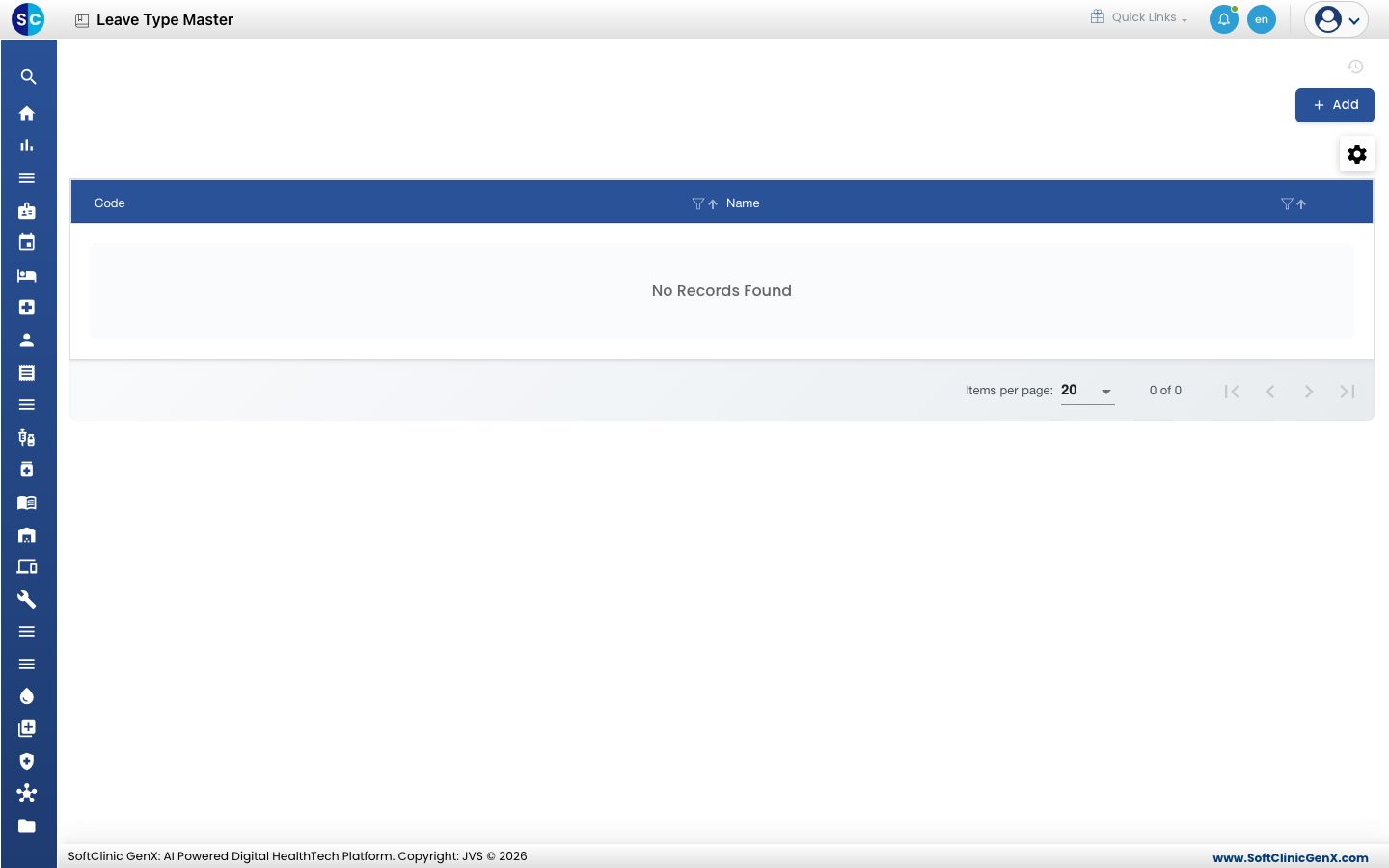
Add a leave type
-
Go to Human Resource › Employee Masters › Leave Type Master.
-
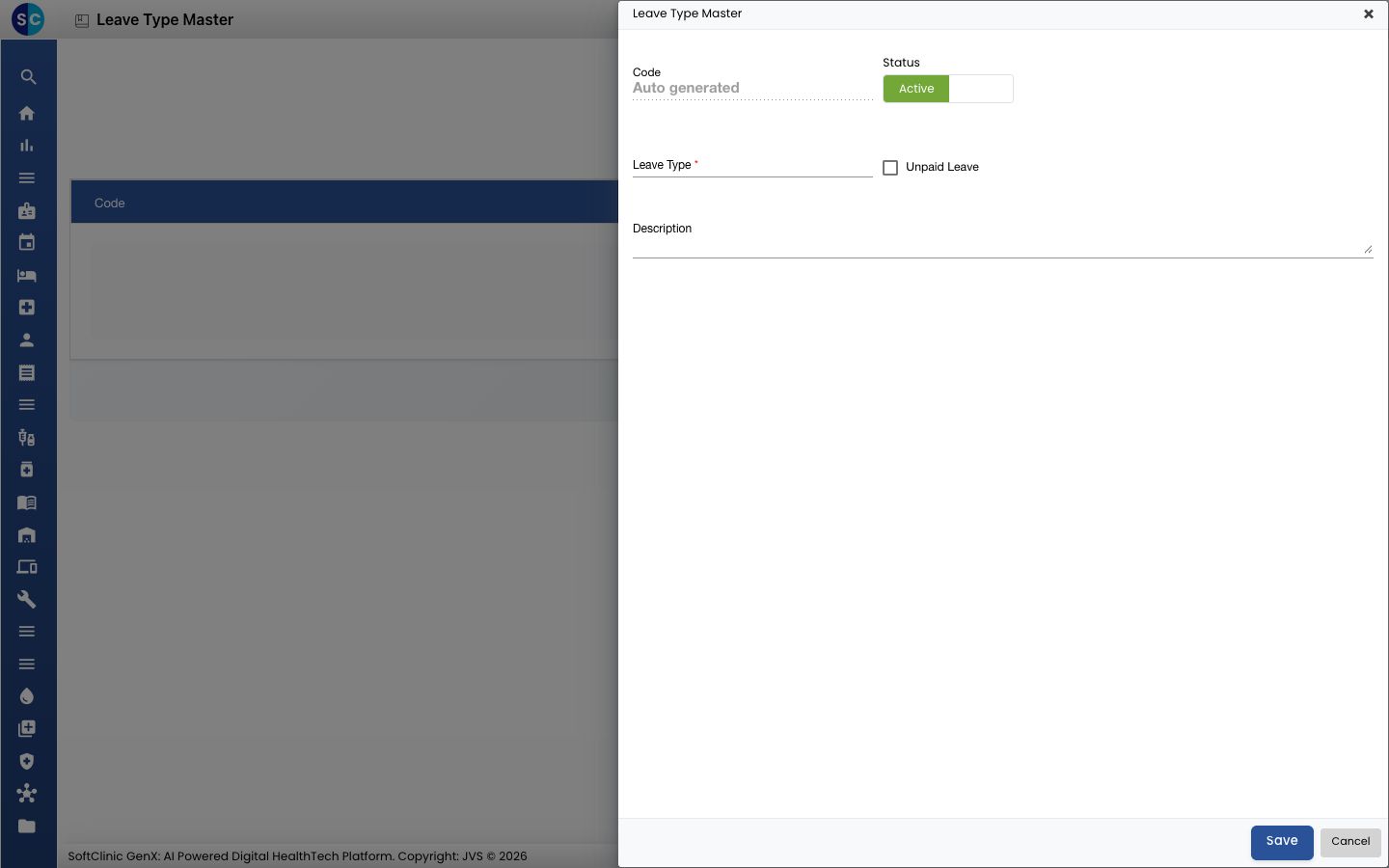
Click Add. The Leave Type Master form opens.
-
Fill in the fields:
Field What to enter Required Code Filled in automatically when you save. — Leave Type The name, for example Casual Leave. Yes Unpaid Leave Tick it if staff are not paid for this leave. No Status Leave on Active. — Description A note for your own team. No 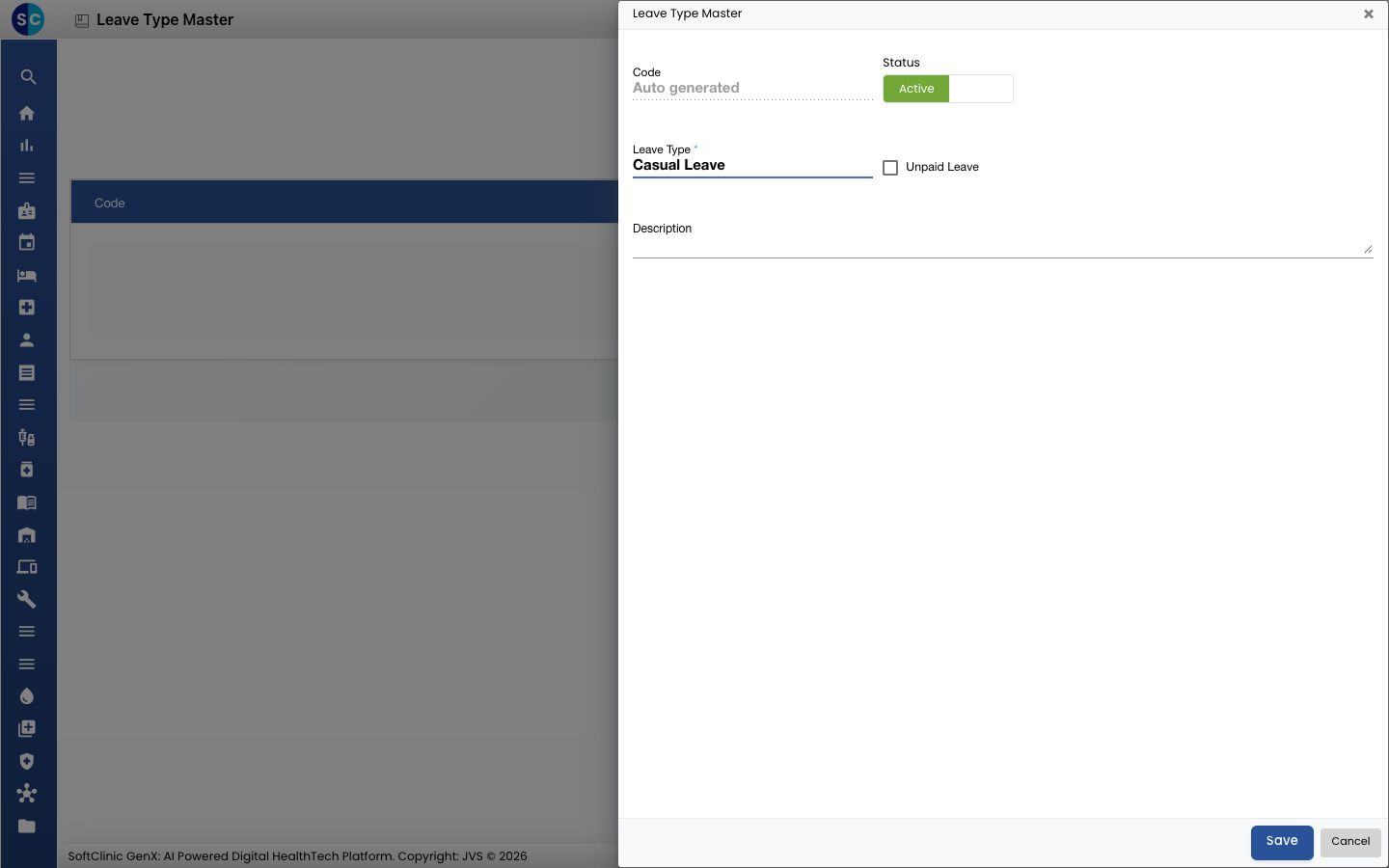
-
Click Save. You return to the list and the new leave type appears in it.
Change or deactivate a leave type
- In the list, click the ⋮ button at the end of the row and choose Edit.
- Change the fields you need. To stop using the type, switch Status to Inactive.
- Click Save.
Good to know
- Each leave type name can be used once. Saving a name that already exists shows a message and does not save.
- Click Cancel to leave the form without saving.
Related
- Previous: Set up Salary Component
- Next: Set up Leave Reason
- Human Resource FAQs
Was this helpful?