License Detail
See which modules your hospital has subscribed to and until when each one is valid.
Who does this: hospital administrator Where: Configurations › Application Settings › License Detail
License Detail lists the modules your hospital's subscription includes, with the date each one is valid until. Check it when a module is missing from the menu or before a renewal.
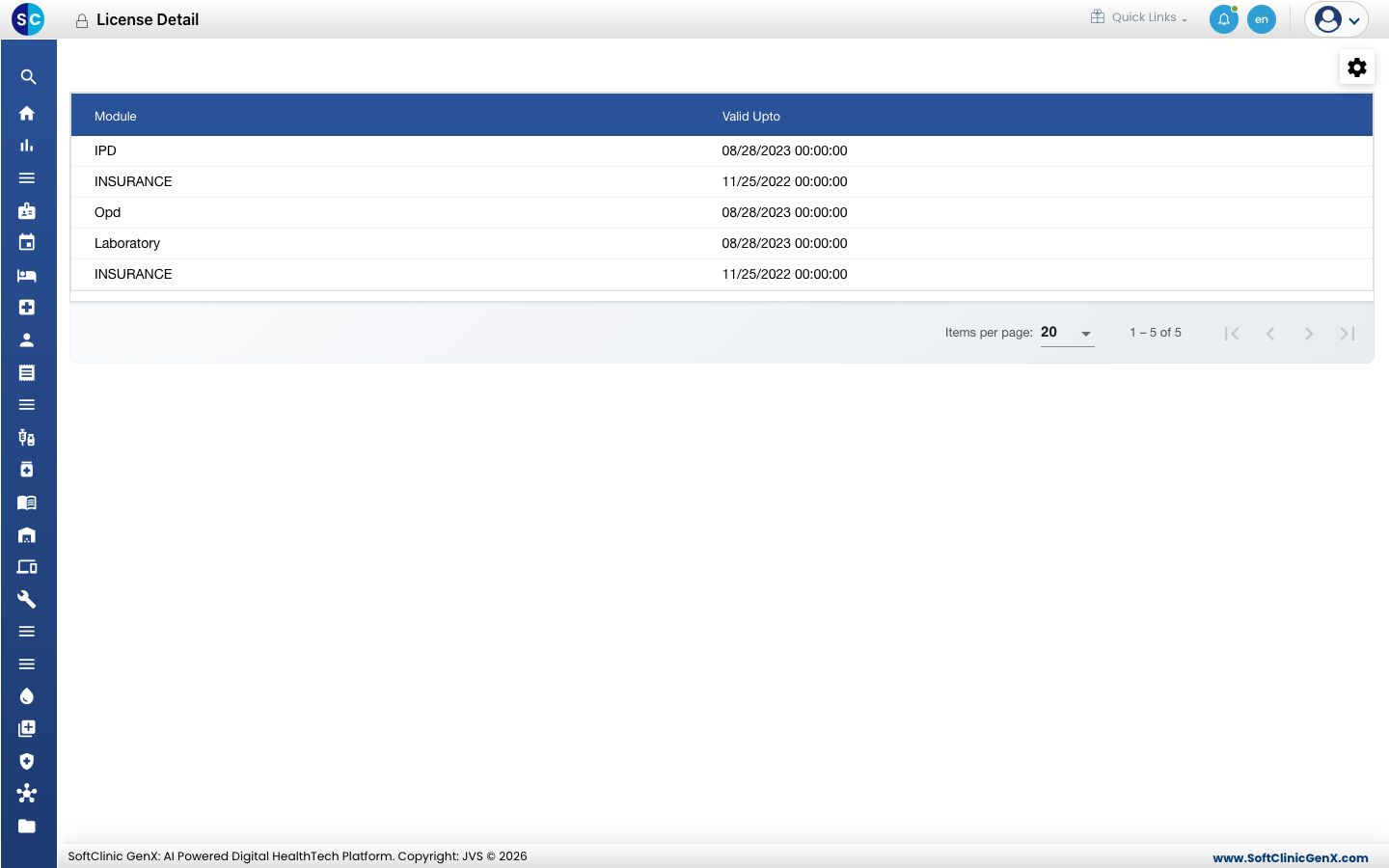
Check your subscription
- Go to Configurations › Application Settings › License Detail.
- Read the Module and Valid Upto columns.
This screen is for viewing only.
Good to know
- If a module you need is missing, or a date has passed, contact JVS support to add or renew it.
- A module that is subscribed but not in a user's menu usually means the user's role lacks the right. See Set up User Roles.
Related
- Previous: Set up Widget Setting
- Next: My Wallet
- Configurations (Admin) FAQs