Set up Widget Setting
Get the code that puts SoftClinic GenX's patient widget on your hospital's own website.
Who does this: hospital administrator, with the person who looks after your website Where: Configurations › Application Settings › Widget Setting
The patient widget lets visitors to your hospital's website use SoftClinic GenX services from your own web pages. This screen holds the widget code for your hospital. Your web team pastes the code into the website.
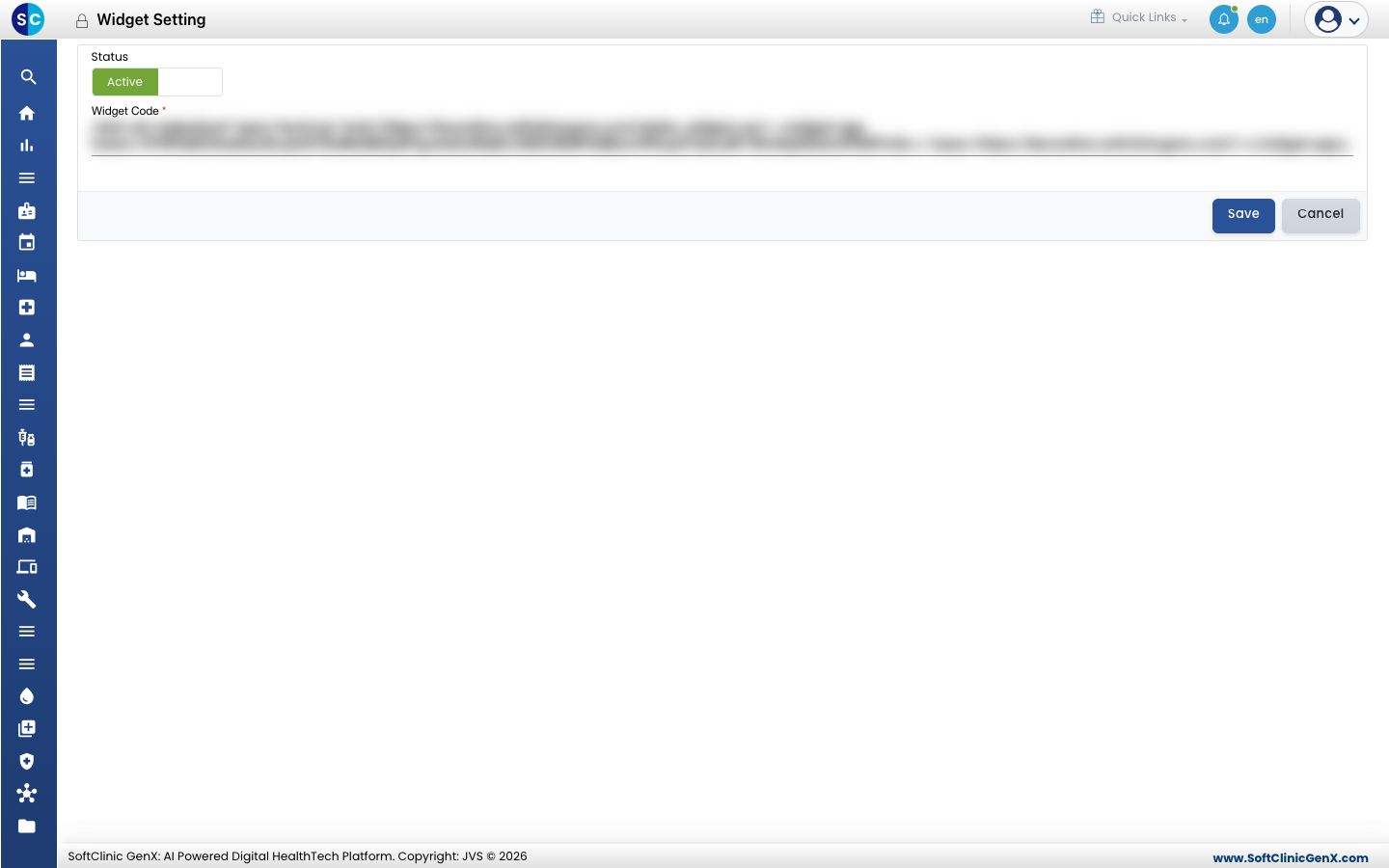
Turn on the widget
- Go to Configurations › Application Settings › Widget Setting.
- The Widget Code box is filled in for your hospital. Copy the whole code.
- Set Status to Active.
- Click Save.
- Send the code to your web team to paste into the web pages where the widget should appear.
To take the widget off your website, set Status to Inactive and click Save.
Good to know
- The widget code is unique to your hospital. Share it only with the people who manage your website.
- Do not edit the code. If it has been changed by mistake, contact JVS support.