Set up Notification Configuration
Pick the default email type, SMS routes and WhatsApp account your hospital's messages go out on.
Who does this: hospital administrator, together with JVS support Where: Configurations › Application Settings › Notification Configuration Set up before: Provider Setting
When a channel has more than one sending option, this screen decides which one is used by default. For example, SMS can go out on a transactional route for bills and reports, a promotional route for offers, and an OTP route for sign-in codes.
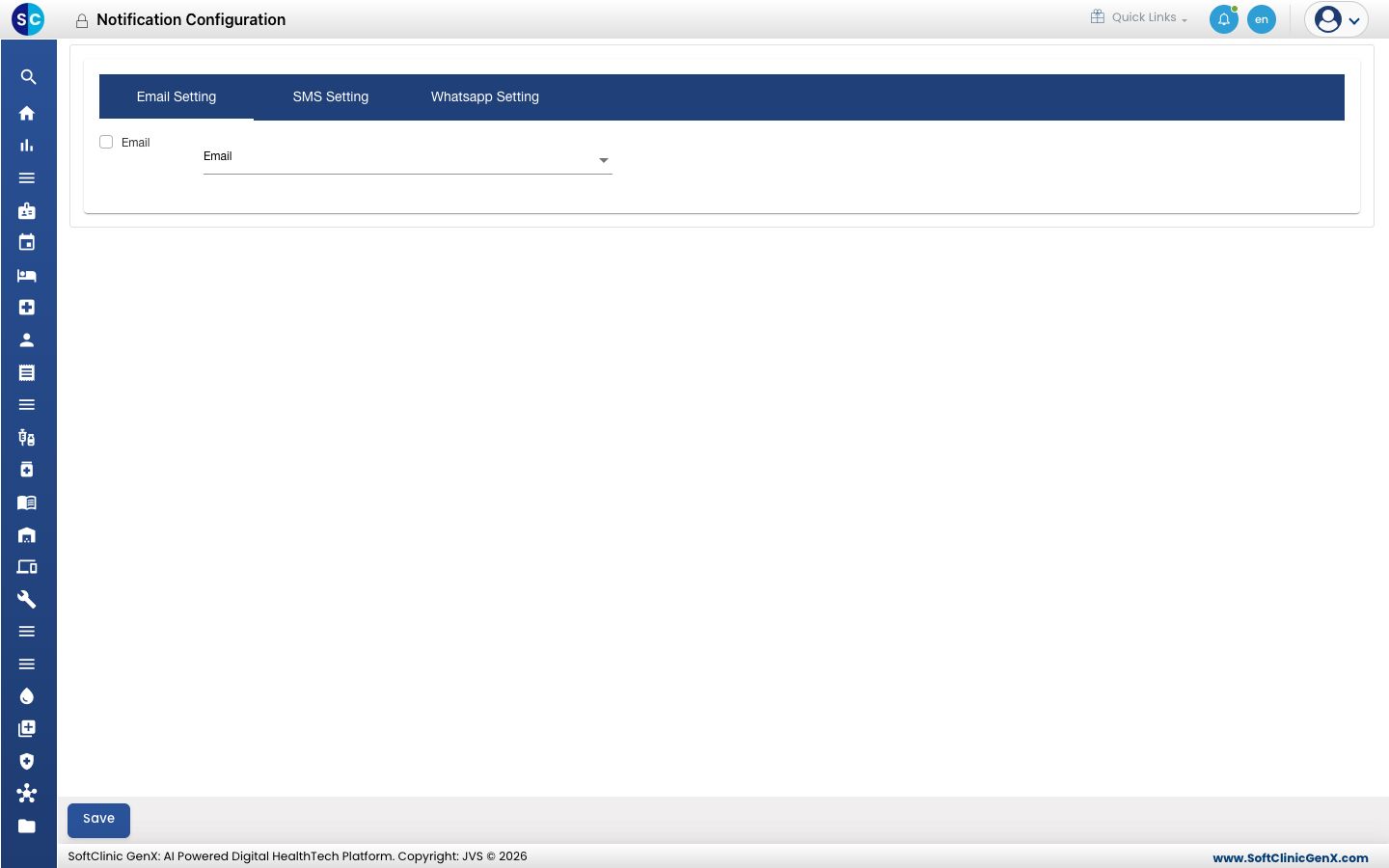
Choose the default sending options
- Go to Configurations › Application Settings › Notification Configuration.
- On Email Setting, tick Email and pick the email type to use.
- On SMS Setting, pick the route for each kind of message: transactional, promotional and OTP.
- On Whatsapp Setting, pick the WhatsApp account to use.
- Click Save.
Good to know
- The options in each list come from the services connected in Provider Setting. An empty list means that channel is not connected yet. Contact JVS support to connect it.
- Which events send a message is set in Notification Channel Setting.