Set up Display Content
Add the health tips and announcements that waiting-room screens show between token calls.
Display content is the text that scrolls on waiting-room screens while patients wait. You can add health tips, announcements and promotions, and choose when each one shows.
note
Who does this: hospital administrator · Where: Queue Management › Masters › Display Content
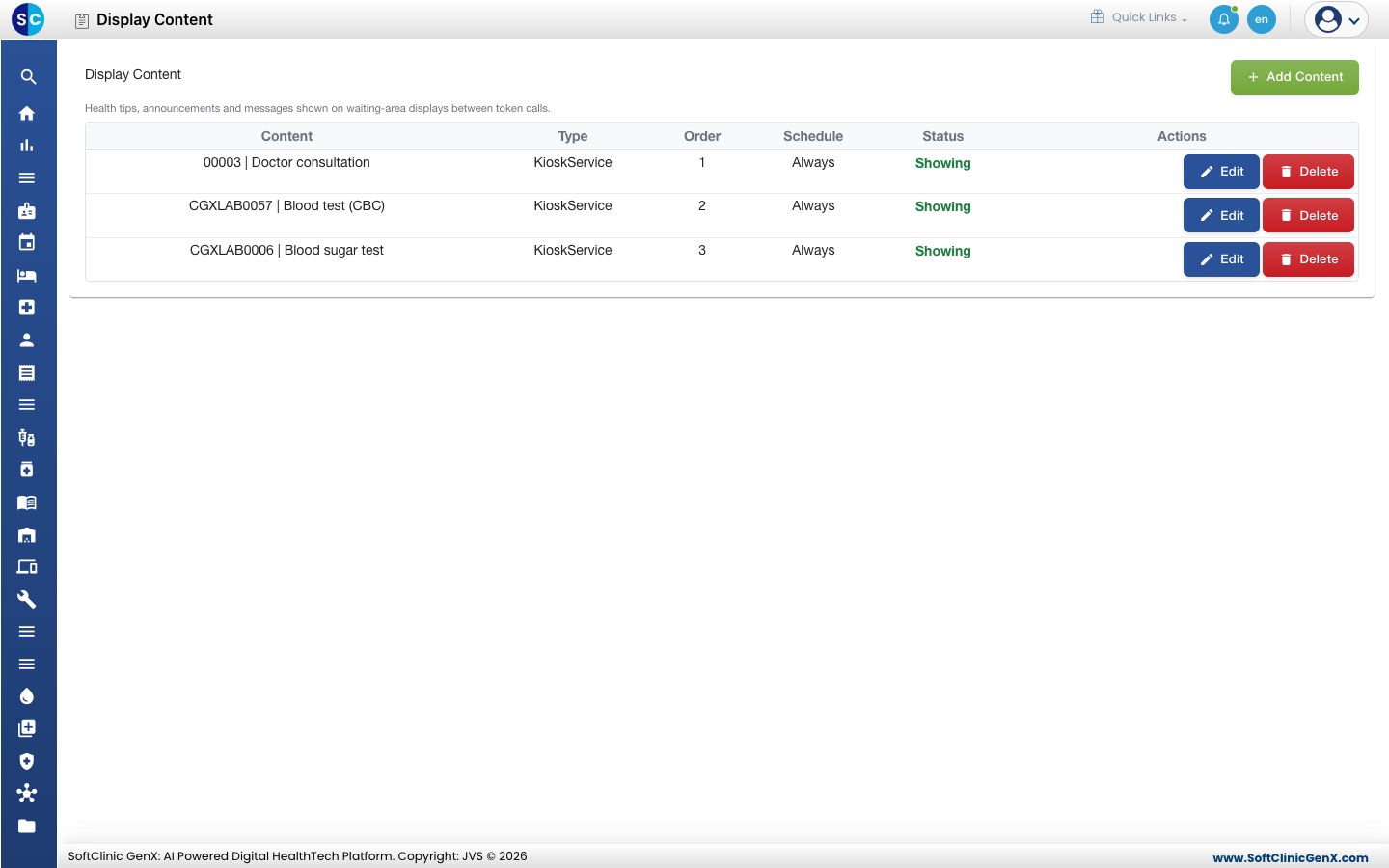
Add content
-
Open Queue Management › Masters › Display Content and click Add Content.
-
Fill in the form.
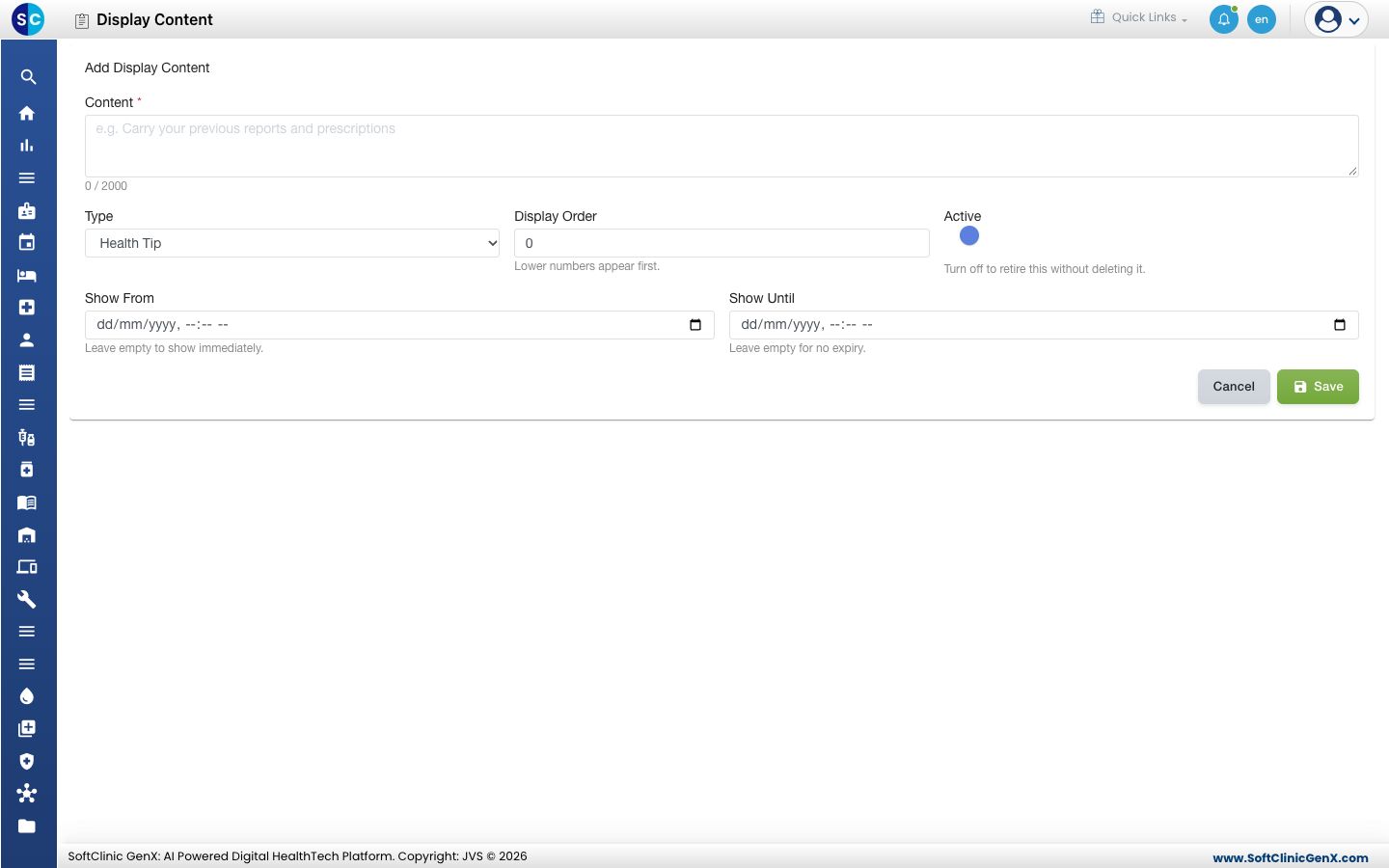
| Field | What to enter | Required |
|---|---|---|
| Content | The text patients read. Up to 2000 characters. | Yes |
| Type | Health Tip, Announcement, Promotional or Kiosk Service. | No |
| Display Order | A number. Lower numbers appear first. | No |
| Active | Turn off to retire the content without deleting it. | No |
| Show From | The date and time to start. Leave empty to show immediately. | No |
| Show Until | The date and time to stop. Leave empty for no expiry. | No |
- Click Save.
Change or delete content
Click Edit on a row to change it, or Delete to remove it.
Good to know
- A Kiosk Service entry is written as the service code, a bar, then the label, for example CODE | Label.
- The list shows Showing while an entry is live.
Related
- Set up Display Device: register the screens that show this content.
- Queue Management FAQs: short answers about waiting-room screens.
Was this helpful?