Set up Fairness Policy
Make sure regular patients are still called when priority patients keep arriving.
A fairness policy stops priority patients from delaying regular patients without end. It calls a regular patient after a set wait, or after a set number of priority patients in a row.
note
Who does this: hospital administrator · Where: Queue Management › Masters › Queue Fairness
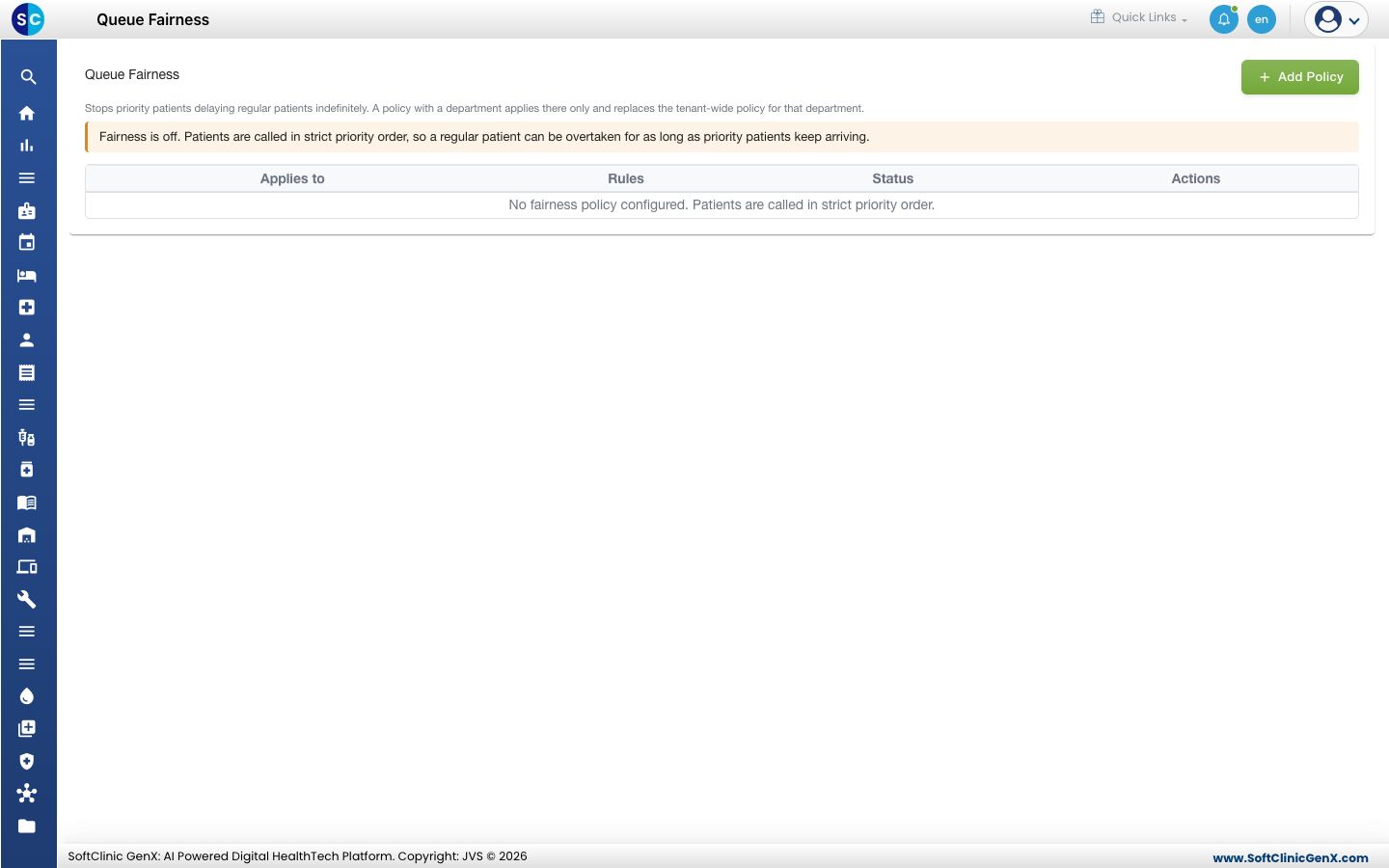
Add a policy
-
Open Queue Management › Masters › Queue Fairness and click Add Policy.
-
Fill in the form.
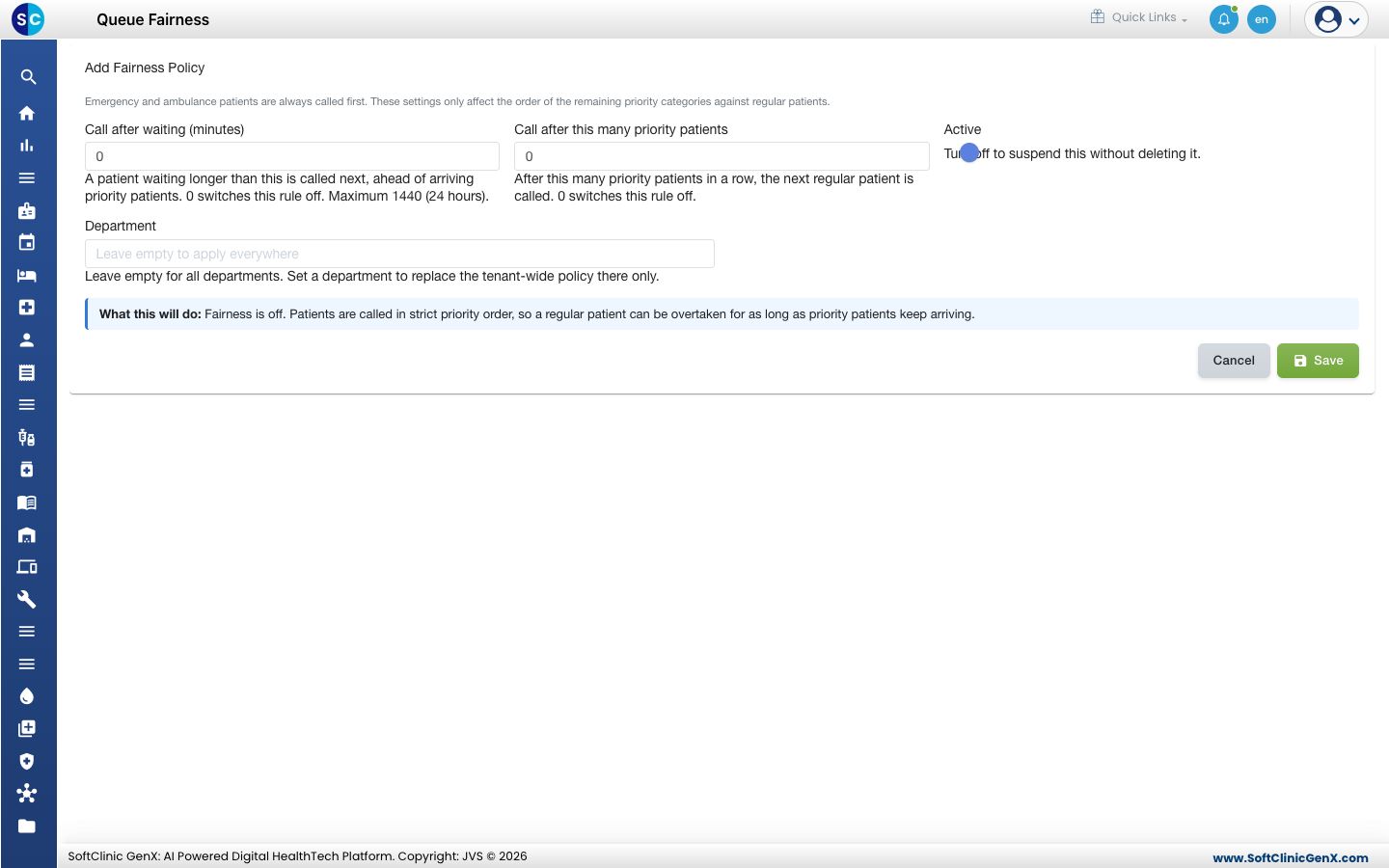
| Field | What to enter |
|---|---|
| Call after waiting (minutes) | A patient who has waited longer than this is called next. 0 switches the rule off. The maximum is 1440. |
| Call after this many priority patients | After this many priority patients in a row, the next regular patient is called. 0 switches the rule off. |
| Active | Turn off to suspend the policy without deleting it. |
| Department | Leave empty for all departments. Choose one to replace the hospital-wide policy there. |
- Read What this will do at the bottom of the form, then click Save.
Good to know
- Emergency and ambulance patients are always called first, whatever you set here.
- With no policy, patients are called in strict priority order.
Related
- Set up Priority Rule: decide which priorities are called first.
- Queue Management FAQs: short answers about calling order.
Was this helpful?