Set up Queue Alert
Tell a manager by email, SMS or WhatsApp when a department queue grows too long or too slow.
A queue alert watches one department. When patients wait longer than a limit, or too many patients wait at once, the people you list are messaged.
note
Who does this: hospital administrator · Where: Queue Management › Masters › Queue Alerts
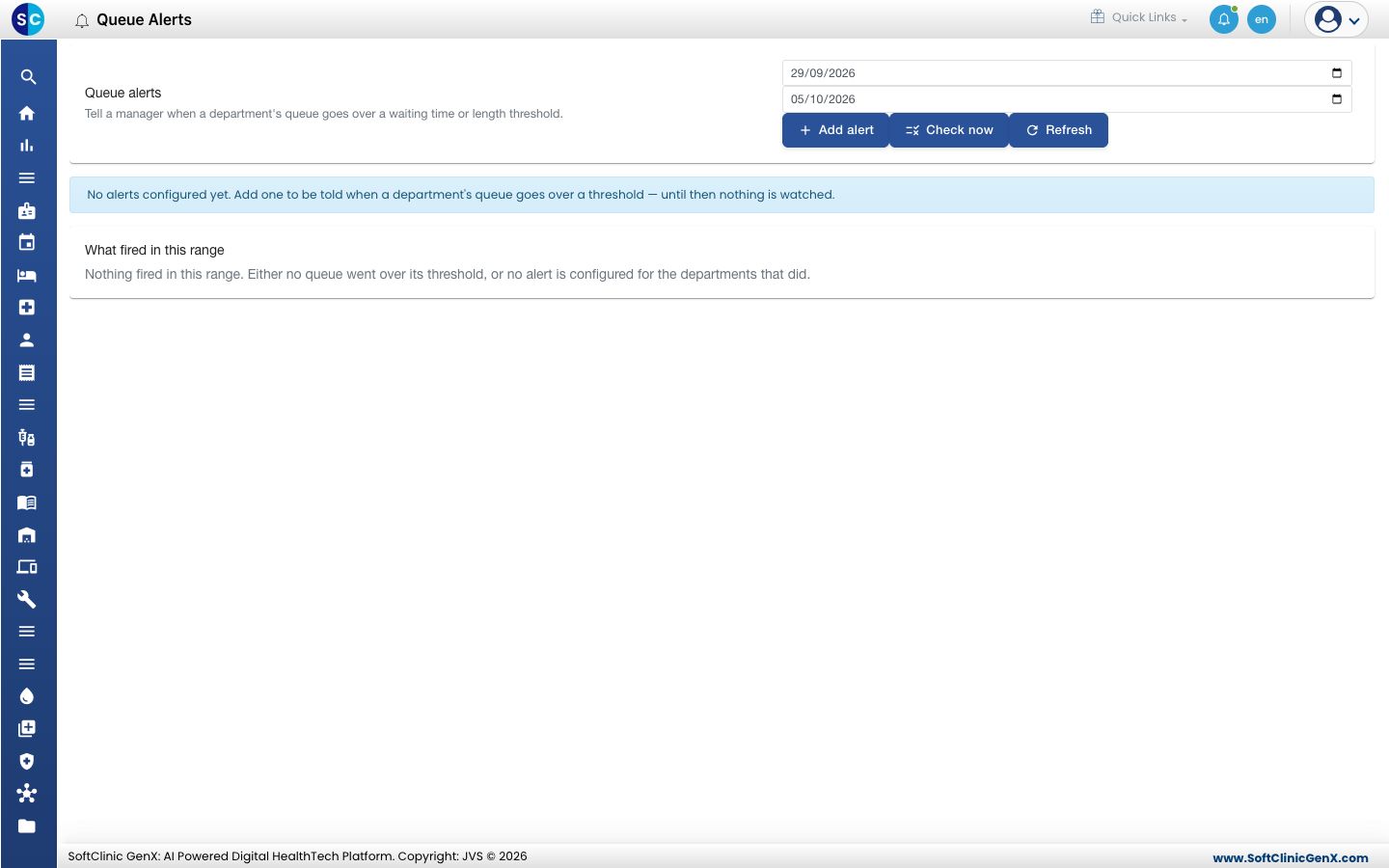
Add an alert
-
Open Queue Management › Masters › Queue Alerts and click Add alert.
-
Fill in the form.
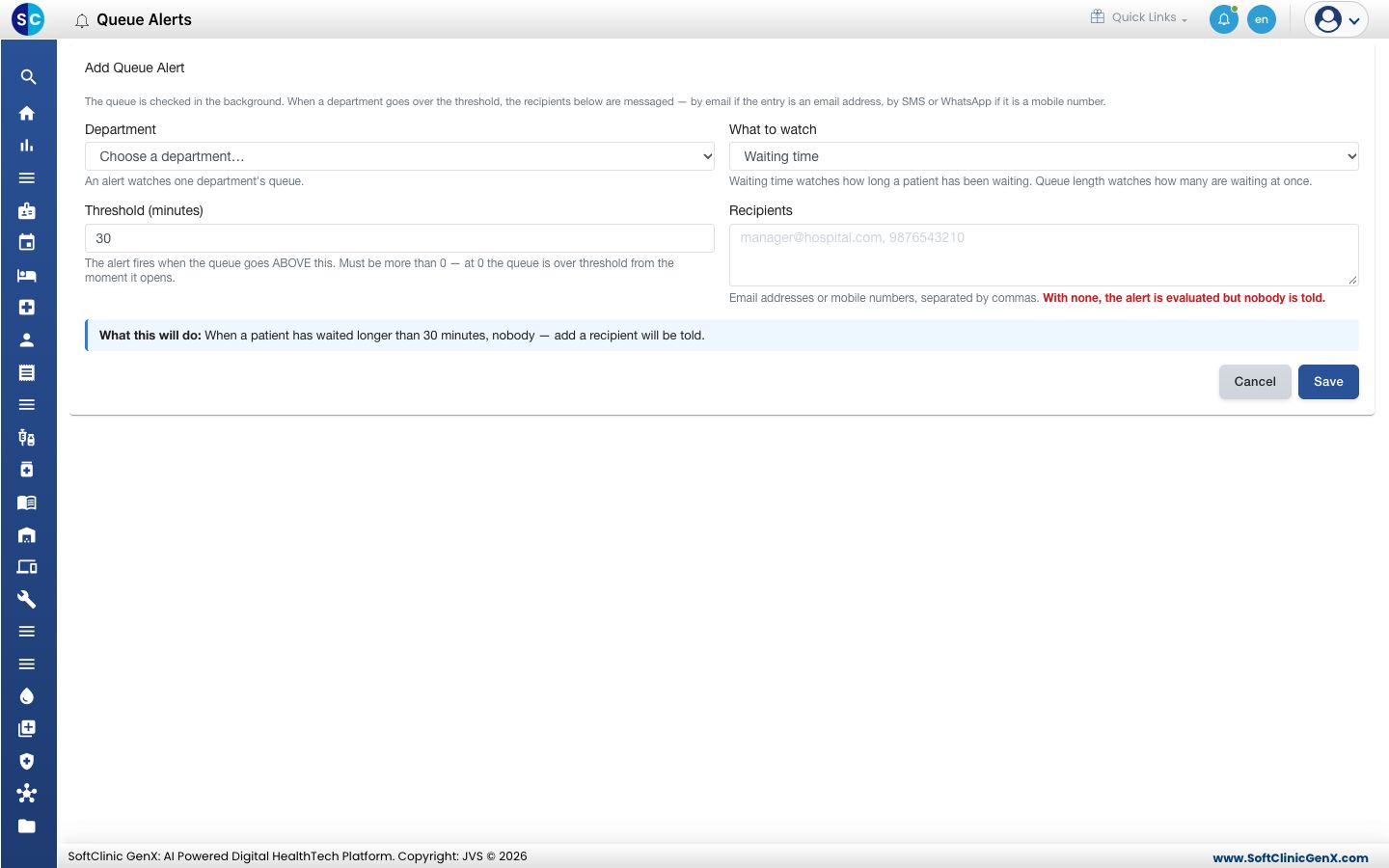
| Field | What to enter |
|---|---|
| Department | The department to watch. One alert watches one department. |
| What to watch | Waiting time watches how long a patient has waited. Queue length watches how many are waiting at once. |
| Threshold (minutes) | The alert fires when the queue goes above this. It must be more than 0. |
| Recipients | Email addresses or mobile numbers, separated by commas. Emails get an email; mobile numbers get an SMS or WhatsApp. |
- Read What this will do, then click Save.
Check an alert now
Click Check now to test the alerts straight away. The What fired in this range section lists the alerts that went off in the dates you chose.
Good to know
- With no recipients, the alert is still evaluated but nobody is told.
- The queue is also checked in the background, so you do not need to keep the screen open.
Related
- Set up Queue SLA: set the targets the alerts protect.
- Queue Management FAQs: short answers about queue alerts and SLAs.
Was this helpful?