Set up Queue SLA
Set the wait and service time targets for each department and see how each department is doing.
A queue SLA is a time target for one department. Wait time runs from the patient's arrival until the patient is called. Service time runs from the call until the consultation is completed.
note
Who does this: hospital administrator · Where: Queue Management › Masters › Queue SLAs
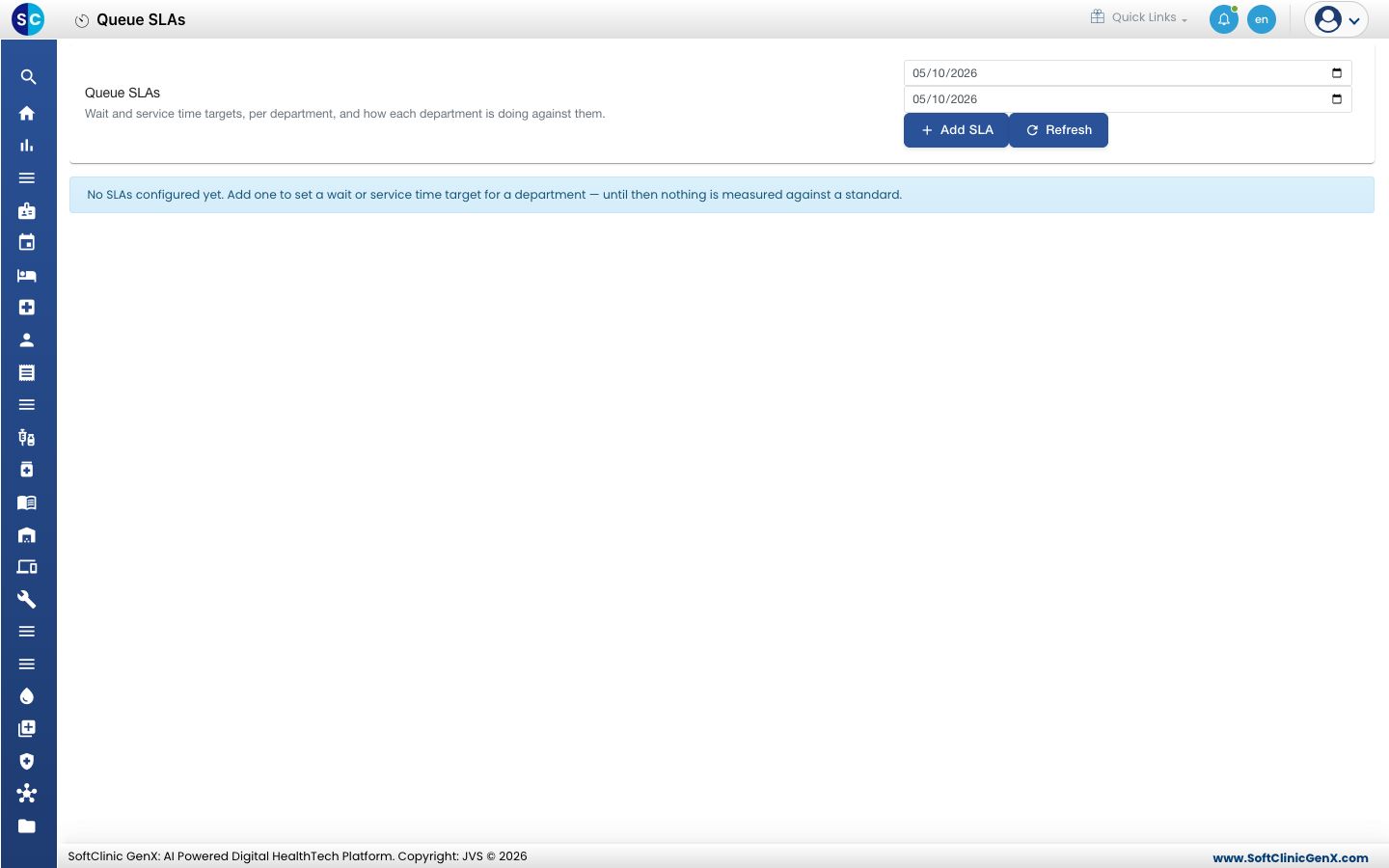
Add an SLA
-
Open Queue Management › Masters › Queue SLAs and click Add SLA.
-
Fill in the form.
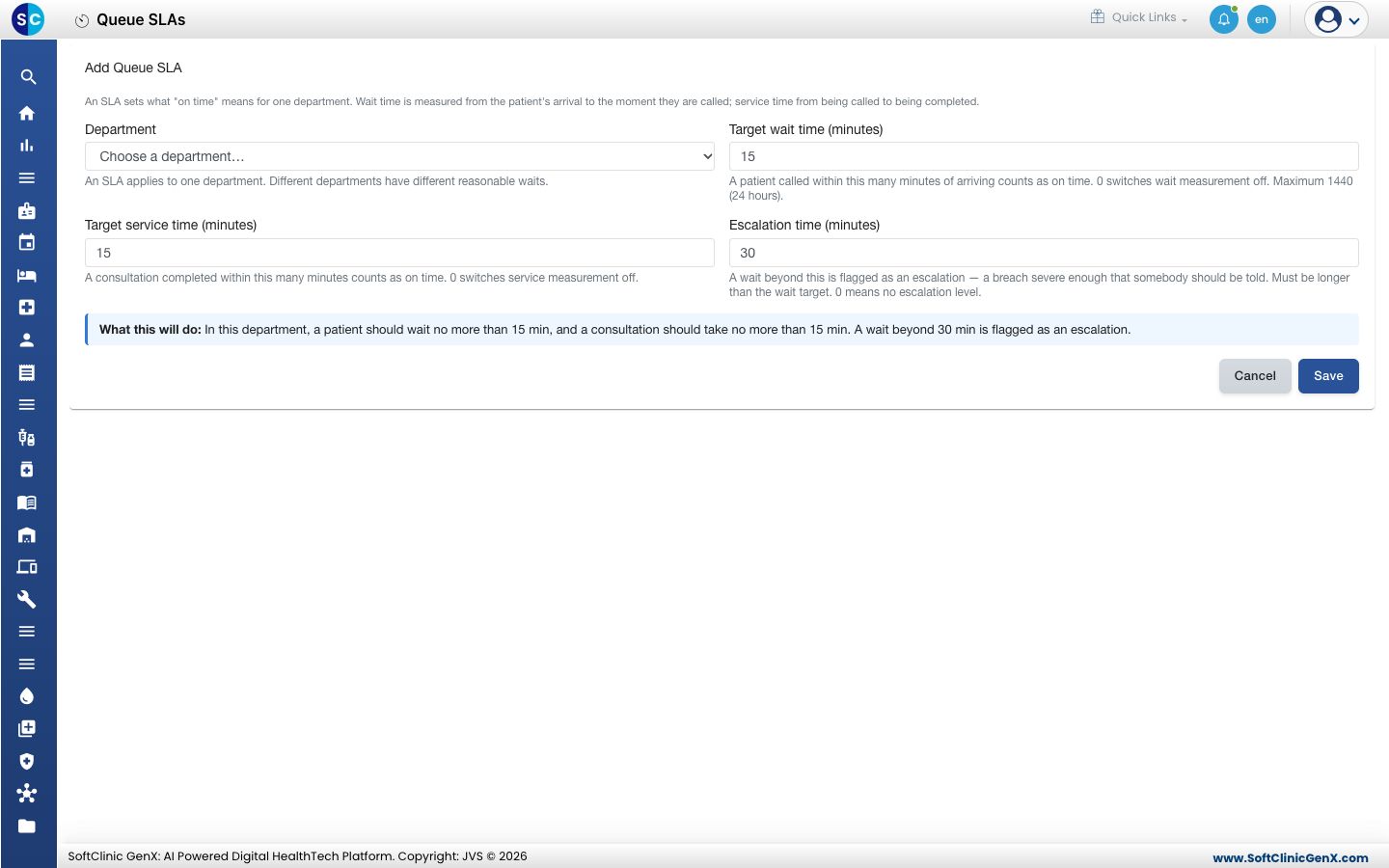
| Field | What to enter |
|---|---|
| Department | The department this target applies to. One SLA per department. |
| Target wait time (minutes) | A patient called within this time counts as on time. 0 switches wait measurement off. The maximum is 1440. |
| Target service time (minutes) | A consultation completed within this time counts as on time. 0 switches service measurement off. |
| Escalation time (minutes) | A wait beyond this is flagged as an escalation. It must be longer than the wait target. 0 means no escalation level. |
- Read What this will do, then click Save.
Good to know
- Use the two dates and Refresh at the top of the screen to choose the period you are looking at.
- Different departments can have different targets.
Related
- Set up Queue Alert: tell a manager when a queue goes over a limit.
- Queue Management FAQs: short answers about queue alerts and SLAs.
Was this helpful?