Set up Chief Complaints or Problems
Who does this: hospital administrator or medical superintendent Where: Doctor Work Bench › Masters › Chief Complaints or Problems Set up before: Specialty (optional)
The chief complaint is the main reason the patient came to see the doctor — for example Fever or Headache. When a doctor fills in the chief complaints section of the consultation note, they pick from this list instead of typing each time. You can tag each complaint with the specialty it belongs to.
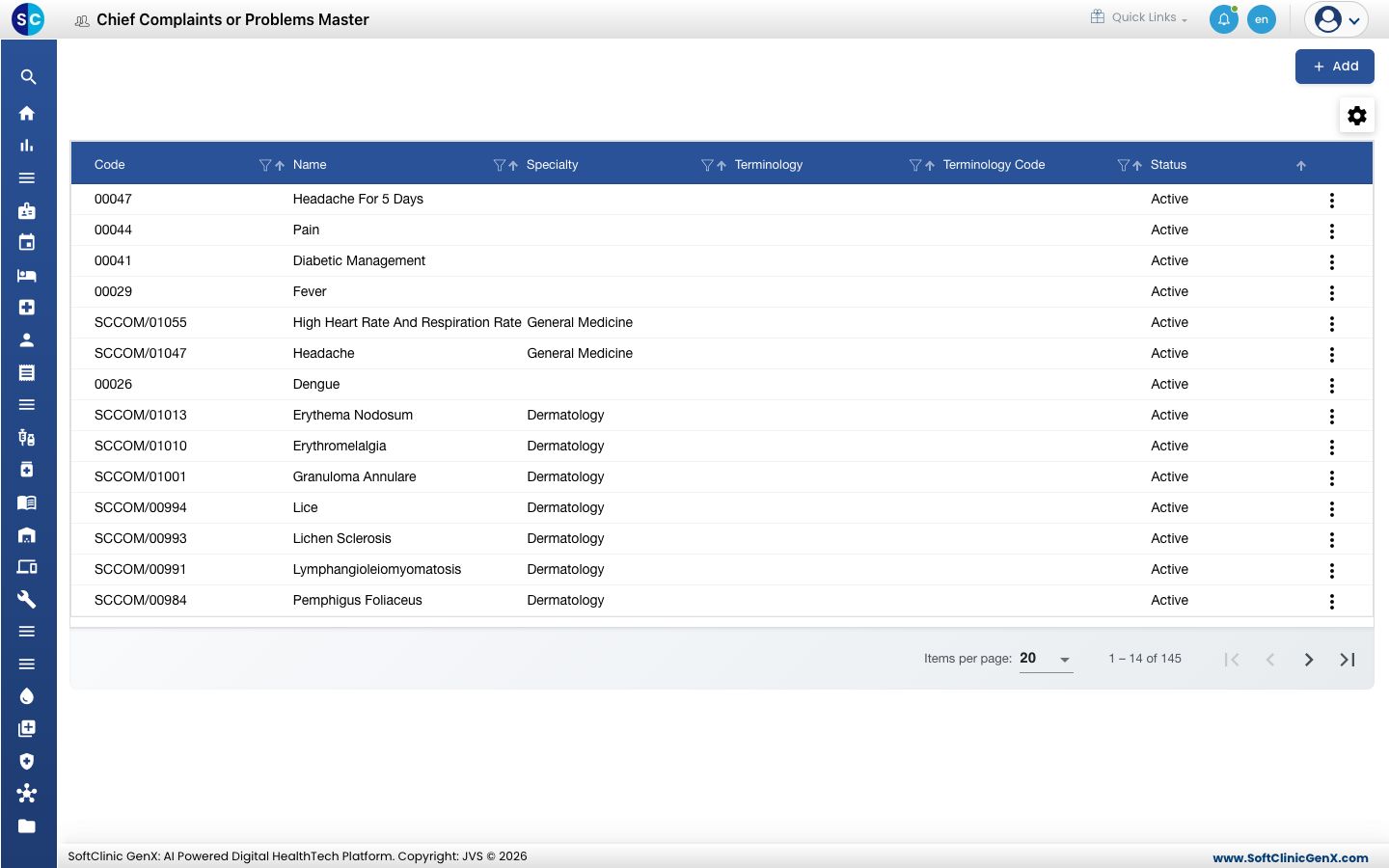
Add a chief complaint
-
Go to Doctor Work Bench › Masters › Chief Complaints or Problems.
-
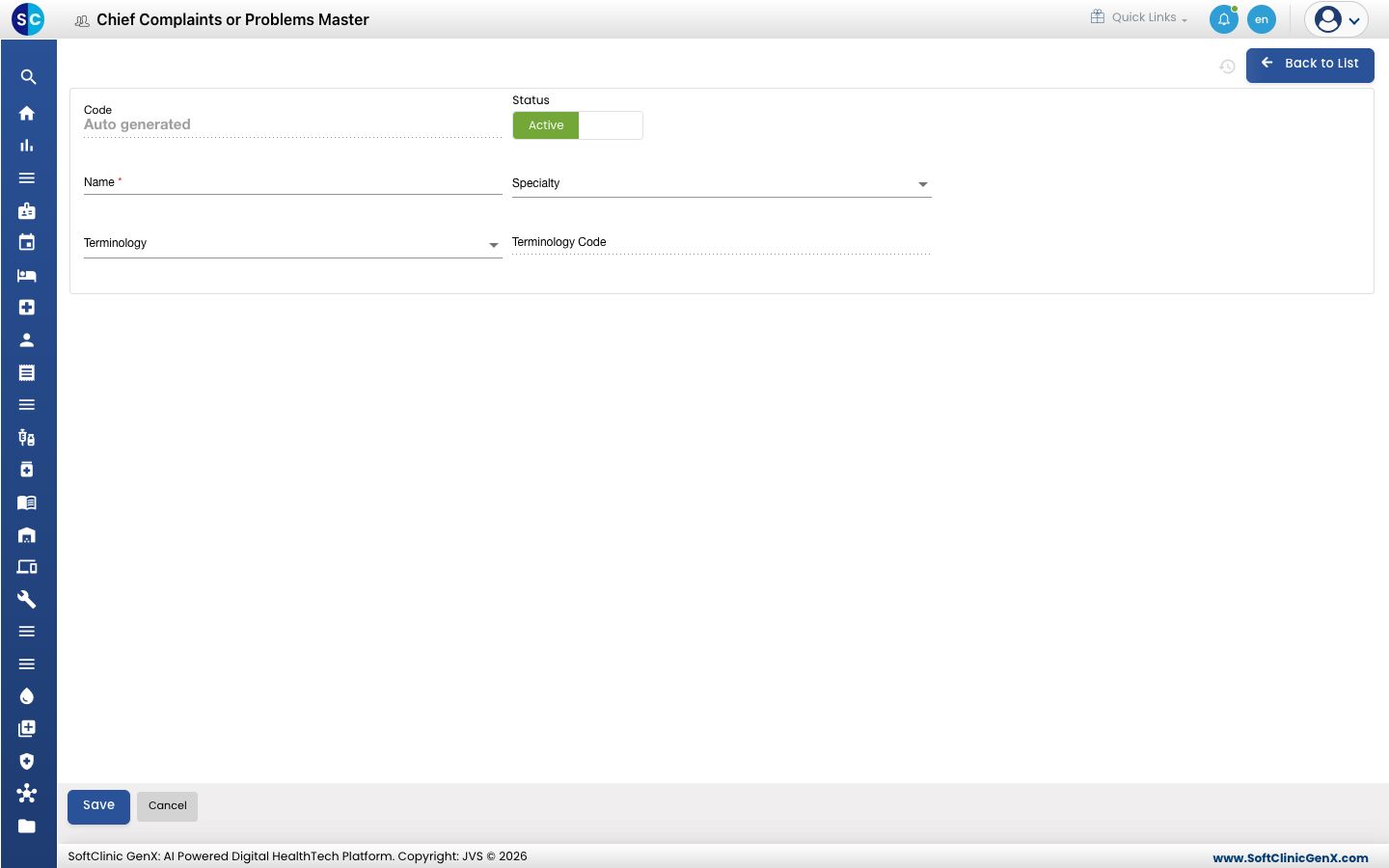
Click Add. The chief complaint form opens.
-
Fill in the fields:
Field What to enter Required Code Filled in automatically when you save. — Status Leave on Active. — Name The complaint as doctors should see it, for example Pain In Abdomen. Up to 500 characters. Yes Specialty The medical specialty the complaint belongs to. No Terminology The clinical coding system the complaint is coded in, if you use one. No Terminology Code Filled in automatically from the terminology you pick. — -
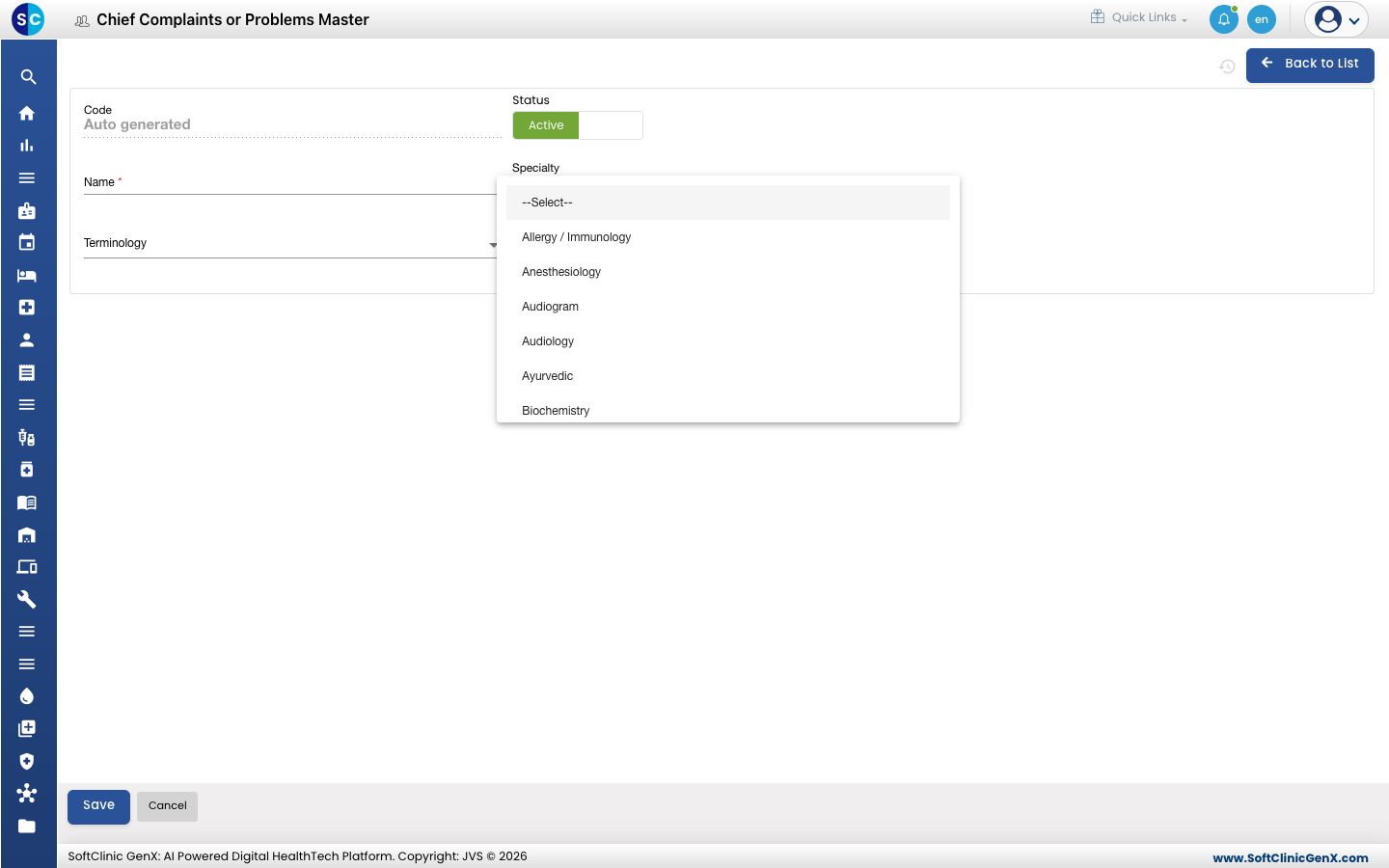
To tag a specialty, open Specialty and pick it.
-
Click Save. You return to the list and the new complaint appears in it.
Change or deactivate a chief complaint
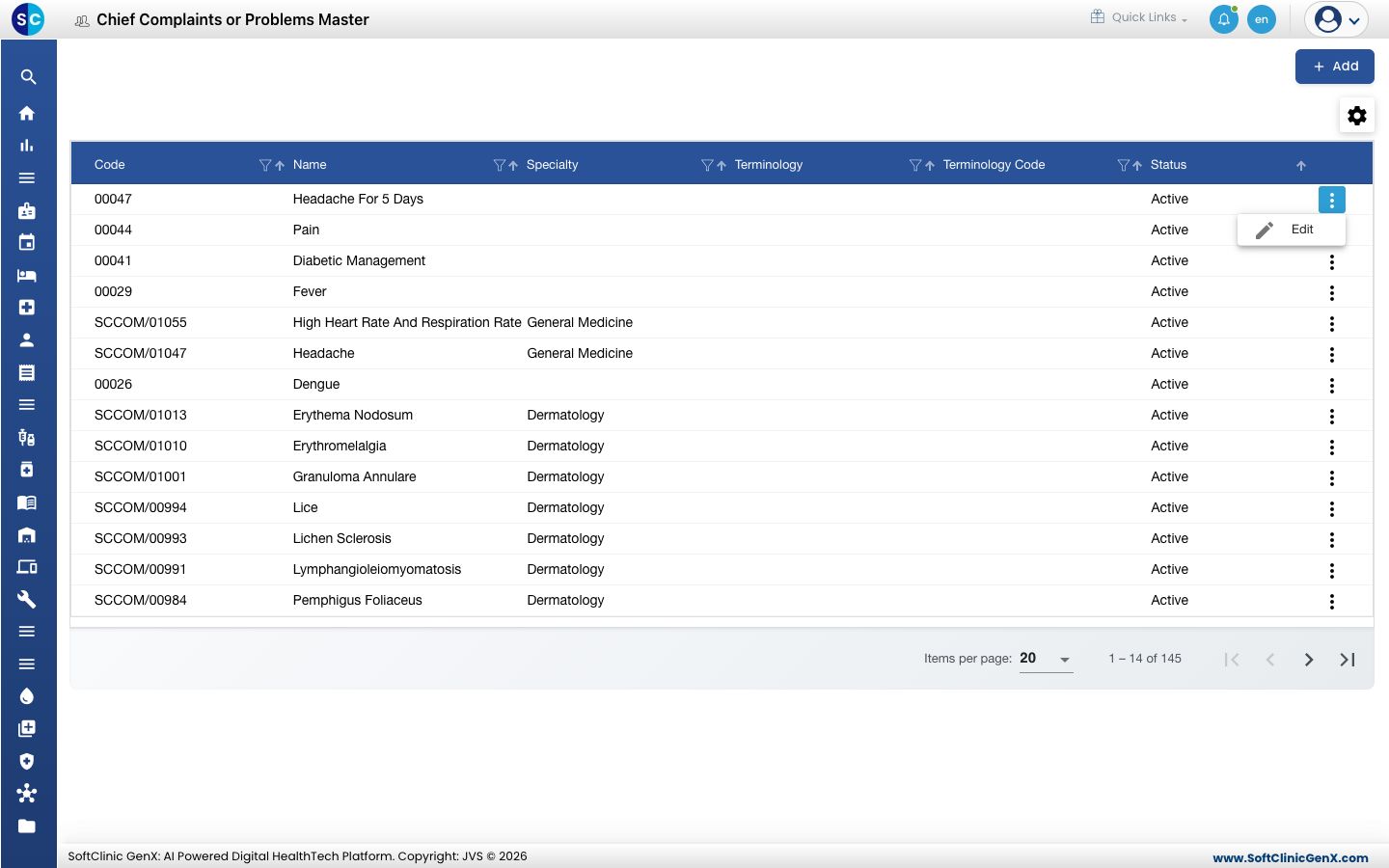
- In the list, click the ⋮ button at the end of the row and choose Edit.
- Change the fields you need. To stop offering the complaint, switch Status to Inactive.
- Click Save.
Chief complaints cannot be deleted from this screen. Make a complaint Inactive instead.
Good to know
- Complaint names must be unique. You cannot save a second complaint with the same name.
- The Specialty list comes from the Specialty master.
- The Terminology list shows the coding systems set up at the top level of the Diagnosis master.
- Use the filter and sort icons in the column headers to find a complaint quickly.
- Click Back to List or Cancel to leave the form without saving.
Related
- Previous: Set up Reaction
- Next: Set up Diagnosis
- Doctor Work Bench FAQs