Approve medicines added by doctors
Who does this: pharmacist or store manager Where: Inventory Management › Masters › Medicine Approval Set up before: Item
When a doctor prescribes a medicine that is not yet in the item master, they can add it on the spot. That medicine goes into the Medicine Approval queue. It cannot be dispensed or billed until someone in the pharmacy or store fills in what is missing and approves it.
Complete and approve a medicine
-
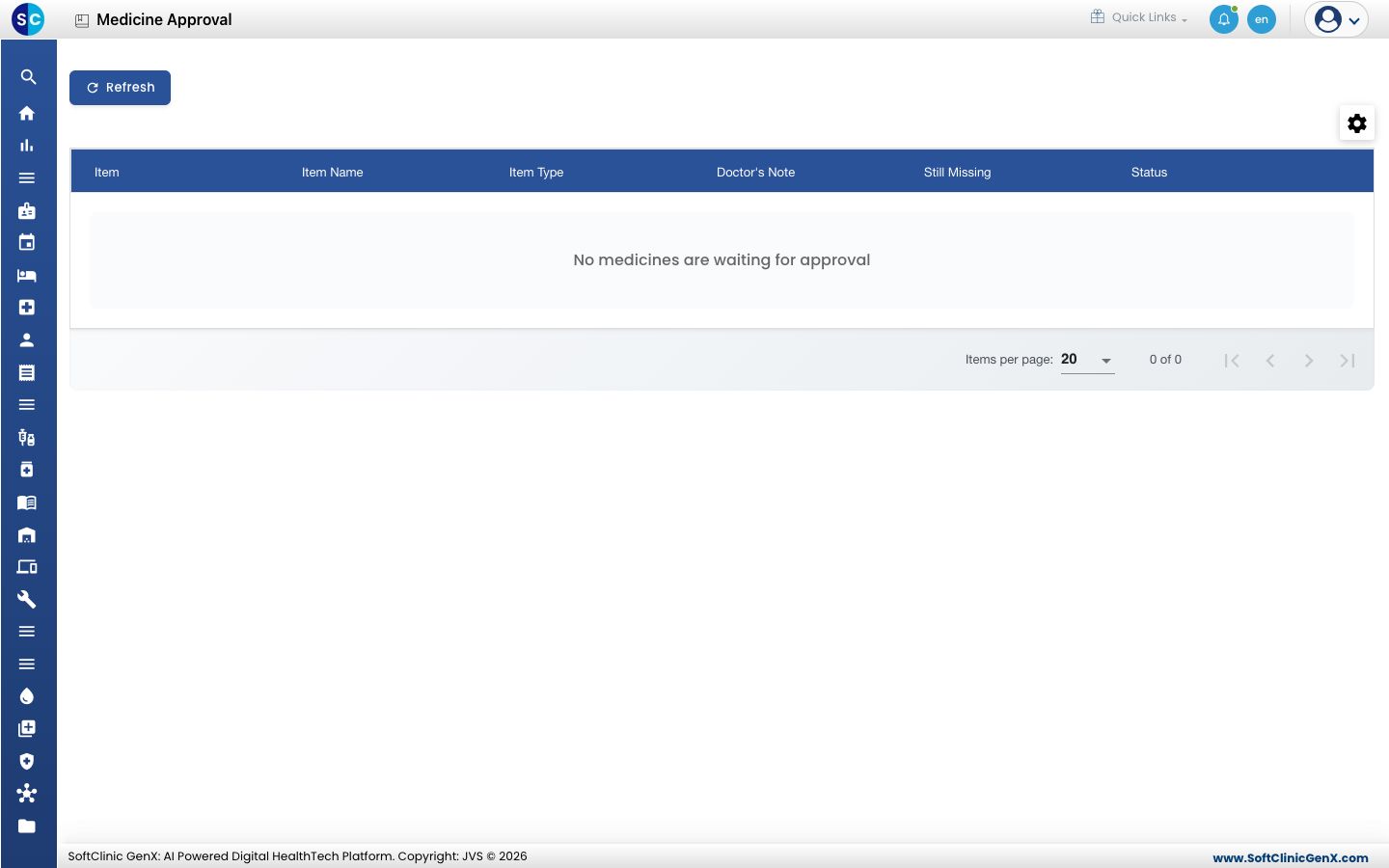
Go to Inventory Management › Masters › Medicine Approval. Click Refresh to load the latest list.
-
Each row shows the medicine, the Doctor's Note, and what is Still Missing:
Still Missing What to fill in on the item HSN code The HSN Code at the top of the item form. Unit of measure The Base UoM in General Information. Selling price A price row with a Selling Price in Purchase & Sales Parameters. -
Click ⋮ at the end of the row and choose Complete in Item Master. The medicine opens in the full item form. Fill in the missing details and click Save. See Set up Item.
-
Back on Medicine Approval, the row's Status shows Ready to approve. Click ⋮ on the row, choose Approve and confirm. The medicine leaves the queue and can now be dispensed and billed.
Good to know
- Approve works only when nothing is listed under Still Missing. Until then the Status shows Incomplete.
- Anyone who can edit items can use this screen.
- The Added By and Added On columns show who added the medicine and when. Use the gear icon above the list to show or hide columns.
Related
- Previous: Set up Item
- Next: Set up Kit Master
- Inventory Management FAQs