Record reusable item usage
Who does this: OT, CSSD or store staff Where: Inventory Management › Masters › Reusable Usage Set up before: Item with Reusable ticked and a Reuse Count
Some instruments and devices can be used a set number of times, for example a catheter rated for five uses. Each time one is used, record it here. The screen shows how many uses are left. On the last use the unit is written off stock automatically.
The number of uses comes from the item master: tick Reusable in the item's General Information section and enter the Reuse Count.
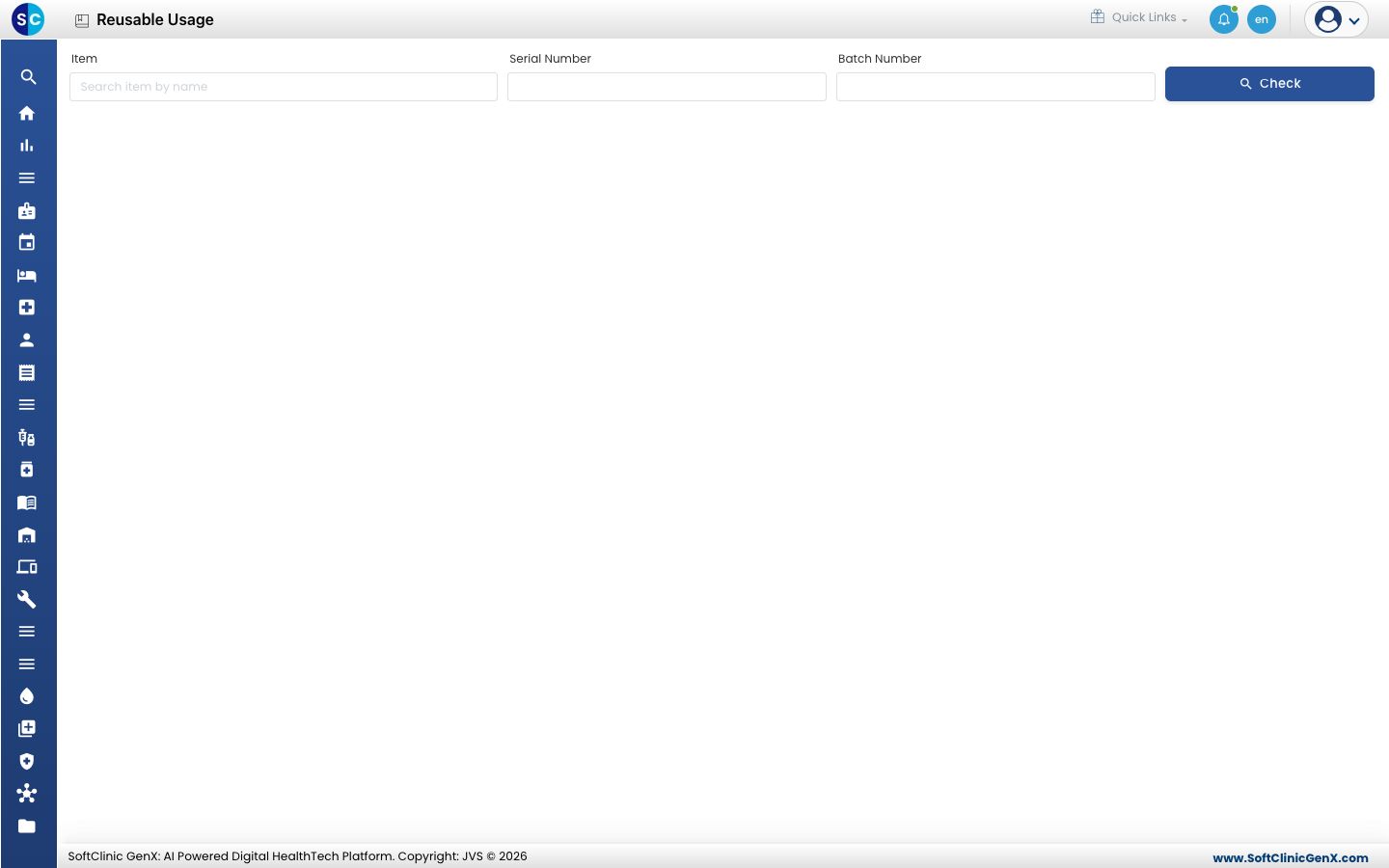
Record a use
-
Go to Inventory Management › Masters › Reusable Usage.
-
In Item, type the item name and pick it. Enter the unit's Serial Number and, if the item is kept by batch, its Batch Number.
-
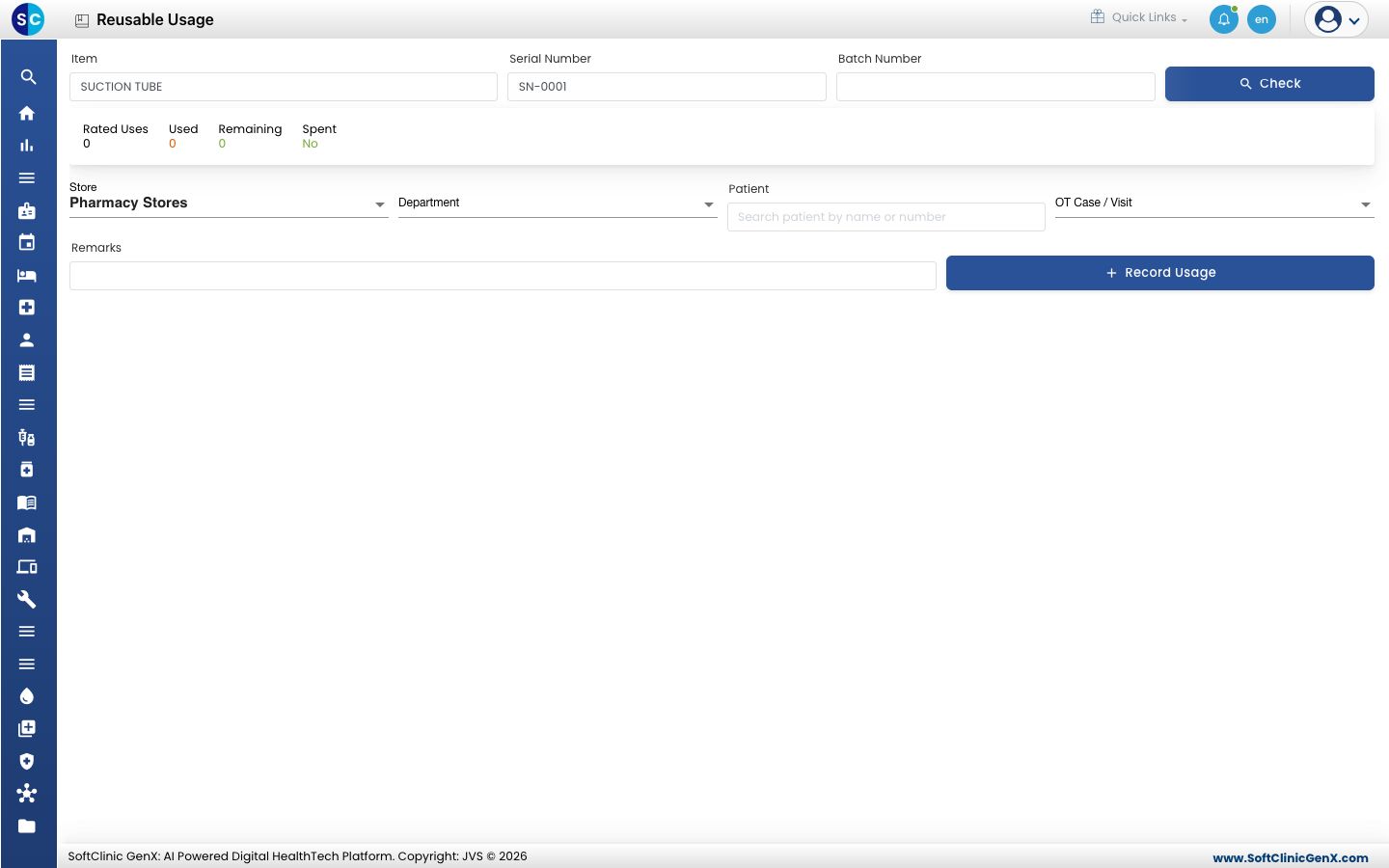
Click Check. The screen shows the unit's Rated Uses, how many times it has been Used, how many uses are Remaining, and whether it is Spent. A history of past uses appears below.
-
Fill in where and for whom it was used:
Field What to enter Required Store The store the unit belongs to. Starts with your default store. No Department The department that used it. Filled in from the store when it can be. No Patient Type and pick the patient it was used on. No OT Case / Visit The patient's surgery or visit. No Remarks Any note about this use. No -
Click Record Usage. The use is added to the history and Remaining goes down by one.
Good to know
- Check only looks the unit up. Nothing is recorded until you click Record Usage.
- If the item is not marked Reusable in the item master, Rated Uses shows 0 and no use can be recorded. Tick Reusable and enter a Reuse Count on the item first.
- When the last rated use is recorded, the unit is written off stock with the consumption type Reusable Retirement, and a message on the screen tells you whether the write-off worked.
- Once a unit is Spent, Record Usage is blocked for it.
- To see all reusable units and which ones are close to the end of their life, use Reusable Items Register.